5-20
Chapter 5. Functions
ON/OFF control
The settings related to ON/OFF control can be specified.
Item (bank) Display Description Initial value User level
ON/OFF control differential
(parameter bank)
DIFF
0 to 9999 U 5 U Simple,
standard,
advanced
ON/OFF control operating point
offset
(parameter bank)
OFFs
−1999 to +9999 U
0 U Advanced
• If CtrL (control method) is set to 0 (ON/OFF control), dIFF (ON/OFF control
differential) and OFFS (ON/OFF control operating point offset) are displayed and
the settings can be changed.
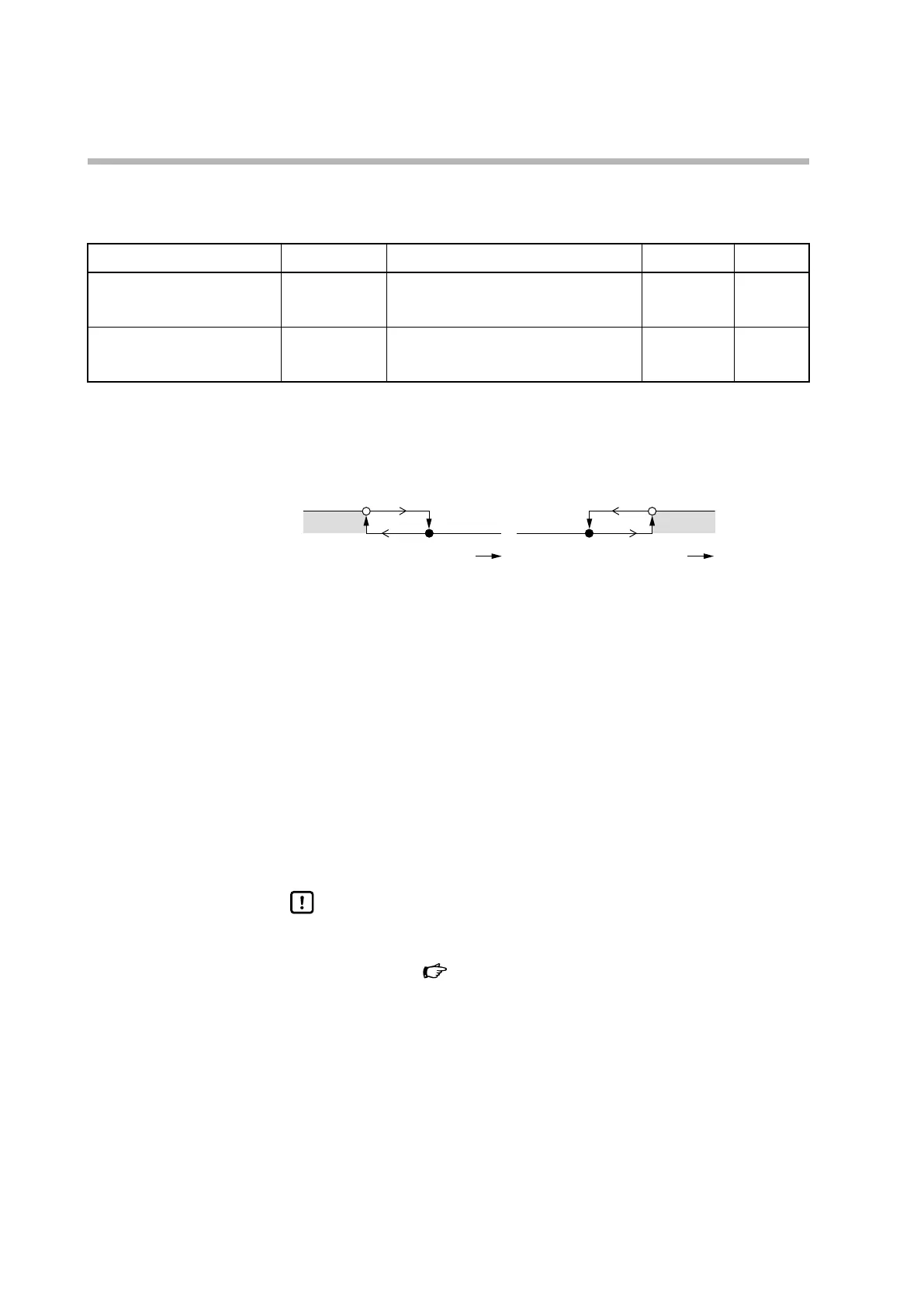
• The operation of ON/OFF control is shown below.
SP+OFFS
Heating control (reverse action) Cooling control (direct action)
PV
ON
dIFF
SP+OFFS
PV
ON
dIFF
The meaning of the symbols in the diagram:
: ON/OFF changes at the value
: ON/OFF changes when the value is exceeded
• Example of how to use the ON/OFF control differential and the ON/OFF control
operating point offset:
In heating control with SP = 200 °C, if you want to turn off the output when the
temperature is 205 °C or higher and turn on the output when the temperature
falls below 190 °C, set the differential to 15 °C and the offset to 5 °C.
In cooling control with SP = 10 °C, if you want to turn off the output when the
temperature is 5 °C or lower and turn on the output when the temperature is
above 10 °C, set the differential to 5 °C and the offset to −5 ° C.
Handling Precautions
• dIFF (ON/OFF control differential) and OFFS (ON/OFF control operating
point offset) should be set so that the output is turned on or off within
the PV range.
PV input range type (p.5-2) (for details on the PV
range)



 To Next Page