5-34
Chapter 5. Functions
LSP group No.
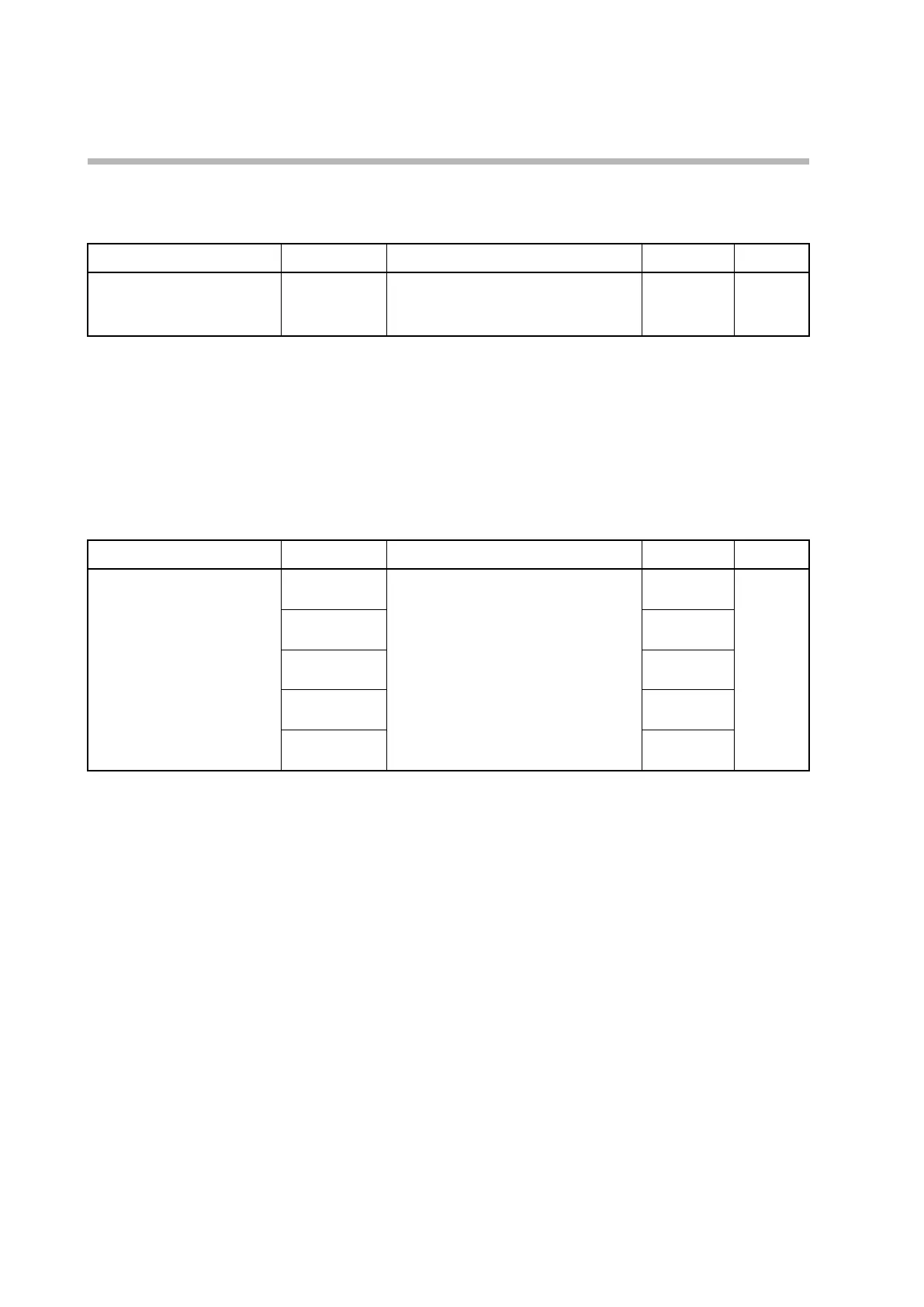
The LSP group to display can be selected.
Item (bank) Display Description Initial value User level
LSP No.
(operation settings)
LSP
The rightmost digit shows the number.
From 1 to the number set for “LSP system
group”
1 Simple,
standard,
advanced
• This item is displayed if C30 (LSP system group) is set to 2 or more and “Bit 2:
LSP group No. display” of C74 (PV/SP display setup) is set to 1 (enabled).
• If this item is displayed and if LSP group selection is not specified in DI
assignment, the setting can be changed.
Specifying LSP group selection by DI assignment
In the DI assignment bank, LSP group selection can be set for internal contacts 1 to 5.
Item (bank) Display Description Initial value User level
DI assignment
Internal contact 1 to 5
Operation type
(DI assignment bank)
DI1.1
0: No function
1: LSP group selection (0/+1)
2: LSP group selection (0/+2)
3: LSP group selection (0/+4)
4–20: other functions
0 Advanced
Standard,
advanced
DI2.1
0
DI3.1
0
DI4.1
0
DI5.1
0
• Details of LSP group selection by internal contact
The LSP group No. set by ON/OFF of internal contacts is shown below.
LSP group selection (0/+1) OFF: 0 ON: 1
LSP group selection (0/+2) OFF: 0 ON: 2
LSP group selection (0/+4) OFF: 0 ON: 4
The LSP group No. is determined by adding 1 to the sum of the LSP group
selection values set by ON/OFF of internal contacts.
For example, if the sum of the values set by internal contacts 1 to 3 is 1, the LSP
group No. will be 2.
• If the number of LSP groups is 1, this item can be displayed and the setting can be
changed, but LSP group selection by DI assignment is invalid.



 To Next Page