5-63
Chapter 5. Functions
Direct/reverse, standby, and READY mode operation
Direct/reverse, standby, and READY mode operation that is associated with
operation type can be set.
Item (bank) Display Description Initial value User level
Internal event 1 configuration 2
(event configuration bank)
E1.C2
“1st digit” (2nd, etc.) means the first digit
(etc.) from the right.
1st digit: Direct/reverse setting
0: Direct
1: Reverse
2nd digit: Standby setting
0: None
1: Standby
2: Standby + standby when the SP is
changed
3rd digit: Event state in READY mode
0: Continues
1: Forced OFF
4th digit: Undefined
0: Undefined
0000 Simple,
standard,
advanced
Internal event 2 configuration 2
(event configuration bank)
E2.C2
0000
Internal event 3 configuration 2
(event configuration bank)
E3.C3
0000
Internal event 4 configuration 2
(event configuration bank)
E4.C4
0000
Internal event 5 configuration 2
(event configuration bank)
E5.C5
0000
• If internal event configuration 1 operation type is set to 0 (no event), internal
event configuration 2 (direct/reverse, standby, event state in READY mode) is not
displayed.
•
For the operation of internal events according to the direct/reverse setting,
see Operation (p.5-56 to 5-61.)
Handling Precautions
• The standby function makes it possible to have an event not turn ON
even if the ON conditions (before reversing) are satisfied after this
device’s power has just been turned ON or when the mode is switched
from READY to RUN. The event will turn ON after the OFF conditions are
satisfied if the ON conditions are satisfied again.
• "Standby + standby when the SP is changed" is a function that reactivates
the standby function when the SP or LSP group No. is changed, in
addition to the regular standby function operation. However, if the same
SP is written or if the SP does not change after a change of LSP group No.,
this device will not enter standby mode.
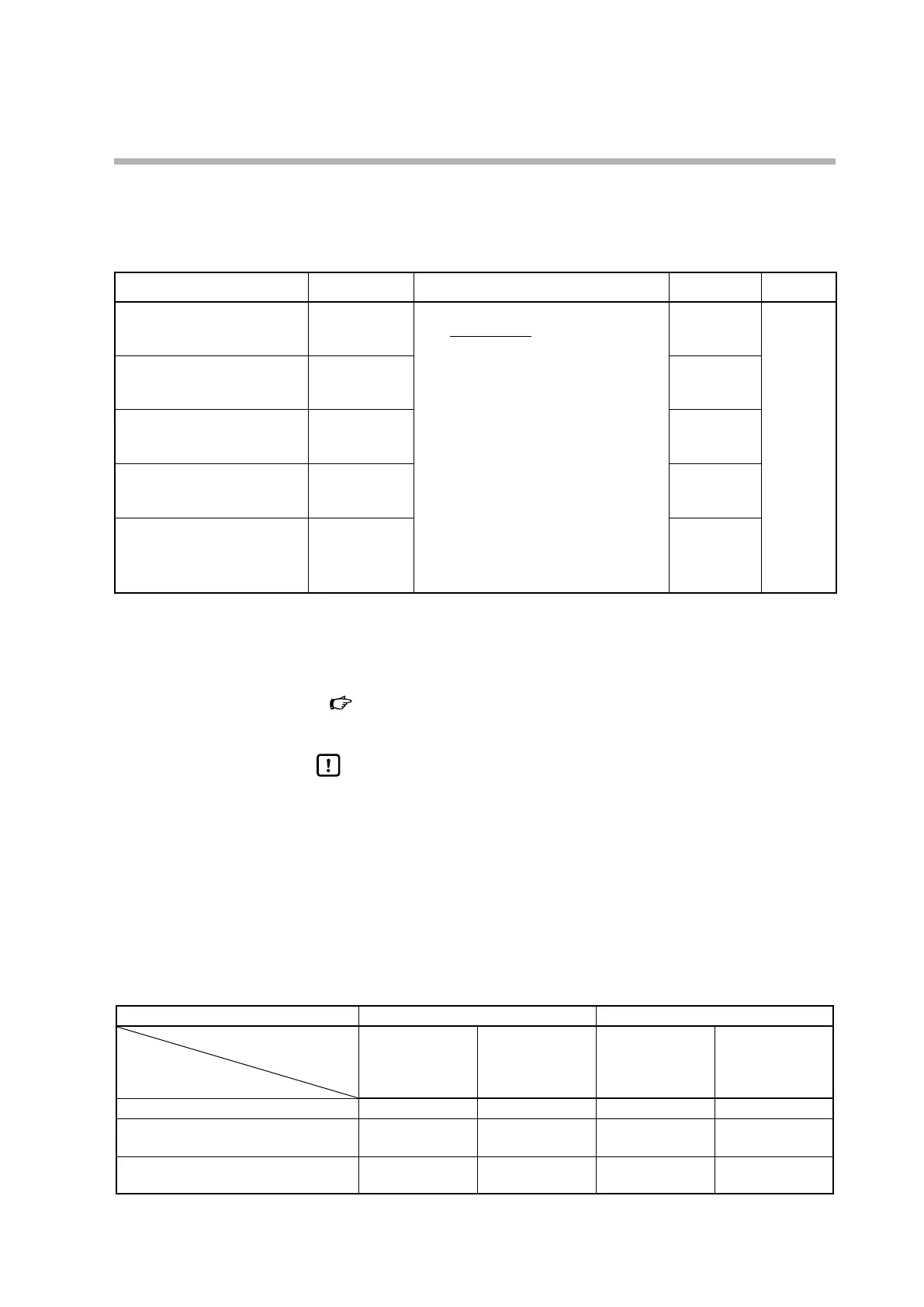
READY When changed from READY to RUN
Event status in READY mode
Standby setting
0: Continues 1: Forced OFF 0: Continues 1: Forced OFF
0: None Normal operation OFF Normal operation Normal operation
1: Standby OFF OFF OFF (standby
status)
OFF (standby
status)
2: Standby + standby when the SP is
changed
OFF OFF OFF (standby
status)
OFF (standby
status)



 To Next Page