5-11
Chapter 5. Functions
5 - 2 Mode
The user can switch AUTO/MANUAL modes and RUN/READY modes, stop or start the AT (auto tuning), release
all DO (digital output) latches, and turn on or off user-defined bit 1.
AUTO/MANUAL mode
AUTO and MANUAL modes can be switched.
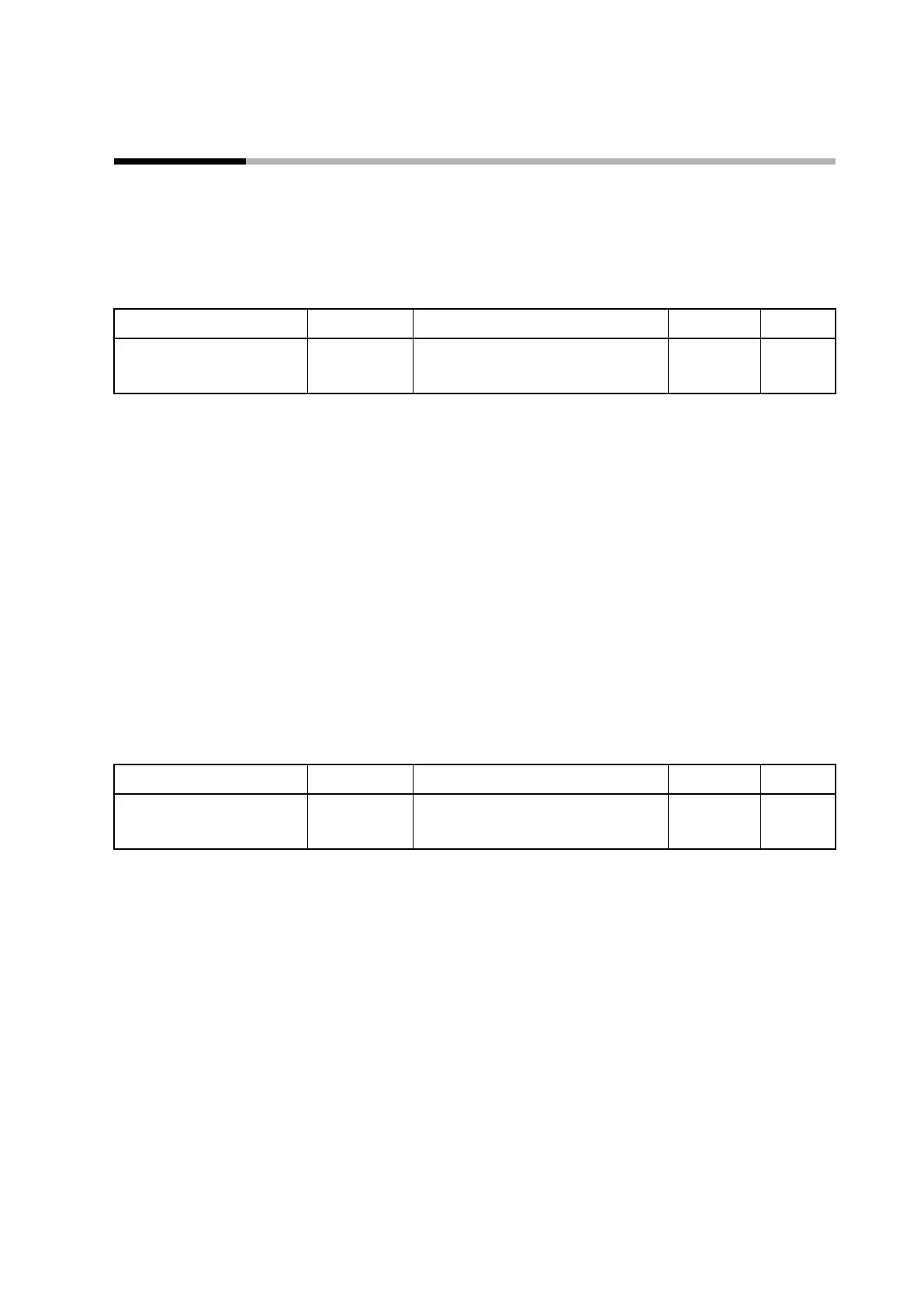
Item (bank) Display Description Initial value User level
AUTO/MANUAL (mode bank)
A--M
AUtO(0): AUTO mode
MAn(1): MANUAL mode
AUtO
Simple,
standard,
advanced
• After a switch between AUTO and MANUAL modes, the display returns to the
operation display.
• If the operation type of any of internal contacts 1 to 5 is set to AUTO/MANUAL,
A--M (AUTO/MANUAL) is displayed but the setting cannot be changed with the
keys.
• If CtrL (control method) is set to 0 (ON/OFF control), AUTO mode will apply.
A--M (AUTO/MANUAL) is not displayed and the setting cannot be changed with
the keys.
• If “Bit 0: AUTO/MANUAL display” of C73 (mode display setup) is set to 0
(disabled), A--M (AUTO/MANUAL) is not displayed and the setting cannot be
changed with the keys.
RUN/READY mode
RUN and READY modes can be switched.
Item (bank) Display Description Initial value User level
RUN/READY (mode bank)
r--r
rUn(0): RUN mode
rdy(1): READY mode
rUn
Simple,
standard,
advanced
• If the operation type of any of internal contacts 1 to 5 is set to RUN/READY, r--r
(RUN/READY) is displayed but the setting cannot be changed with the keys.
• If “Bit 1: RUN/READY display” of C73 (mode display setup) is set to 0 (disabled),
r--r (RUN/READY) is not displayed and the setting cannot be changed with the
keys.



 To Next Page