2-4
Chapter 2. Outline of Functions
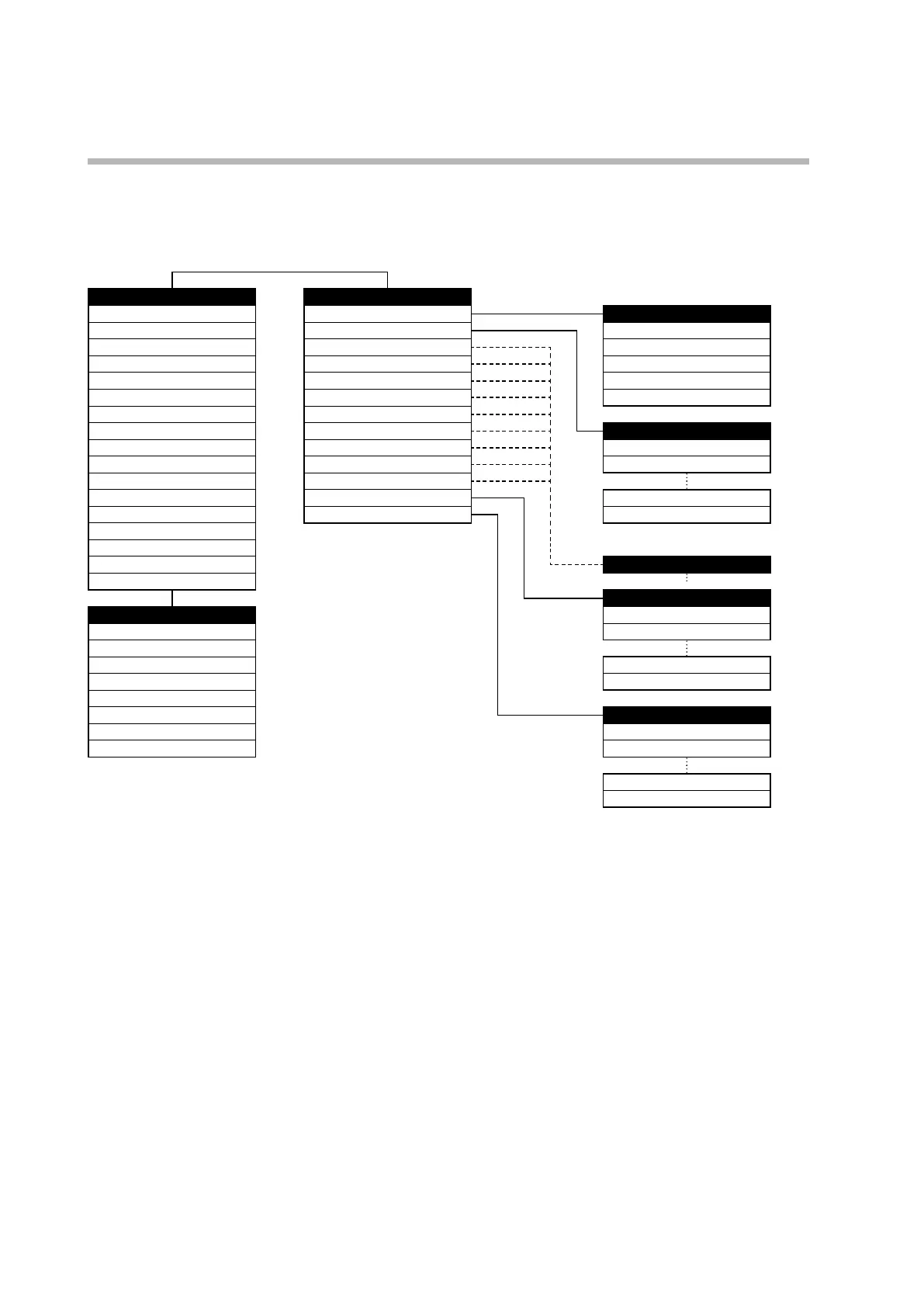
Special mode
If C71 (key operation mode) in the setup bank is set to 1, the keys operate in special
mode. In this mode, items that can be set are displayed in the order shown below.
Operation settings Bank selection
PV
5-95
Mode Mode
LSP No.
5-34
SP AUTO/MANUAL
5-11
MV
5-96
Event RUN/READY
5-11
Heat MV
5-96
PID AT stop/start selection
5-12
Cool MV
5-96
Parameter Release all DO latches
5-13
AT progress
5-96
Extended tuning User-defined bit 1
5-13
CT1 current
5-98
Setup
CT2 current
5-98
Event configuration SP
Internal event 1 main setting
5-65
DI assignment SP (for LSP1)
5-33
Internal event 1 sub-setting
5-65
DO assignment PID group number (for LSP 1)
6-4
Timer remaining time 1
5-98
User function
Internal event 2 main setting
5-65
Lock Ramp (for LSP 8)
5-44
Internal event 2 sub-setting
5-65
Instrument information Soak time (for LSP 8)
5-44
Timer remaining time 2
5-98
Internal event 3 main setting
5-65
Internal event 3 sub-setting
5-65
Each bank
Timer remaining time 3
5-98
Lock bank
User function (enabled) Key lock
5-103
User function 1
5-99
Communication lock
5-103
User function 2
5-99
User function 3
5-99
Password 1B
5-104
User function 4
5-99
Password 2B
5-104
User function 5
5-99
User function 6
5-99
Instrument info.
User function 7
5-99
ROM ID
6-40
User function 8
5-99
ROM version 1
6-40
Advanced function password 15
6-41
Advanced function password 16
6-41
Note: In the diagram above, the hyphenated number on the right of the items is the page number that gives an explanation
of the item.



 To Next Page