5-36
Chapter 5. Functions
SP up ramp / down ramp
SP up ramp and down ramp can be specified.
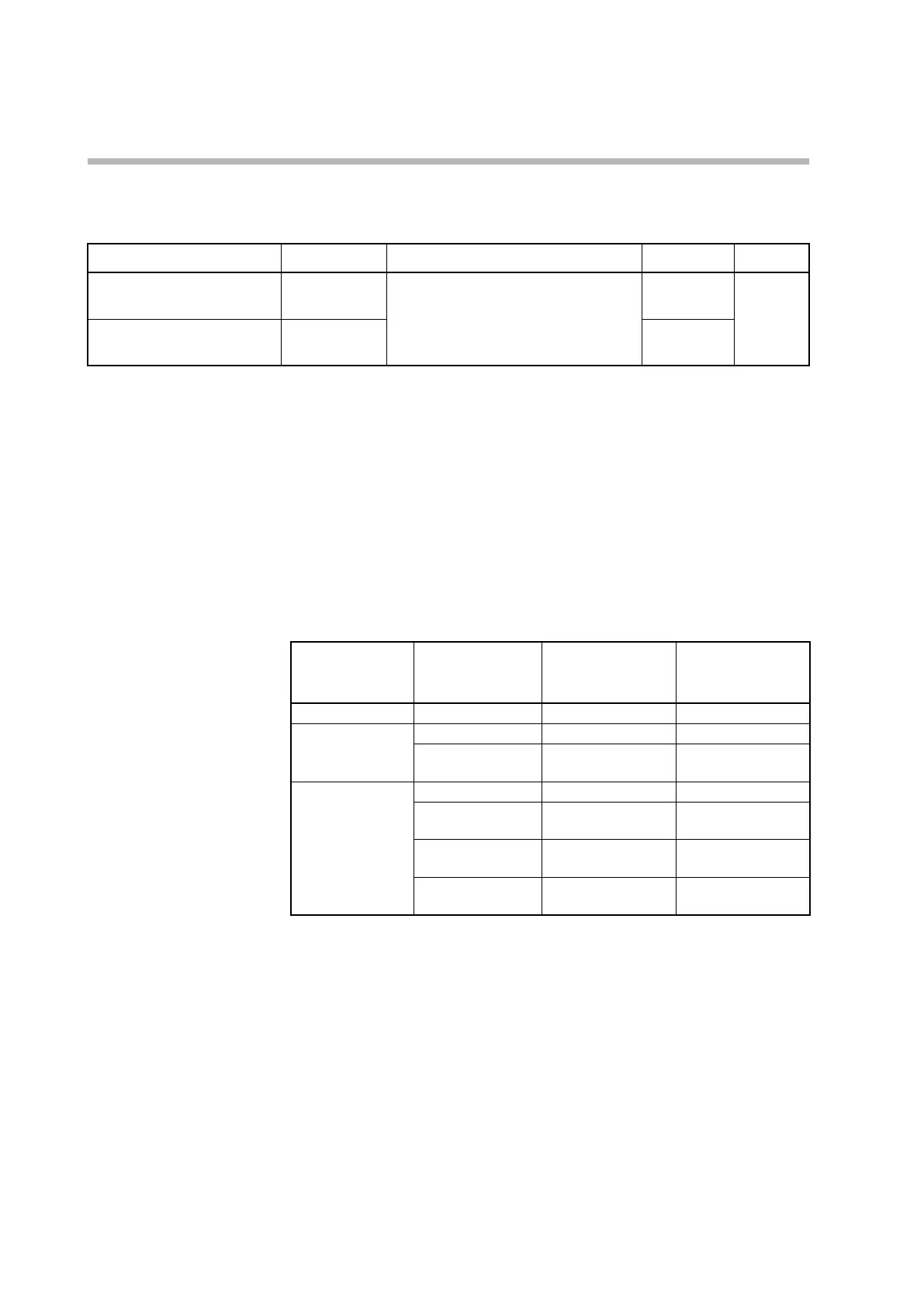
Item (bank) Display Description Initial value User level
SP up ramp
(parameter bank)
SPU
0.0 U : No ramp
0.1 to 999.9 U
(Select the time unit of ramp by “SP ramp
unit.”)
0.0 U Advanced
SP down ramp
(parameter bank)
SPd
0.0 U
• If the initial value 0.0 U is set, the SP ramp function does not operate. Therefore,
if the up ramp is set to 0.1 U or more and the down ramp is set to 0.0 U, the SP
ramp function operates when the SP is increasing but does not operate when the
SP is decreasing. It is also possible to set the SP ramp function to operate only
when the SP is decreasing.
• The setting for these items has one more decimal place than that of the displayed
PV. For a linear input with the 3-decimal place setting, all four digits that are
displayed are after the decimal point. The time unit of the ramp can be selected
from per second, per minute, and per hour by C32 (SP ramp unit).
Example of the relationship between PV input ranges with a decimal point and
the setting for “PV decimal point position”:
C01
(PV input range
type)
C04
(PV decimal point
position)
SPU
(SP up ramp)
SPD
(SP down ramp)
2 (0 to 1200 °C) (Fixed) 0.0 to 999.9 0.0 to 999.9
3 (0.0 to 800.0 °C) 0 (no decimal point) 0.0 to 999.9 0.0 to 999.9
1 (1 digit after the
decimal point)
0.00 to 99.99 0.00 to 99.99
88 (0 to 10 V) 0 (no decimal point) 0.0 to 999.9 0.0 to 999.9
1 (1 digit after the
decimal point)
0.00 to 99.99 0.00 to 99.99
2 (2 digits after the
decimal point)
0.000 to 9.999 0.000 to 9.999
3 (3 digit after the
decimal point)
0.0000 to 0.9999 0.0000 to 0.9999
• The ramp starts with the present PV when:
• The power is turned on.
• READY + AUTO modes are switched to RUN + AUTO modes.
• RUN + MANUAL modes are switched to RUN + AUTO modes.



 To Next Page