5-96
Chapter 5. Functions
MV display setup
Whether to show MV-related settings on the operation display can be selected.
Item (bank) Display Description Initial value User level
MV display setup
(setup bank)
C 75
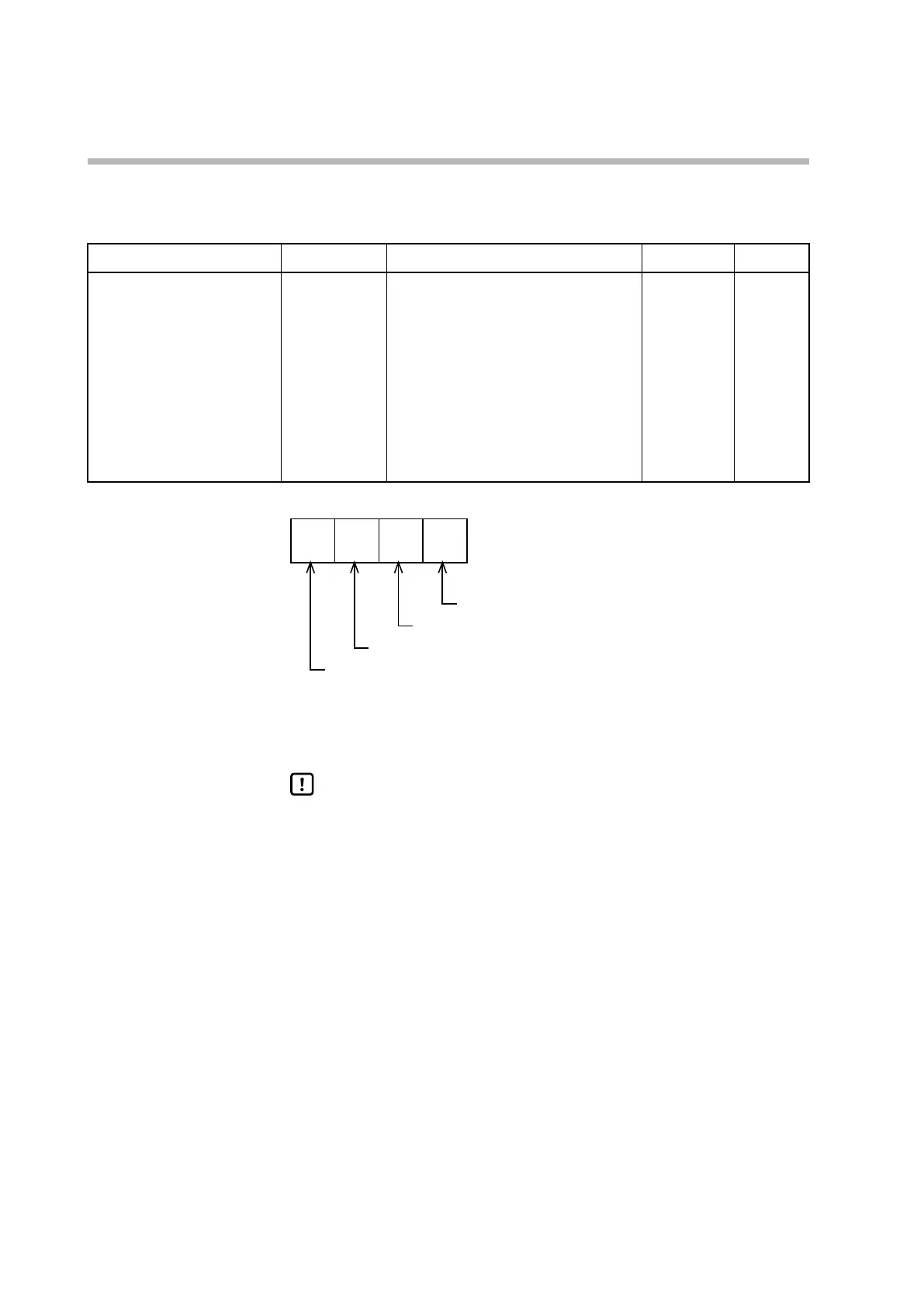
Whether to show the following items on
the operation display is determined by the
sum of the weights shown below.
Bit 0: MV
No: 0. Yes: +1
Bit 1: Heating MV / cooling MV
No: 0. Yes: +2
Bit 3: AT progress
No: 0. Yes: +8
Invalid settings: 0, +4
15 Standard,
advanced
2
3
2
2
2
1
2
0
• If Smart Loader Package model SLP-C1F is used, the setting for C75 (MV display
setup) can be specified not only by a numerical value but also by bit input.
Handling Precautions
• Even if heating/cooling MV display is enabled, if C26 (heat/cool control) is
set to 0 (not used), the heating/cooling MV is not displayed.
• Even if AT progress display is enabled, the progress is not displayed when
AT is not running.
AT progress display
Undefined
Heating/cooling MV display
MV display



 To Next Page