5-100
Chapter 5. Functions
z
Specifying user-defined functions
This section gives examples of settings using Smart Loader Package model SLP-C1F.
Up to eight user-defined functions (parameters) can be assigned to the [PARA] key.
Set frequently used functions to make the operation of this device easier.
In the example below, the main setting of event 1 is set for UF1.
1. Specifying from the user-defined function screen
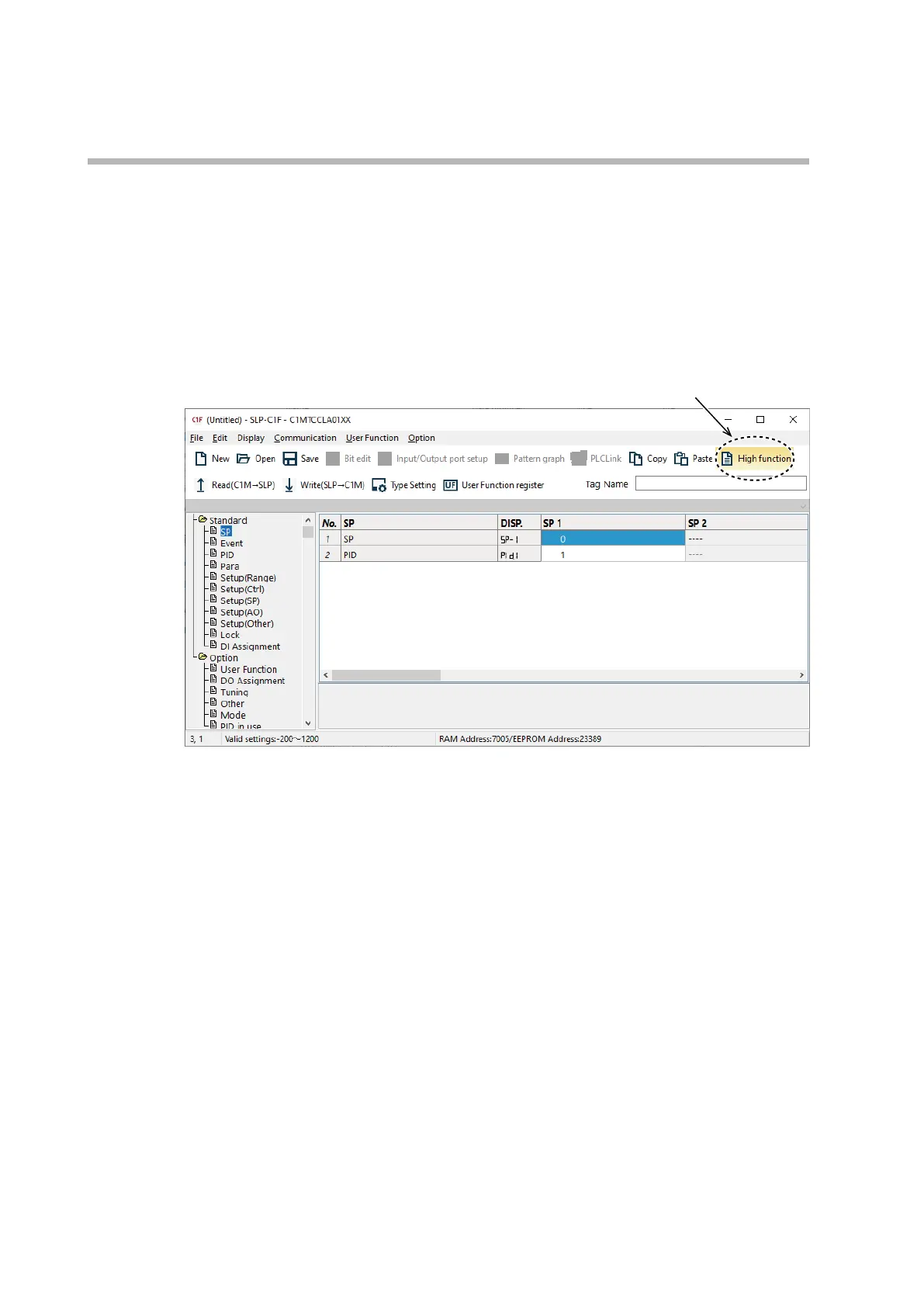
To use this function, set the user level to “Standard” or “Advanced (High function)” first.
(1) Select [User Function] under [Option].
(2) Select any of user-defined functions 1–8.
>>
The [User Function register] dialog box is displayed.
(3) In [Group select], select [1: Event].



 To Next Page