Chapter 5: Routine Operational Procedures
5/17
Operators & Maintenance Manual GENIUS Compact Version UK 0.1 © BESTnv
BESTnv Industrial Research BV, Marinus van Meelweg 20, 5657 EN, EINDHOVEN, THE NETHERLANDS
General tel. +31 (40) 292 2622 - Service tel. +31 (40) 292 2620 - Fax. +31 (40) 292 2633 - Email: service.BESTnv@bestnv.com
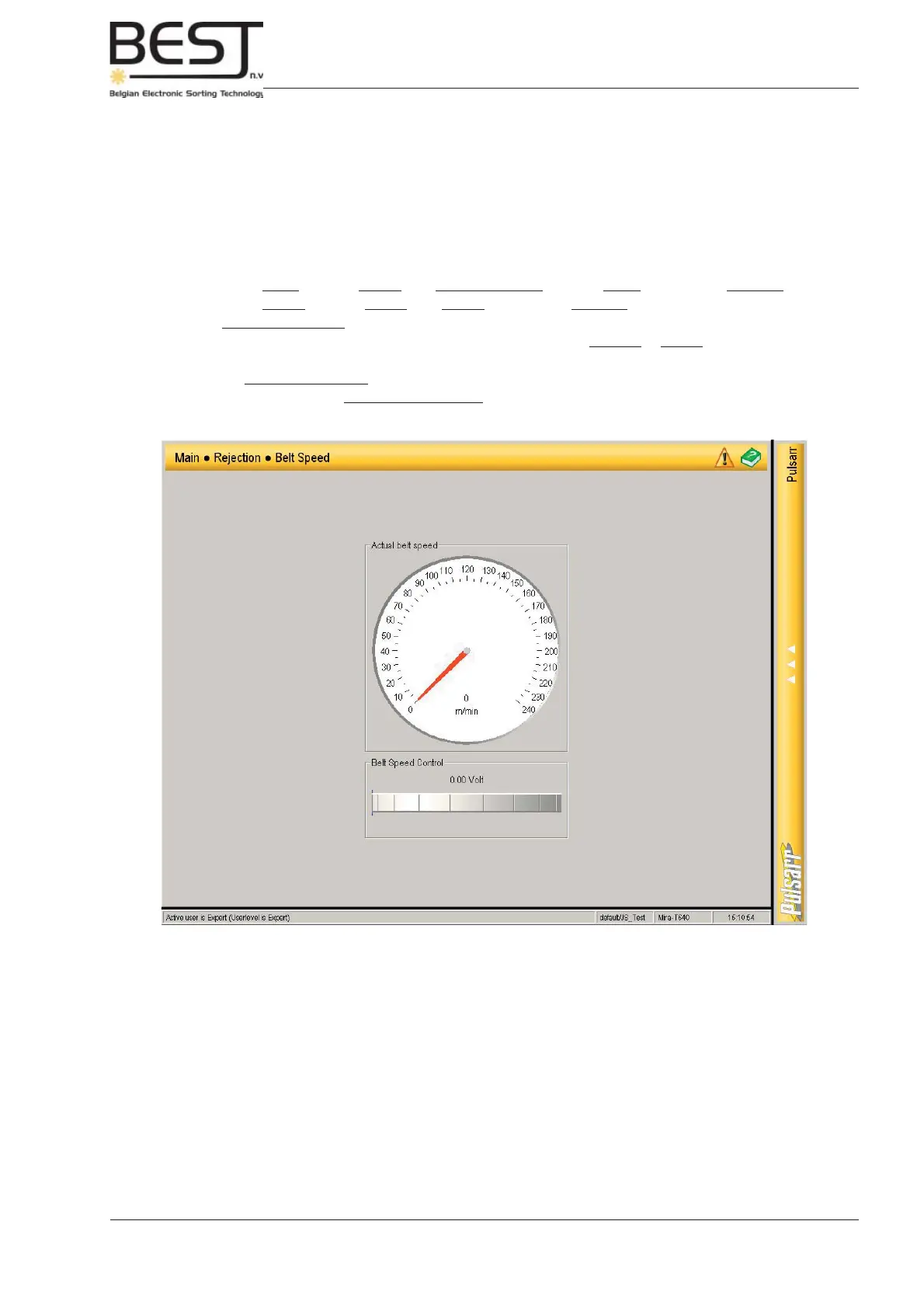
4.- Press Belt Speed button (navigation bar) to set Belt Speed
- Switch on the belt (press belt button on control panel).
- Turn the speed knob to the bottom of the screen to the left (press fi nger on the right and move it to
the left) to lower the speed, and to the right to increase the belt speed.
To set the optimal belt speed, keep in mind the following general rules:
- The lower the belt speed, the less false reject, but the lower the product capacity
- The higher the belt speed, the higher the product capacity, but usually this will cause a
higher false reject percentage.
- The belt speed should be set in such a way that the product is stable on the belt when it
crosses the detection zones.
=> If the product rolls in the detection zone, this will signifi cantly decrease the sorting
effi ciency, please lower the belt speed!



 To Next Page