5/30
Chapter 5: Routine Operational Procedures
Operators & Maintenance Manual GENIUS Compact Version UK 0.1 © BESTnv
BESTnv Industrial Research BV, Marinus van Meelweg 20, 5657 EN, EINDHOVEN, THE NETHERLANDS
General tel. +31 (40) 292 2622 - Service tel. +31 (40) 292 2620 - Fax. +31 (40) 292 2633 - Email: service.BESTnv@bestnv.com
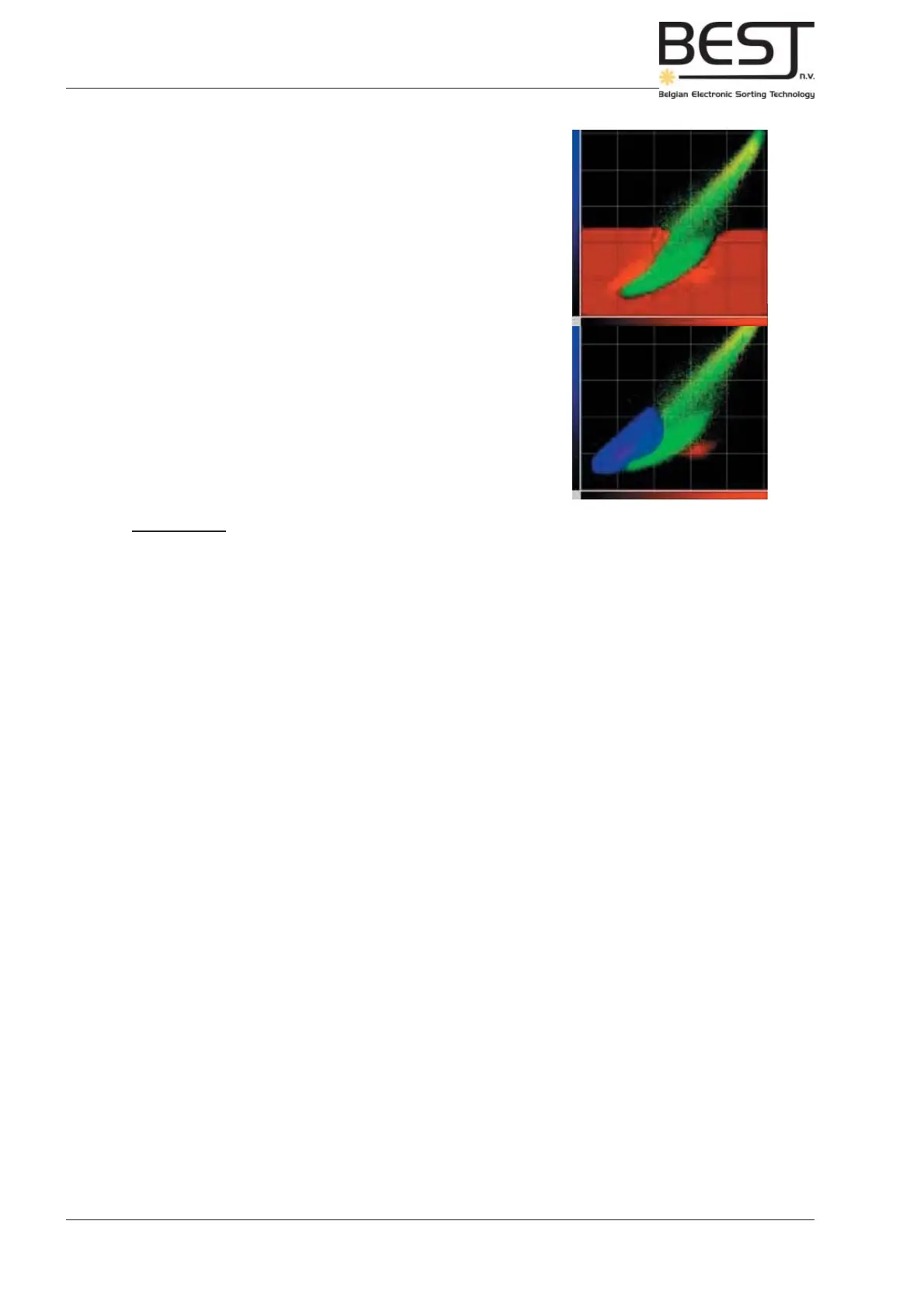
In some cases it may be advisable to target a specifi c type of
defect. A defect zone (colour of threshold) is drawn around the
defects that are specifi cally targeted, and other defect types are
ignored. In this case the good product zone (black) includes
everything except the targeted defects.
Remember: - In the Frame Grab menu no threshold fi lters can be added or deleted, this
must be done in the Detection Settings Menu.
Sometimes the good and bad product zones can be nicely
extrapolated from the red and green pixels generated by what
was indicated in the frame grab (see picture).



 To Next Page