Chapter 5: Routine Operational Procedures
5/31
Operators & Maintenance Manual GENIUS Compact Version UK 0.1 © BESTnv
BESTnv Industrial Research BV, Marinus van Meelweg 20, 5657 EN, EINDHOVEN, THE NETHERLANDS
General tel. +31 (40) 292 2622 - Service tel. +31 (40) 292 2620 - Fax. +31 (40) 292 2633 - Email: service.BESTnv@bestnv.com
12. - Checking the Results in the Frame Grab Image
- 1. Press Frame Grab Visualisation Tab to go back to Frame Grab image.
- 2. Press Signal selection button in right part of screen and activate all the different thresholds.
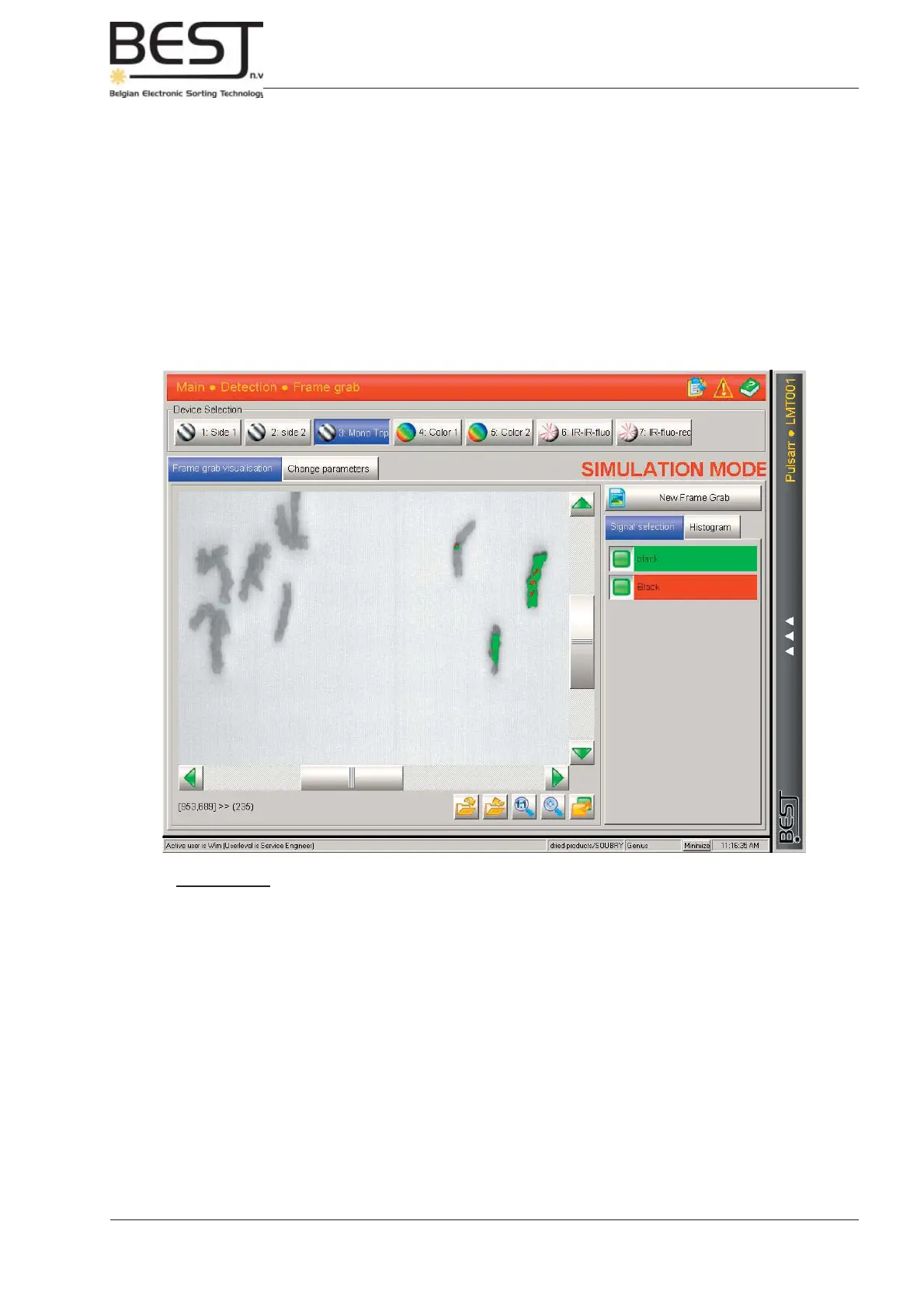
- All (parts of) objects that are detected by one or more thresholds of the device that is presently
selected will be indicated in the colour of the detecting threshold(s).
- All defect objects of a similar type or types (e.g. dark spots, stems or discolourations, etc..)
Should be detected by at least one threshold of your device. If this is not he case, adjust
your 1D and 2D thresholds (see previous point) until all targeted defects are detected
(see picture below).
Remember: - Some defects can only be detected by a specifi c fi lter of one device, so
for certain confi gurations with multiple devices it will be necessary to repeat
the entire procedure for every one of the different devices available until all
defects are detected.
- 3. All defects (of the type that can be detected by this device) are detected (every defect is tagged
with the colour of at least one threshold), and no good product is detected. If this is the case, go
directly to the next device (if present) and repeat steps 10 to 12 for this device,



 To Next Page