Canceling a Reserved Job
2-8
Checking Job and Device Status
2
Canceling a Reserved Job
You can cancel a reserved job in several ways.
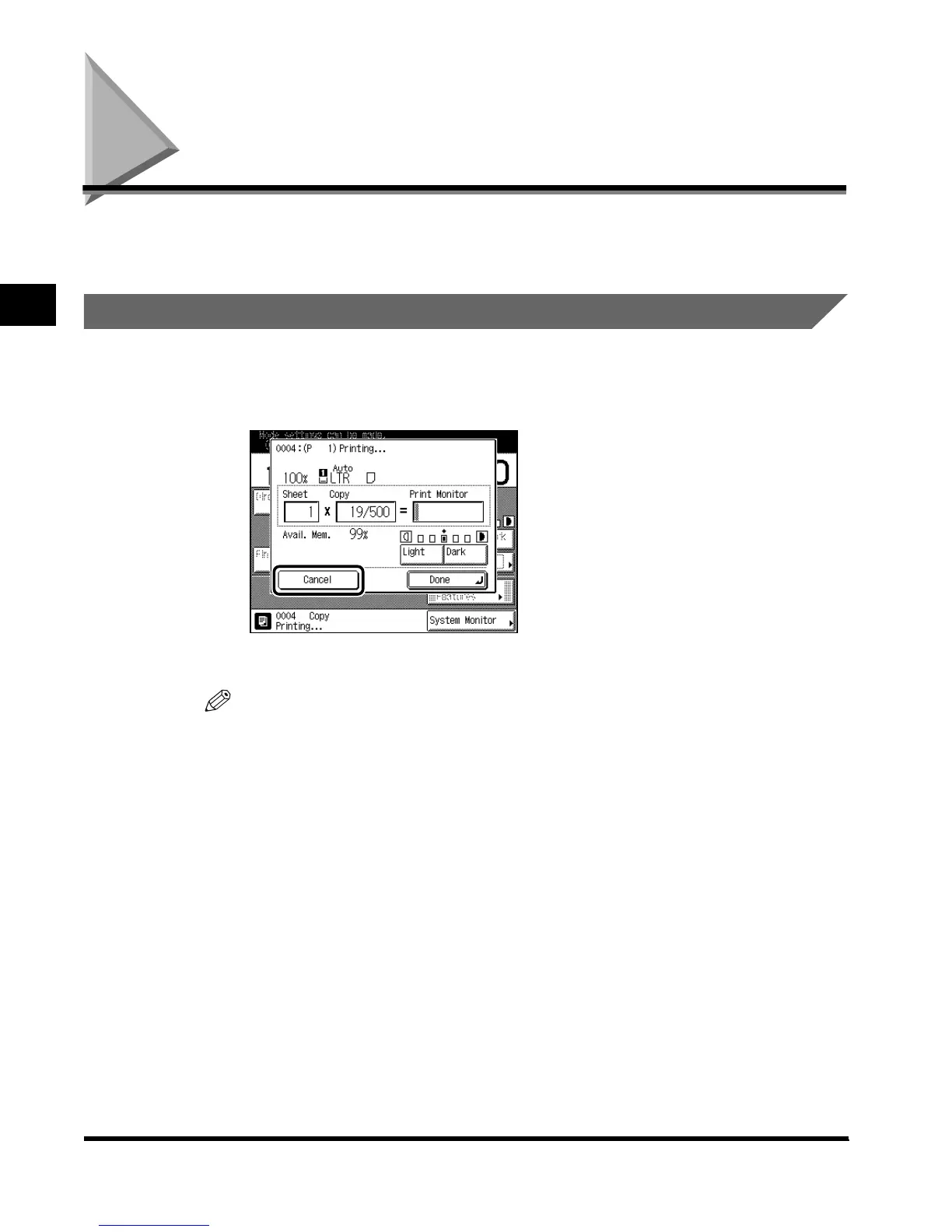
Canceling from the Touch Panel Display
1
Press “Cancel” in the screen shown below, which appears while the
machine is scanning, printing, or waiting to print a document.
The selected job is canceled.
NOTE
• When you cancel a job during scanning, be sure to remove the original of that job.
E1L_US_U_.book-INDEX Page 8 Wednesday, May 23, 2001 11:40 PM












 To Next Page