Loading Paper
5-2
Routine Maintenance
5
Loading Paper
This section describes how to load paper in the paper drawers.
NOTE
•
The following paper sizes can be loaded in the paper drawers:
-Paper drawers 1, 3: LGL, LTR, LTRR, STMT, and STMTR
-Paper drawers 2, 4: 11" x 17", LGL, LTR, LTRR, STMT, and STMTR
-Paper drawers 3 and 4 can be used when the Cassette Feeding Unit-W1 (option) is attached.
•
For details of available paper stock which can be loaded in the paper drawers, see ‘Available Paper
Stock,’ on p. 1-59.
Loading Paper in the Paper Drawers
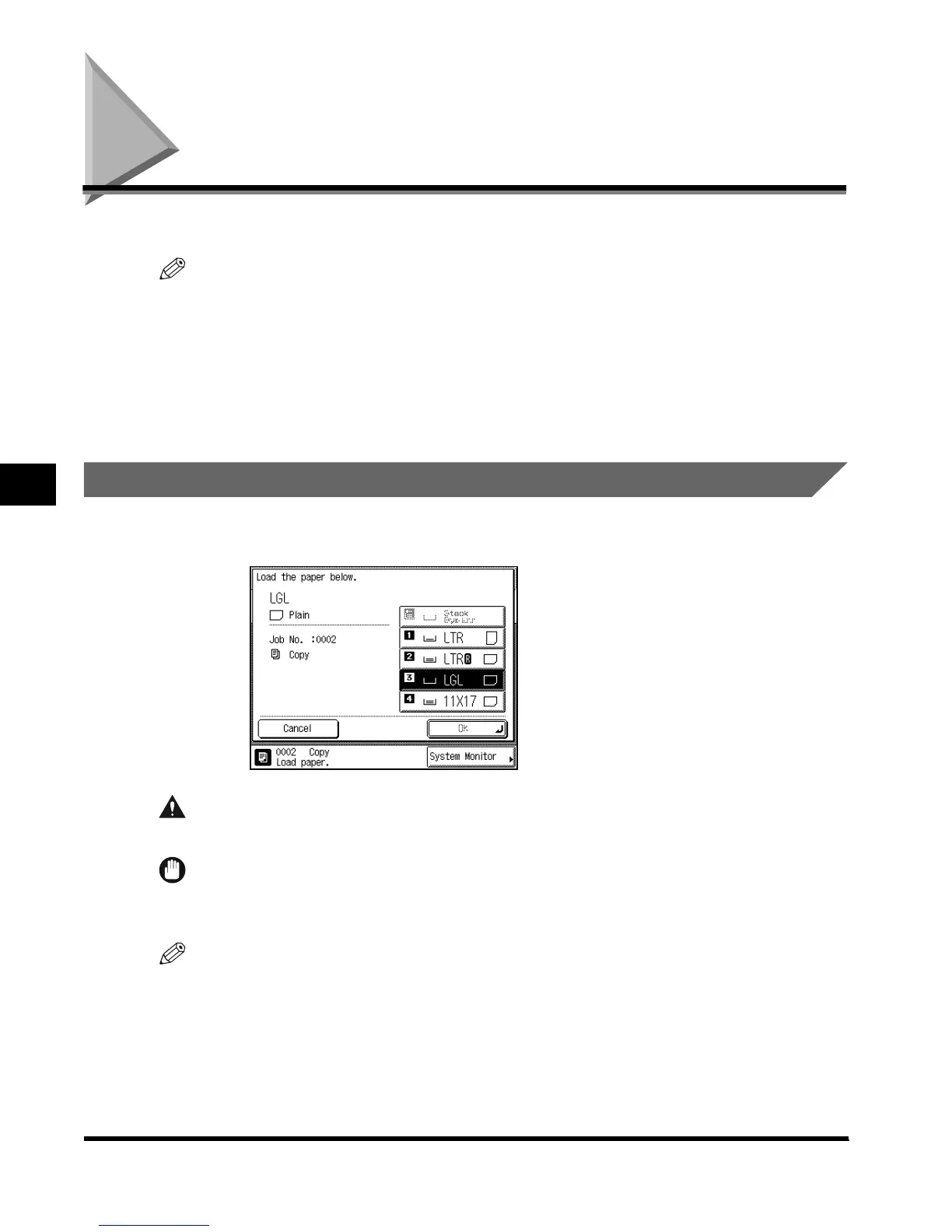
When the selected paper has run out, or the selected paper drawer runs out of paper during
printing, a screen prompting you to load paper appears on the touch panel display.
CAUTION
• When loading paper, take care not to cut your hands on the edges of the paper.
IMPORTANT
•
The message also appears if the selected paper drawer is not fully inserted into the machine. Once
you properly insert the paper drawer, the message disappears.
NOTE
•
If the above message appears during printing, the remaining prints are automatically made after you
load the correct paper. When you select another paper drawer, the remaining prints are made after
you press “OK.”
•
To cancel printing, press “Cancel.”
E1L_US_U_.book-INDEX Page 2 Wednesday, May 23, 2001 11:40 PM












 To Next Page