Erasing the Message Board (Clear Message Board)
4-25
System Manager Settings
4
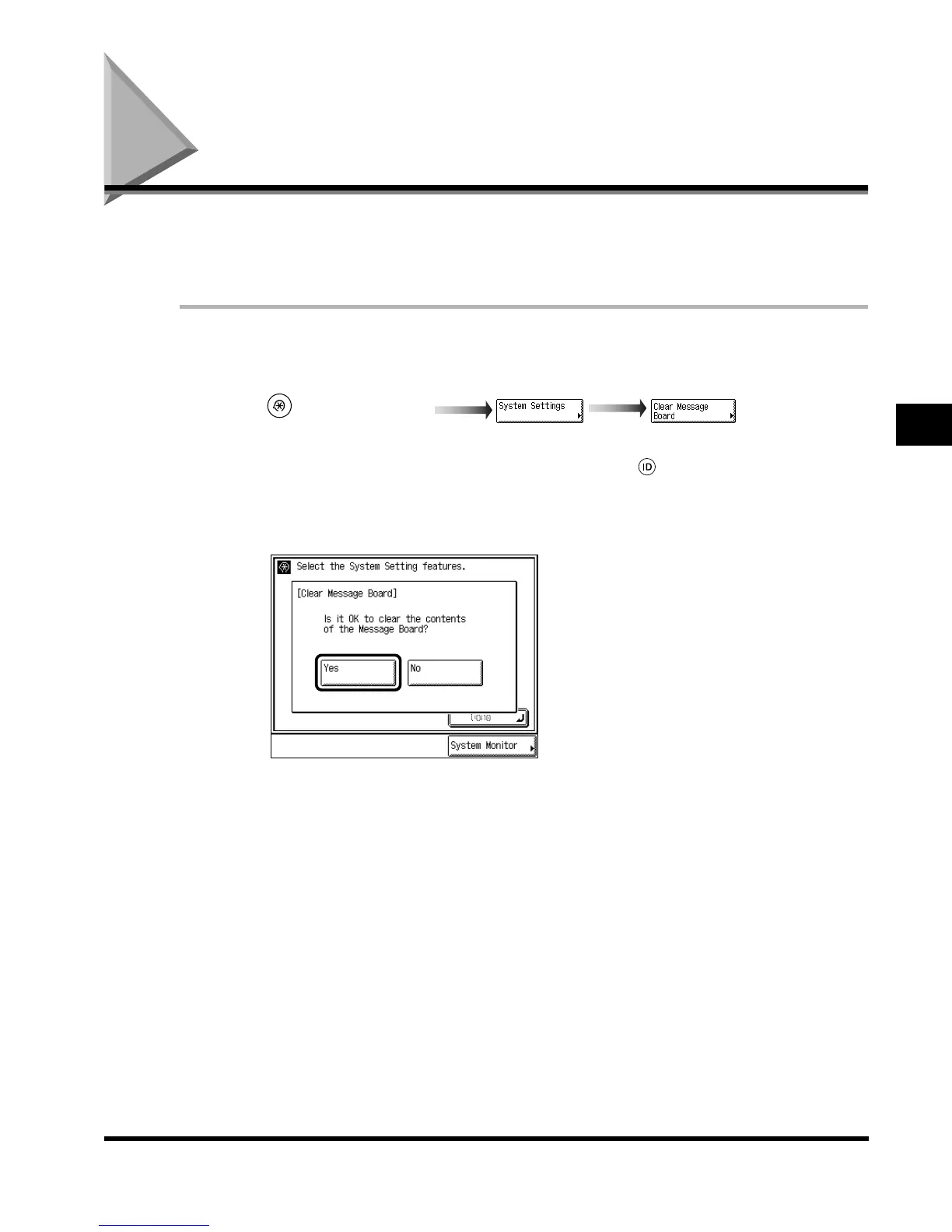
Erasing the Message Board (Clear Message Board)
The “Message Board” is a function used by the system manager to display messages for
users of this machine on the touch panel display. Message board settings are done from the
Remote UI, however, erasing a message board can be done from the main unit as well.
1
Call up the desired screen as follows:
When the System Manager ID/Password is set, enter the System Manager ID and System
Password after pressing “System Settings.” Then, press (ID).
2
Select “Yes.”
If you do not want to erase the message, press “No.”
3
Press “Done.”
Repeat this procedure.
The display returns to the Basic Features screen.
(Additional Functions)
E1L_US_U_.book-INDEX Page 25 Wednesday, May 23, 2001 11:40 PM












 To Next Page