3
Adjusting the Machine (Adjustment/Cleaning)
3-39
Selecting and Storing Settings to Suit your Needs
3
Press “Done.”
Repeat this procedure.
The specified mode is set and the display returns to the Basic Features screen.
Changing the Saddle Stitch Position
When the Saddle Finisher-G1 is attached, slight position differences in the saddle stitch
position may occur. With this function you can compensate for such differences.
IMPORTANT
•
This function can only be set when the Saddle Finisher-G1 is attached.
1
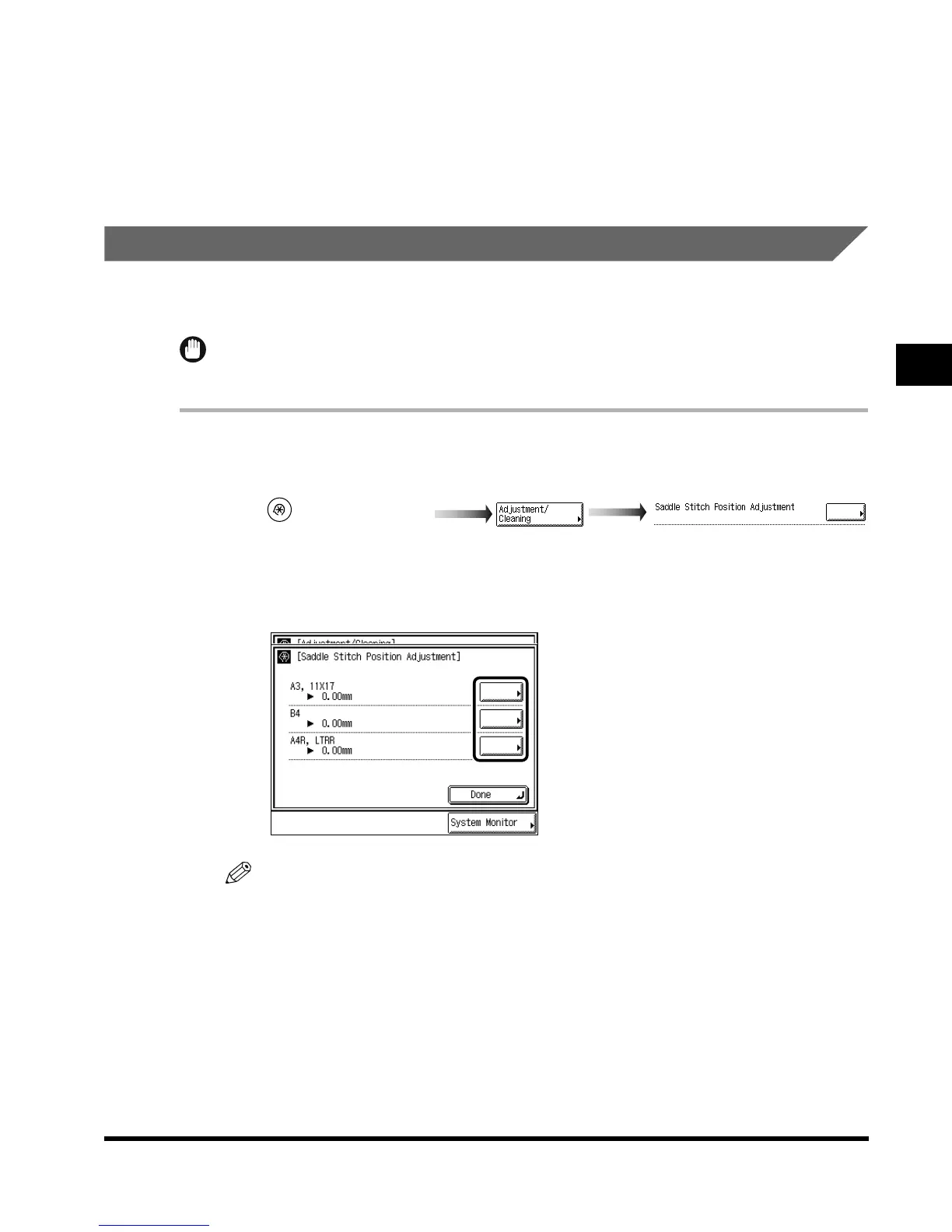
Call up the desired screen as follows:
2
Select the paper size for which you want to change the saddle stitch
position.
NOTE
•
Some of the paper sizes displayed may not be available in certain countries.
(Additional Functions)
Saddle Stitch Position Adjustment
E1L_US_U_.book-INDEX Page 39 Wednesday, May 23, 2001 11:40 PM












 To Next Page