1
What the imageRUNNER 3300/2800/2200 Series Can Do
1-13
Before You Start Using This Machine
■ Guide Menu
This machine supports many functions.
To find the right function for your particular needs or to find a simple description of a
function, press (Guide) while the Basic Features screen or Special Features screen is
displayed.
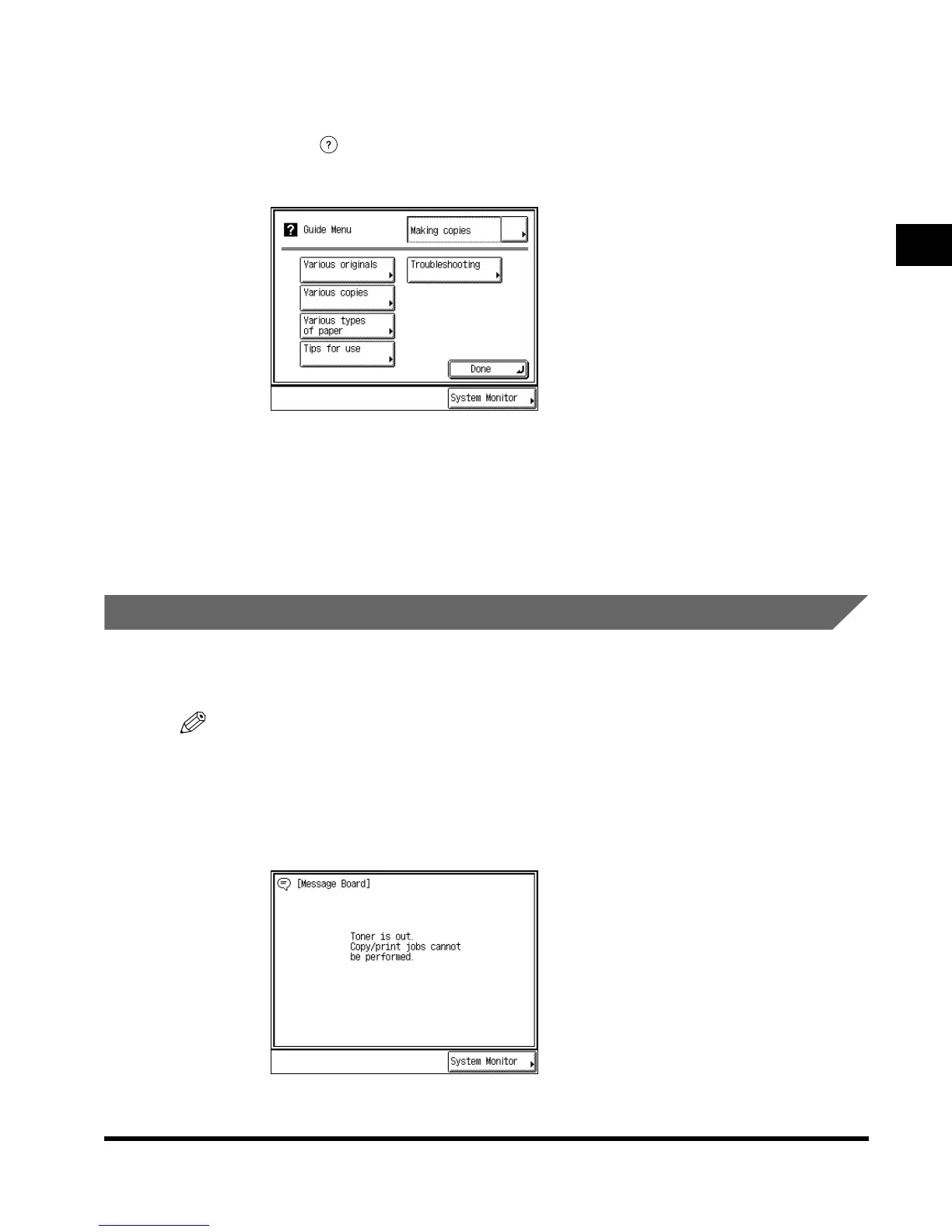
The Guide Menu screen appears in the touch panel display as shown below.
Example: When copying photo originals:
Press “Various originals.”
You can display simple explanations of the various types of originals using “▼” or “▲.”
Press “Done” to return to the Various Originals Menu screen. To return the display to the
Guide Menu, press “Guide Menu.”
Reading the Messages from the System Manager
A message board is used to indicate messages on the touch panel display from the system
manager to users of this machine, through the Remote UI feature.
NOTE
•
The message board can be used when the network is connected.
Types of message board
The following three types of message board are available:
•A message board without “Done.”
The Guide Menu screen
Message Board
E1L_US_U_.book-INDEX Page 13 Wednesday, May 23, 2001 11:40 PM












 To Next Page