7
Saddle Finisher-G1/Puncher Unit-K1
7-70
Handling Options
Removing Punch Waste
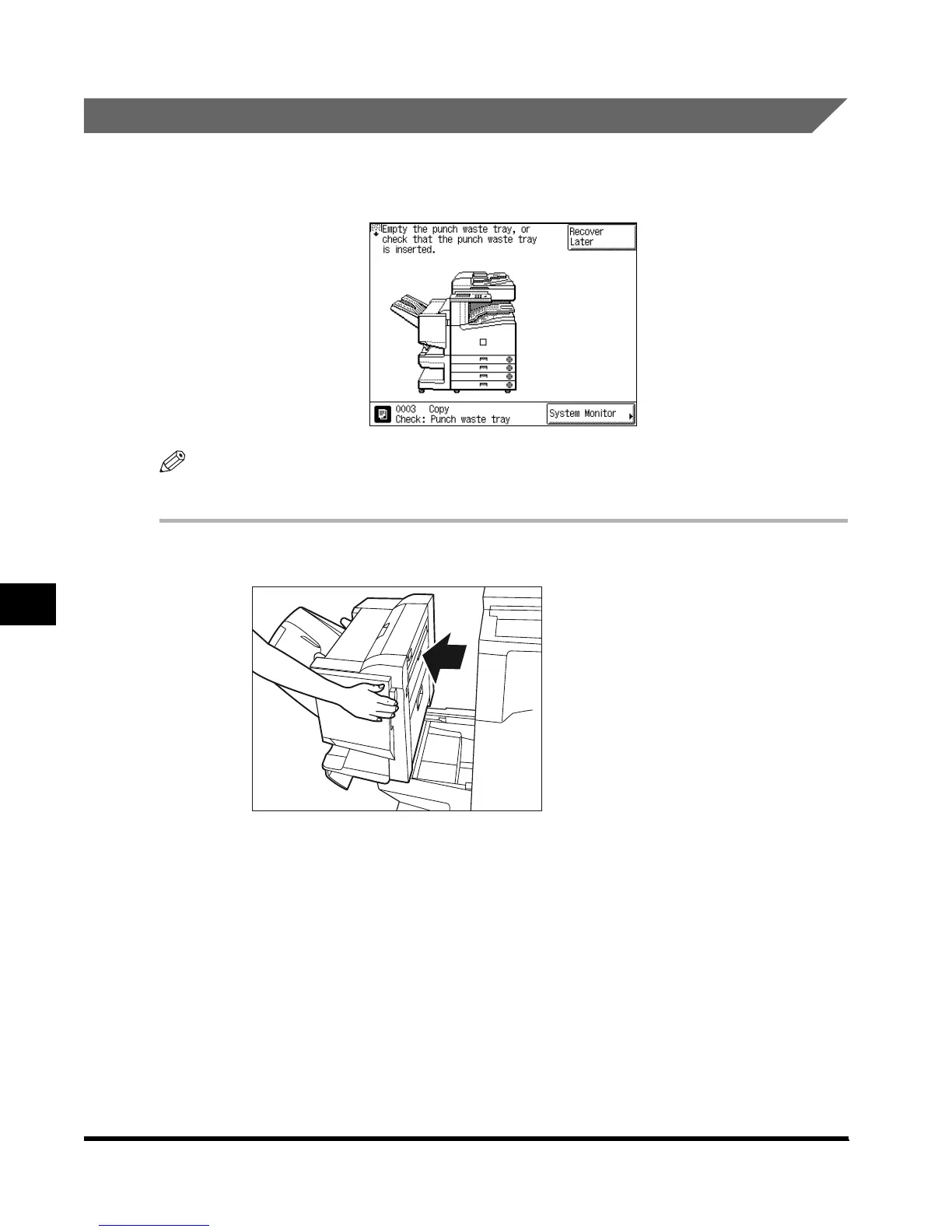
When the punch waste tray becomes full, a screen similar to the one shown below appears
on the touch panel display. Follow the procedure described below, to remove the punch
waste.
NOTE
•
This procedure is only required when the Puncher Unit-K1 is attached.
1
Move the finisher away from the main unit.
E1L_US_U_.book-INDEX Page 70 Wednesday, May 23, 2001 11:40 PM












 To Next Page