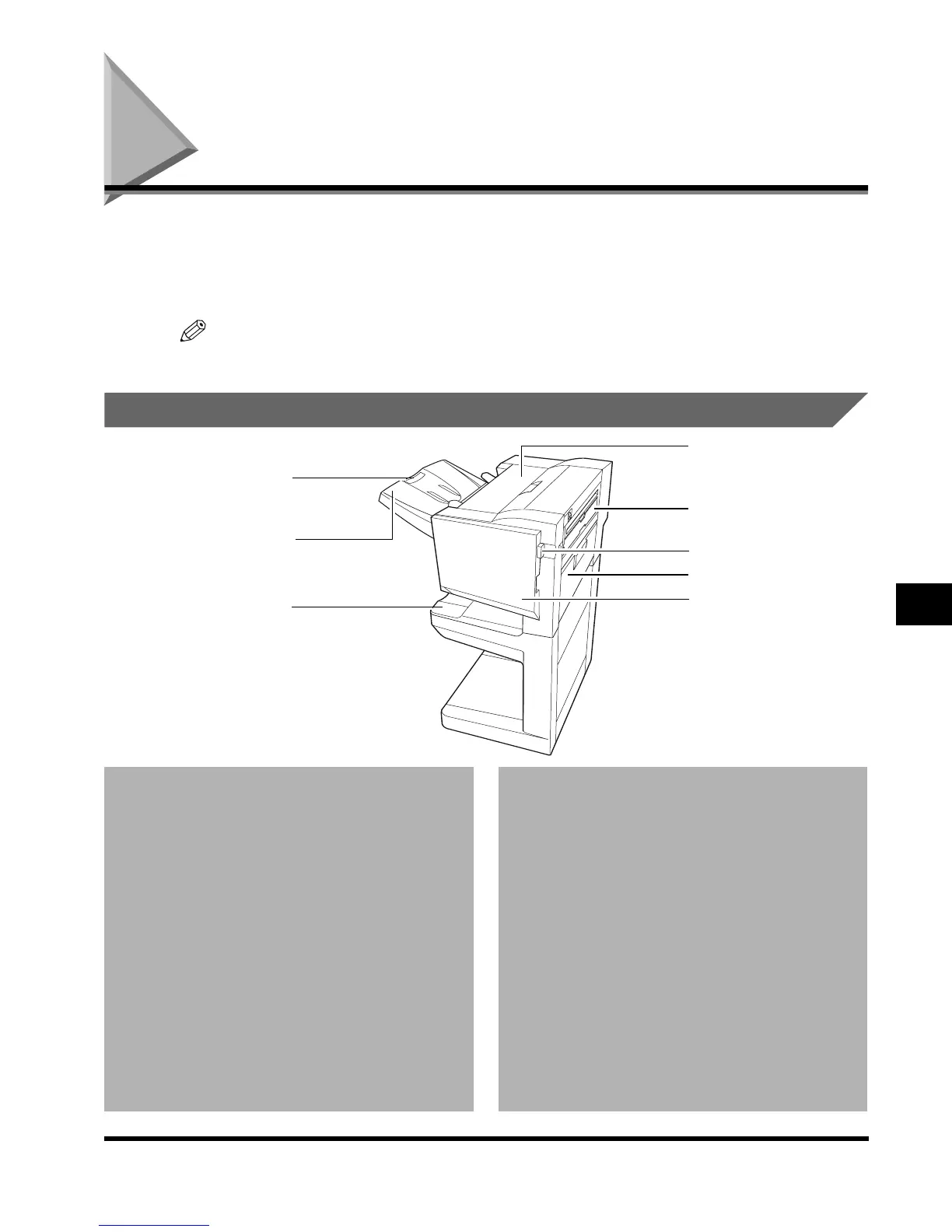
Saddle Finisher-G1/Puncher Unit-K1
7-47
Handling Options
7
Saddle Finisher-G1/Puncher Unit-K1
The Saddle Finisher-G1/Puncher Unit-K1 is equipped with the following functions: Collate,
Group, Offset, Staple, Saddle Stitch, and Hole Punch mode. (See ‘Finishing Functions,’ on p.
7-48.)
When the Saddle Finisher-G1 is attached, the Inner 2way Tray-A1 is mandatory.
NOTE
•
When feeding 11" x 17" or LGL-size paper, pull out the auxiliary tray.
Parts and Their Functions
1 Output tray
Paper are output to this tray. You can assign the
output of specified function setting designated
trays. (See ‘Setting a Dedicated Tray for Each
Function,’ on p. 3-20.)
2 Auxiliary tray
3 Upper cover
Open to remove jammed paper. (See ‘Clearing
Paper Jams in the Saddle Finisher-G1,’ on p. 7-52.)
4 Punch waste tray
Take this out when discarding the punch waste.
(See ‘Removing Punch Waste,’ on p. 7-70.)
5 Release butten
Press to remove the finisher from the main unit.
6 Right cover
Open to remove jammed copy paper.
(See ‘Clearing Paper Jams in the Saddle Stitcher
Unit,’ on p. 7-54.)
7 Upper front cover
Open this cover to replace the staple case in the
stapler unit, or when a staple jam occurs.
(See ‘Replacing the Staple Case in the Stapler
Unit,’ on p. 7-63, ‘Removing Jammed Staples
from the Stapler Unit,’ on p. 7-43.)
8 Booklet tray
The paper that is folded and stapled at the center
to form a booklet is delivered to this tray.
1
3
6
8
5
2
4
7
E1L_US_U_.book-INDEX Page 47 Wednesday, May 23, 2001 11:40 PM












 To Next Page