Setting Specifications That Are Common to Each Function (Common Settings)
3-8
Selecting and Storing Settings to Suit your Needs
3
Setting Specifications That Are Common to Each
Function (Common Settings)
This section describes how to specify the settings that are common to the Copy, Mail Box,
and Fax.
NOTE
• The Common Settings screen is made up of several screens. Use “ ▼” or “ ▲” to scroll to the
desired screen and make the required settings.
•
When the “
▼
” or “
▲
” should be pressed, the indication is displayed in this manual.
Selecting the Initial Function at Power ON
You can specify which screen is displayed when you turn on the main power. The System
Monitor screen can also be specified.
NOTE
• The default settings are as follows:
- Select Initial Function: Copy
- Set “System Monitor Screen” as initial function: Off
- Set “Device” as the default for “System Monitor”: On
1
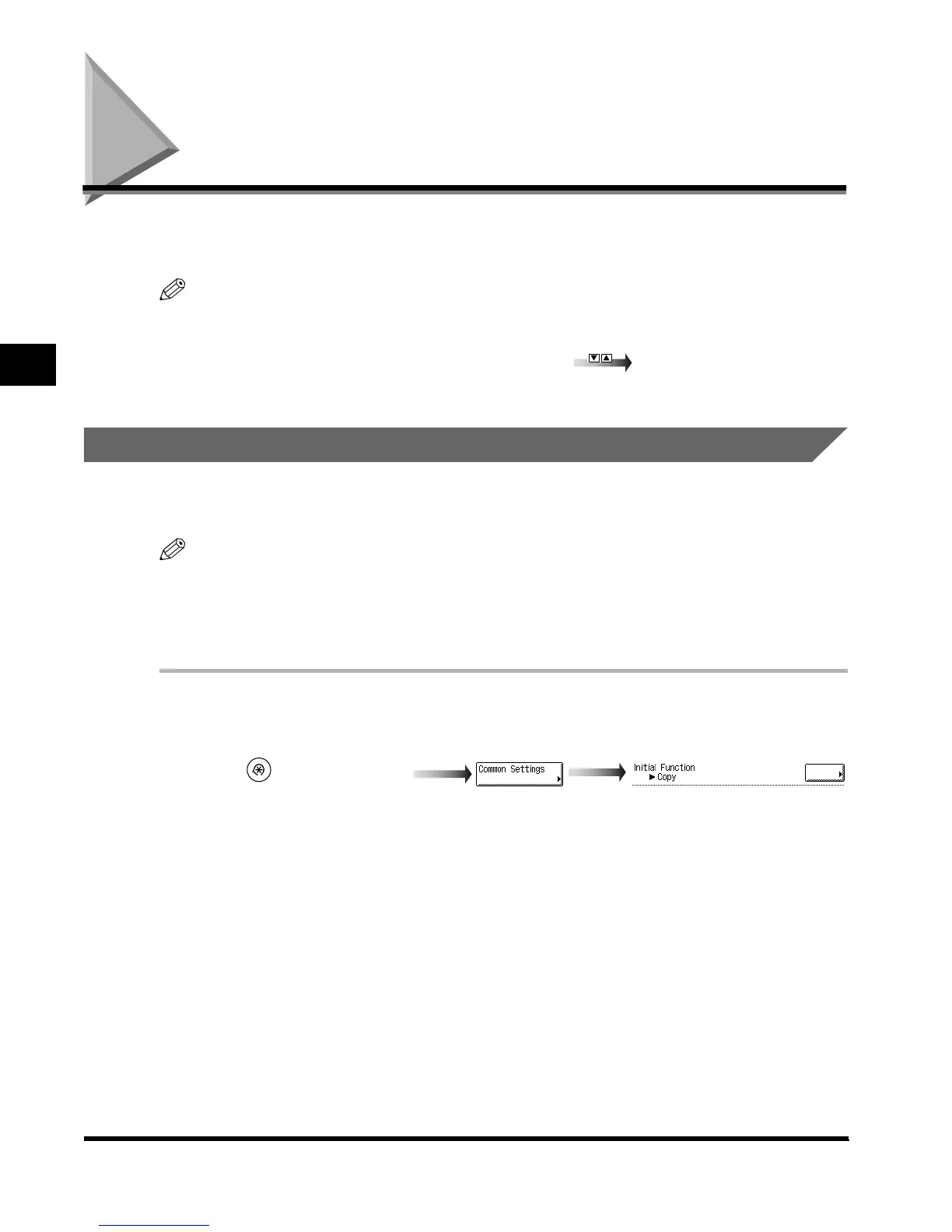
Call up the desired screen as follows:
(Additional Functions)
Common Settings
Initial Function
E1L_US_U_.book-INDEX Page 8 Wednesday, May 23, 2001 11:40 PM












 To Next Page