1
Placing Originals
1-43
Before You Start Using This Machine
NOTE
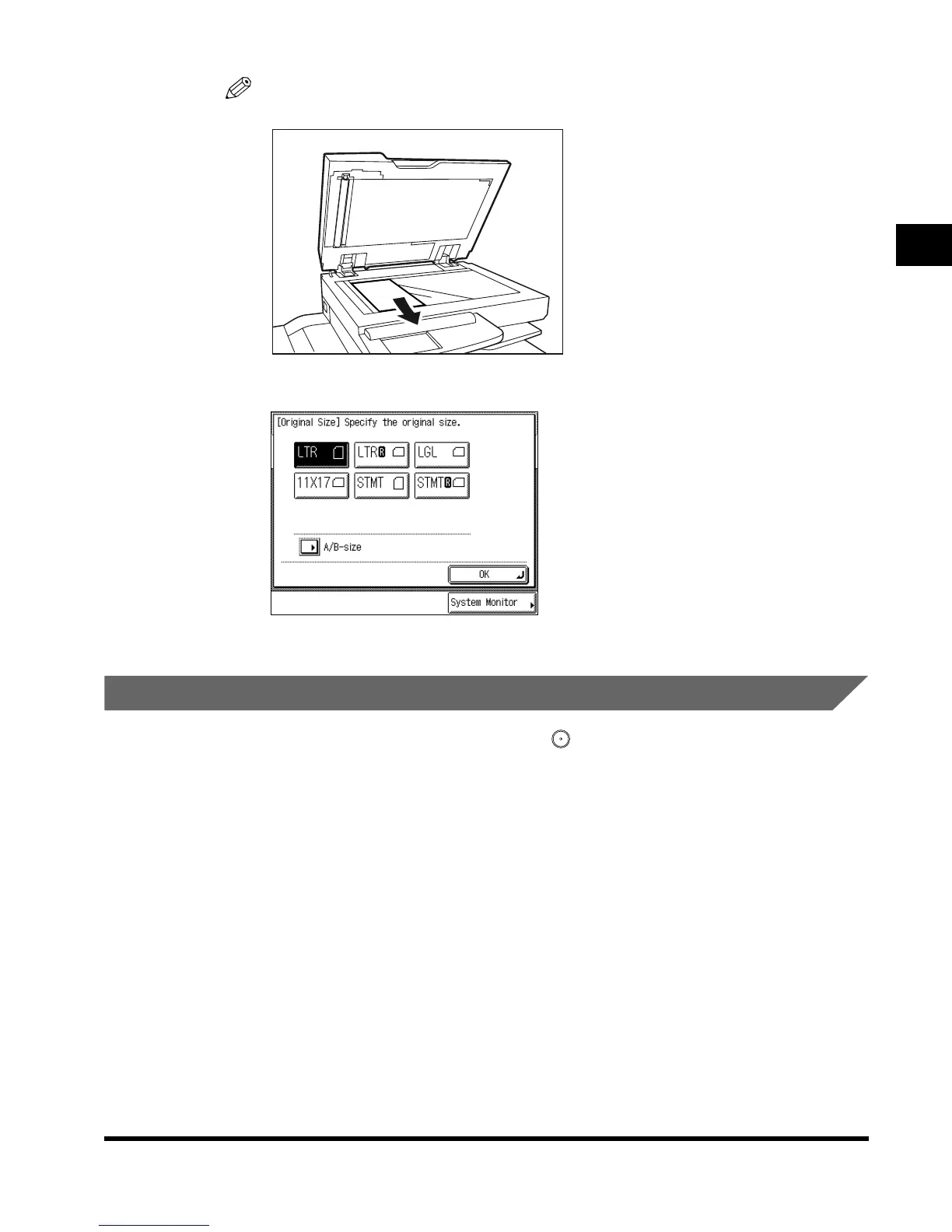
• Remove the original from the platen glass when scanning is completed.
•
STMT size and postcards cannot be detected. Follow the instructions on the display and
specify the original size or select the paper.
Placing Originals in the Feeder (DADF-H1)
Place a stack of originals in the feeder, and press (Start). The machine automatically
scans them into memory. Two-sided originals can also be automatically scanned as two-
sided image data.
You can place the following originals in the original supply tray:
•Weight: One-sided scanning:10 to 32-lb bond (38 to 128g/m
2
)
(However, the sizes marked* below is 11 to 32-lb bond (42 to 128g/m
2
))
Two-sided scanning:13 to 32-lb bond (50 to 128g/m
2
)
• Size: 11" x 17"*, LGL*, LTR, LTRR*, STMT, and STMTR
•Tray capacity: 50 sheets (20-lb bond (80g/m
2
))
10 sheets (11-lb bond (40g/m
2
) or less)
E1L_US_U_.book-INDEX Page 43 Wednesday, May 23, 2001 11:40 PM












 To Next Page