1
Placing Originals
1-44
Before You Start Using This Machine
IMPORTANT
•
Originals of 11-lb bond (40g
/m
2
) or less may become creased, if used in a high temperature or high
humidity environment.
•
Do not place the following types of originals in the feeder:
-Originals with tears or large binding holes
-Severely curled originals or originals with sharp folds
- Clipped or stapled originals
- Carbon-backed paper or other originals which might not feed smoothly
-Transparencies and other highly transparent originals
•
If the feeder rollers are soiled from scanning an original written with pencil, perform the Feeder
Cleaning procedure. (See ‘Cleaning the Feeder
1
,’ on p. 5-17, and ‘Cleaning the Feeder
2
,’ on p.
5-20.)
1
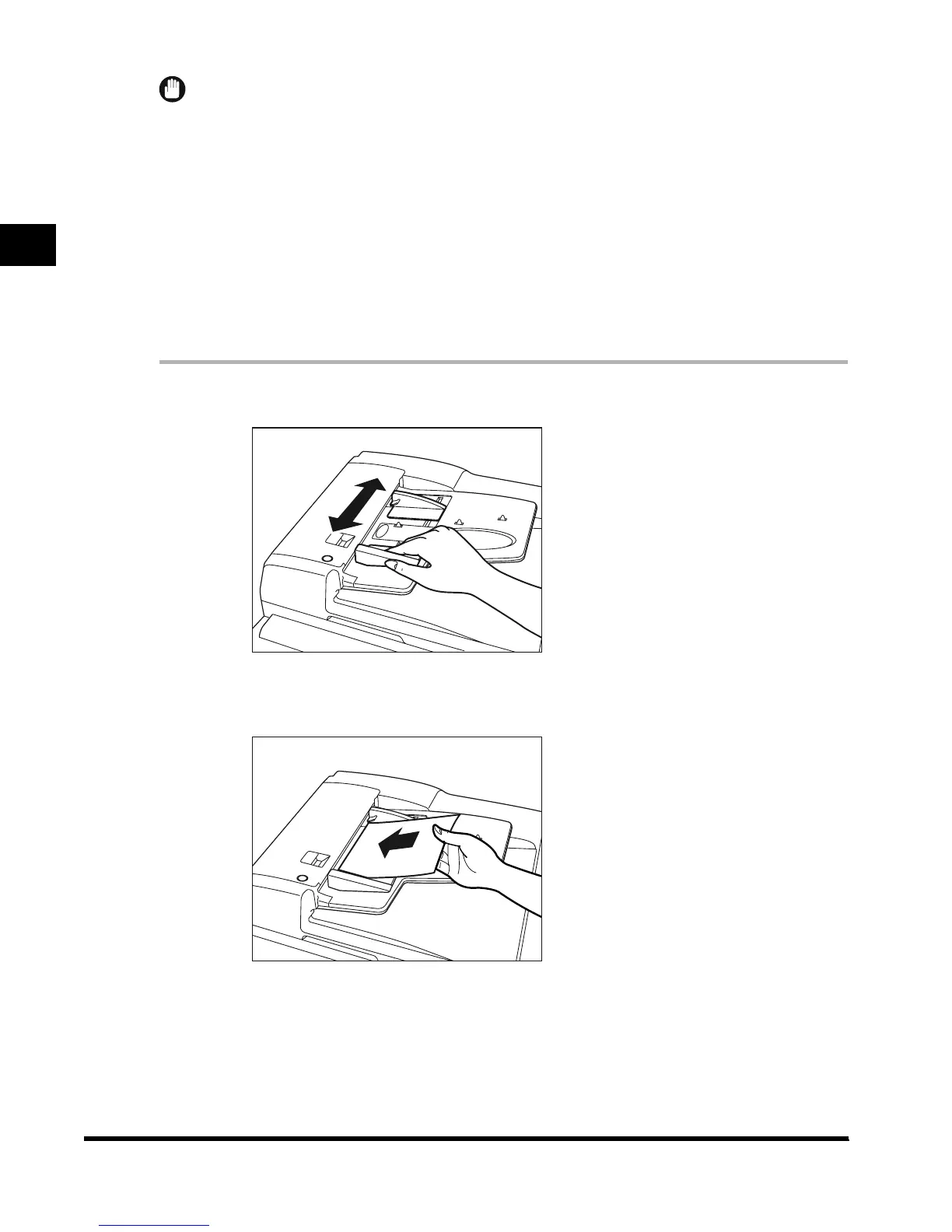
Adjust the slide guides to fit the size of the originals.
2
Neatly place your originals face up in the original supply tray.
When enlarging LTR or STMT-size originals to 11" x 17" or LGL-size paper, place your
originals horizontally.
Place the original as far as it will go, until the original set indicator is lit.
E1L_US_U_.book-INDEX Page 44 Wednesday, May 23, 2001 11:40 PM












 To Next Page