1
Placing Originals
1-45
Before You Start Using This Machine
IMPORTANT
• Do not add or remove originals while they are being scanned.
•
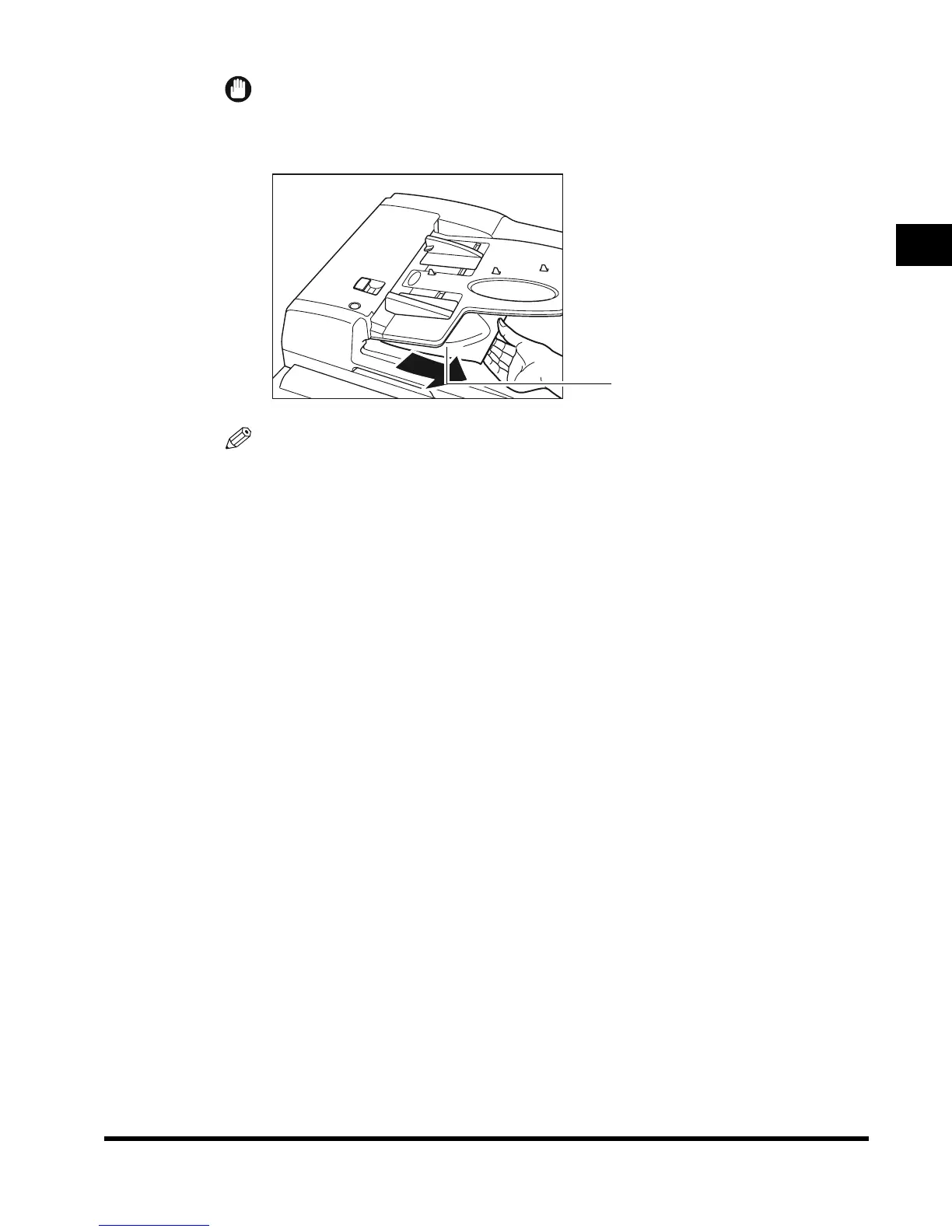
When scanning is completed, remove the originals from the original output area to avoid
paper jams.
NOTE
• The scanned originals are output face down to the original output area.
•
You can place different-size originals (i.e., LTR and 11" x 17", STMT and LTRR) together in
one group in the feeder when you set the Different Size Originals mode. (See the Copying
Guide and the Mail Box Function Guide.)
Original output area
E1L_US_U_.book-INDEX Page 45 Wednesday, May 23, 2001 11:40 PM












 To Next Page