5
Routine Cleaning
5-21
Routine Maintenance
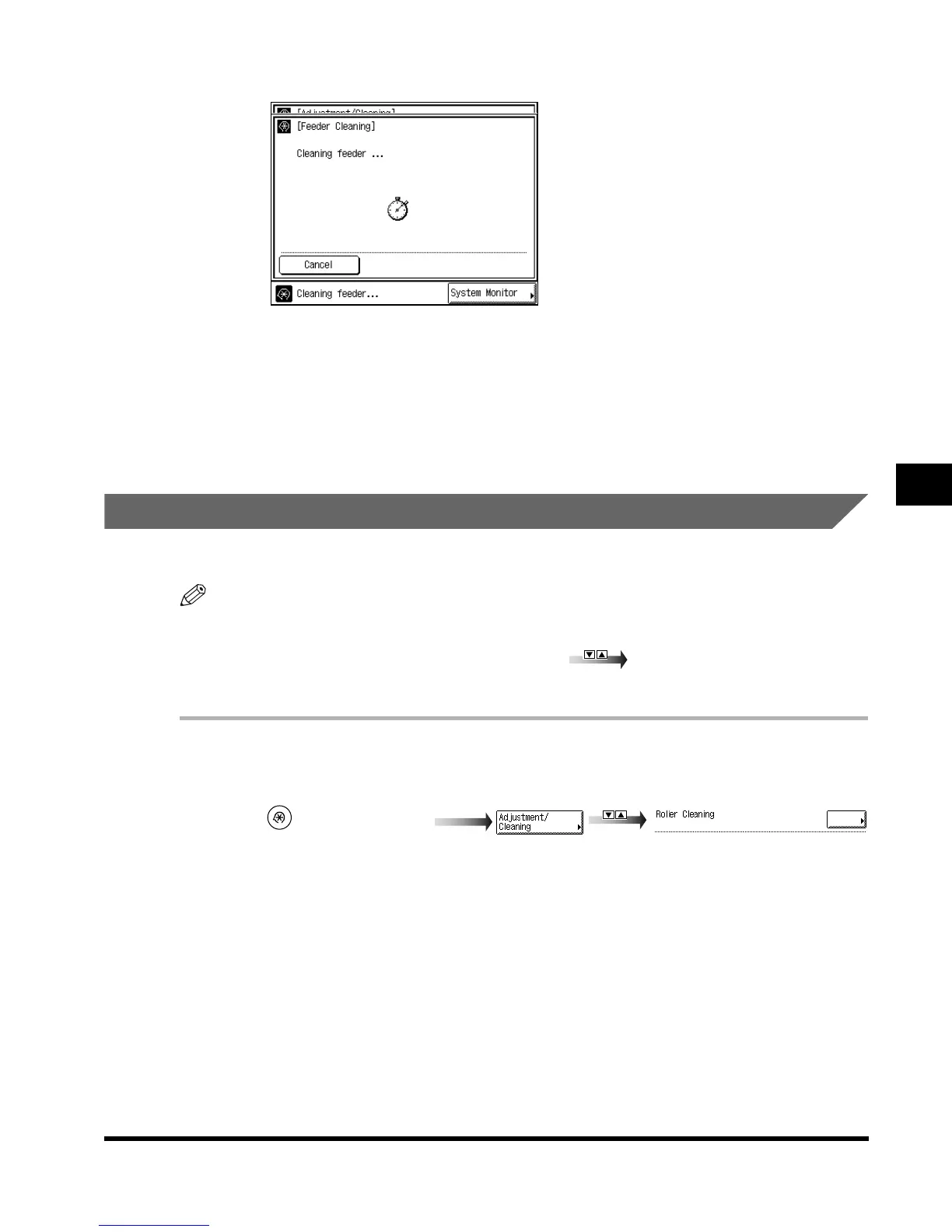
While the feeder is being cleaned, the screen below appears.
3
Press “Done.”
Repeat this procedure.
The display returns to the Basic Features screen.
Roller Cleaning
If dirt appears on printed paper, clean the roller in the main unit as the need arises.
NOTE
•
“Adjustment/Cleaning” is made up of several screens. Select the desired item by pressing “
▼
” or
“
▲
.”
•
When “
▼
” or “
▲
” should be pressed, the indications is displayed in this manual.
•
It takes about 15 seconds to clean the roller.
1
Call up the desired screen as follows:
(Additional Functions)
E1L_US_U_.book-INDEX Page 21 Wednesday, May 23, 2001 11:40 PM












 To Next Page