Available Paper Stock
1-59
Before You Start Using This Machine
1
Available Paper Stock
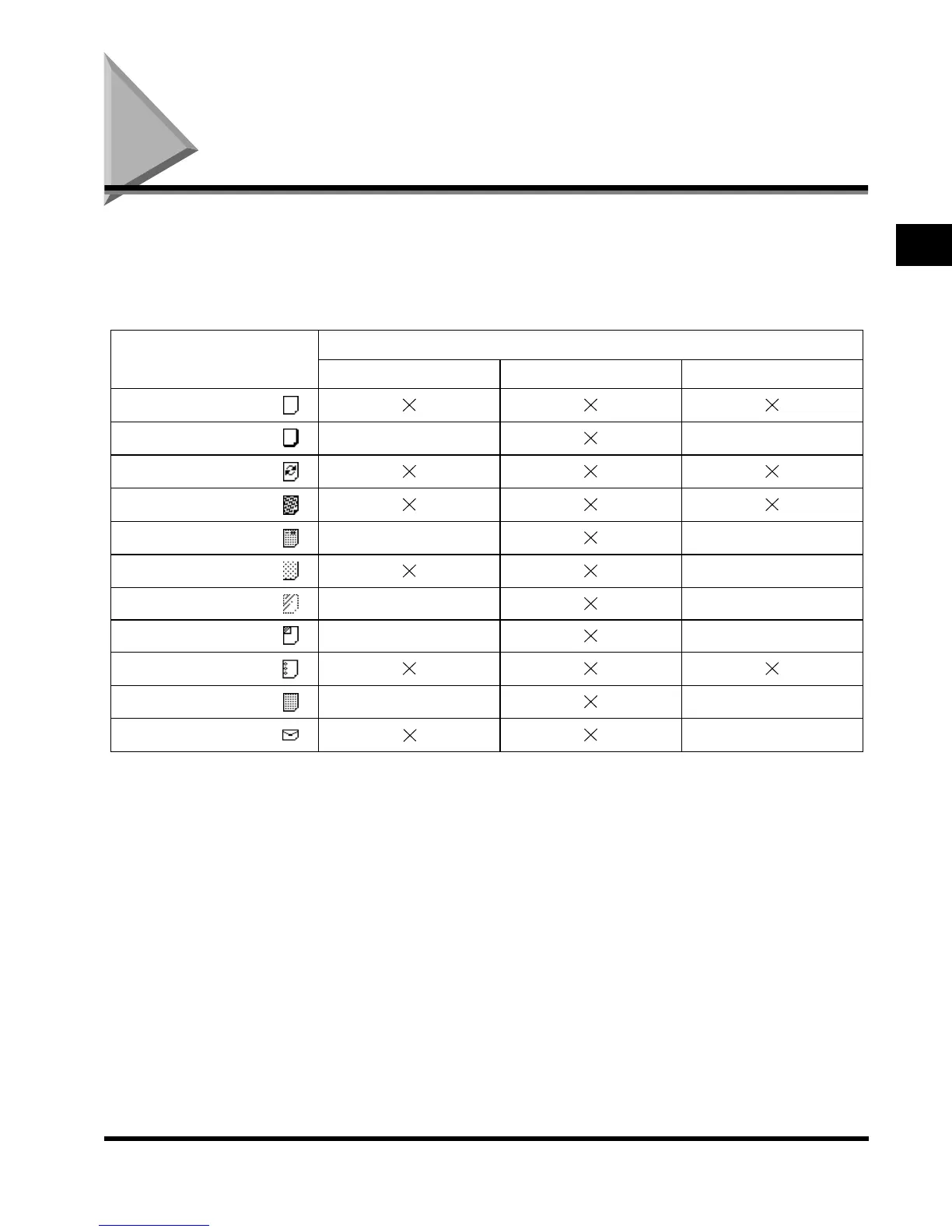
Paper types which can be used with this machine are shown in the following table. The type
of paper loaded in a paper drawer is indicated by the icon shown on the touch panel display
for that paper drawer. (See ‘Setting a Paper Drawer for Auto Paper Selection/Auto Drawer
Switching,’ on p. 3-13.)
*1 Plain, Recycled, Color, Bond, and 3-Hole Punch papers are from 17-lb to 20-lb bond (64g/m
2
to 80g/m
2
).
*2 Heavy paper is from 24-lb bond to 72-lb index (81g/m
2
to 128g/m
2
).
*3 Pre-printed paper with logos or patterns
*4 When copying on Letterhead or 3-Hole Punch paper, we recommend that you set the Image Orientation Priority to “On” in the
Additional Functions screen. (See the Copying Guide)
*5 Some types of tracing paper cannot be used.
*6 3-Hole Punch paper can only be set vertically (LTR). Set the 3-Hole Punch paper as follows according to its orientation:
Left open: when loading in the paper drawers, set the paper with the holes on the right side; when loading in the stack bypass,
set the paper with the holes on the left side.
Right open: reverse of left open orientation.
*7 When the Envelope Feeder Attachment-B1 (option) is attached to paper drawer 1, envelopes can be loaded.
Paper Type
Available Loading Place (Paper Set Place)
Paper drawer Stack bypass Paper Deck
Plain
*1
Heavy
*2
––
Recycled
*1
Color
*1
Letterhead
*3*4
––
Tracing Paper
*5
–
Transparency – –
Labels – –
3-Hole Punch
*1*4*6
Bond
*1
––
Envelope
*7
–
E1L_US_U_.book-INDEX Page 59 Wednesday, May 23, 2001 11:40 PM












 To Next Page