3
Adjusting the Machine (Adjustment/Cleaning)
3-41
Selecting and Storing Settings to Suit your Needs
2
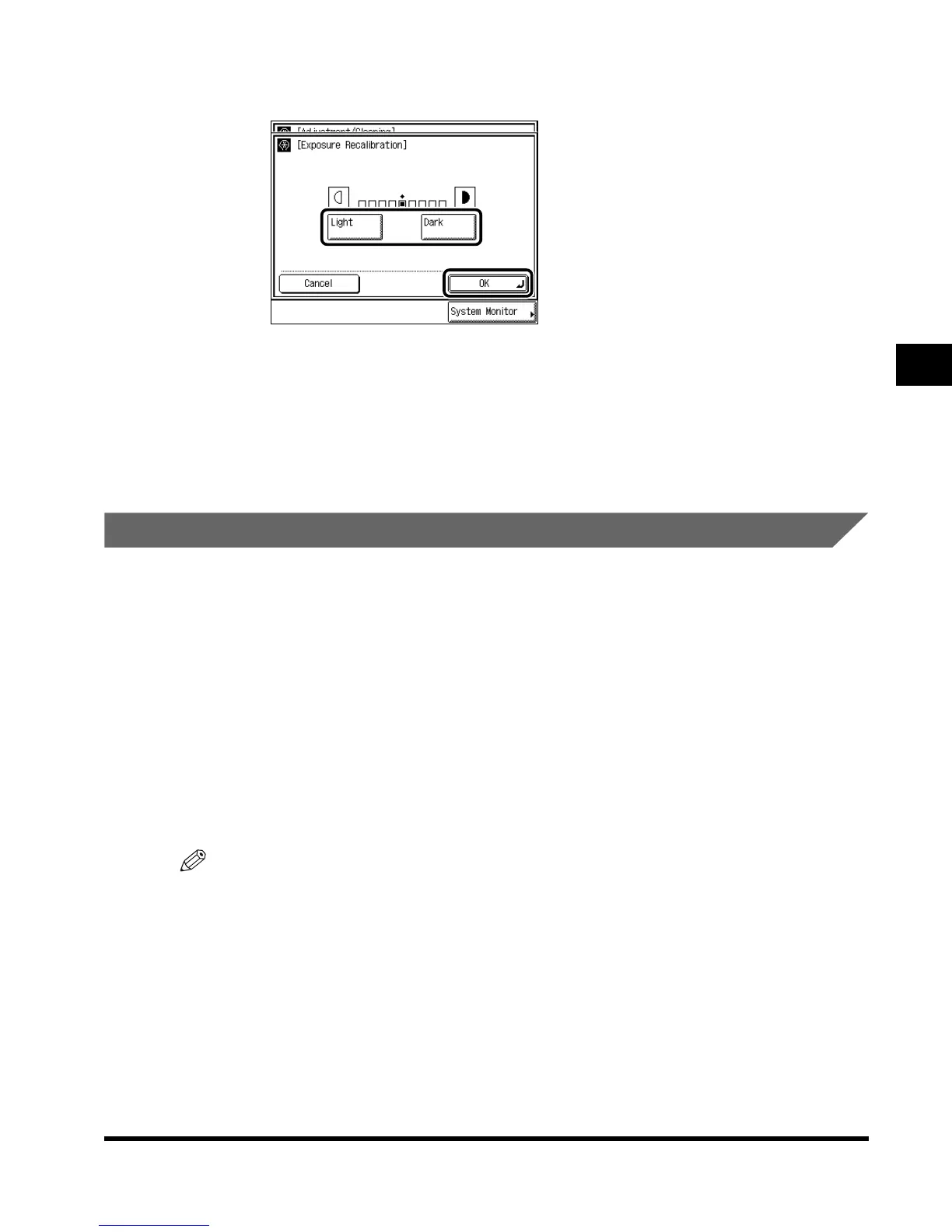
Press “Light” or “Dark” to adjust the exposure, and press “OK.”
3
Press “Done.”
Repeat this procedure.
The specified mode is set and the display returns to the Basic Features screen.
Setting Staple/Offset to ON/OFF
If the service call message containing an error code shown below appears, be sure to turn
the main power switch ON again. After that, if the same message appears when paper is
output, contact your service representative. Follow the procedure shown below if the service
representative asks you to set Staple/Offset to ON/OFF.
• E000500-000
• E000514-000
• E000530-000
• E000531-000
• E000577-000
• E000580-000
• E000585-000
NOTE
• This setting is available only when Finisher-J1 is attached.
•
The default setting is “On”
E1L_US_U_.book-INDEX Page 41 Wednesday, May 23, 2001 11:40 PM












 To Next Page