3
Adjusting the Machine (Adjustment/Cleaning)
3-42
Selecting and Storing Settings to Suit your Needs
1
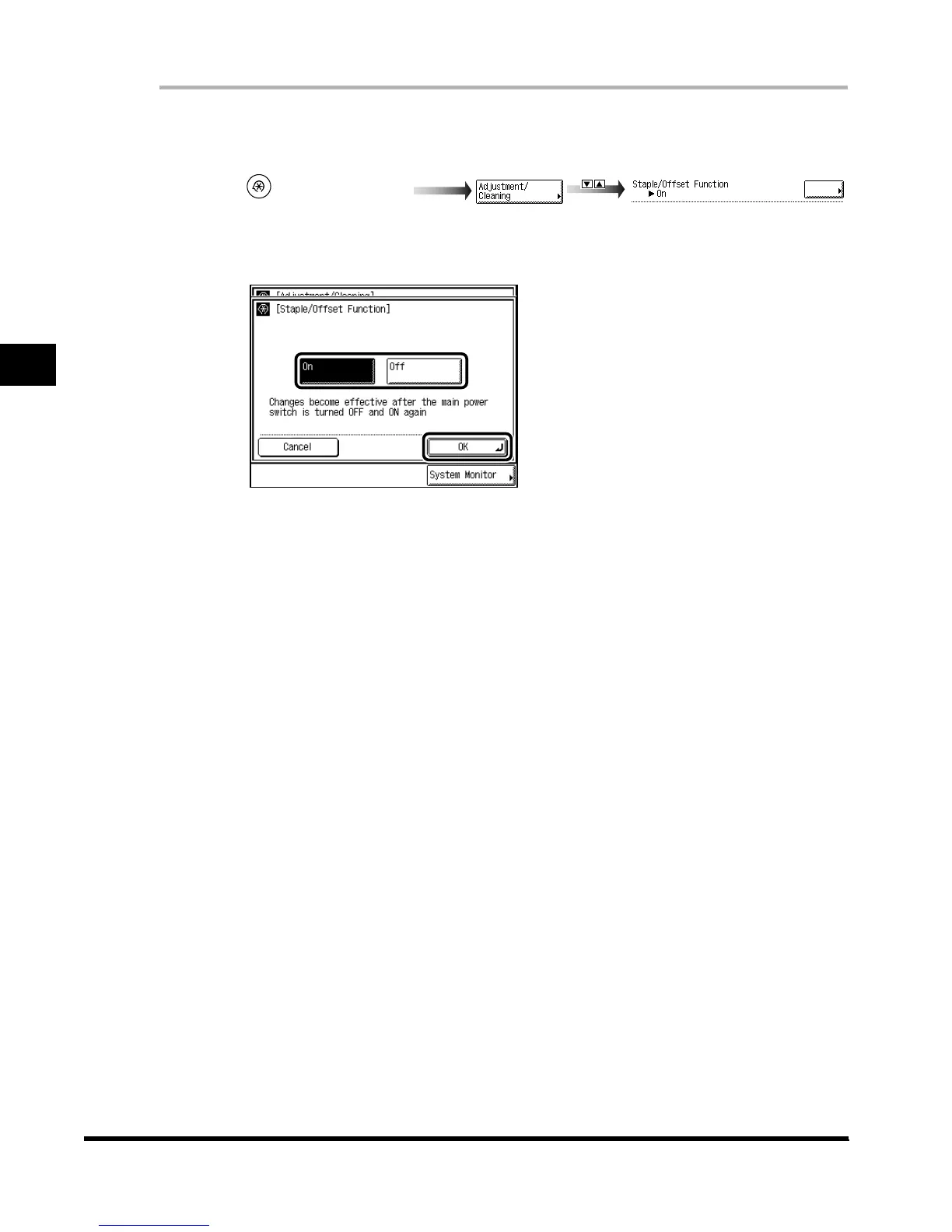
Call up the desired screen as follows:
2
Select “On” or “Off,” and press “OK.”
To disable Staple/Offset, press “Off.”
To enable Staple/Offset, press “On.”
3
Press “Done.”
Repeat this procedure.
The specified mode is set and the display returns to the Basic Features screen.
4
Turn the main power switch off. Allow at least 3 seconds, before
turning the main power switch back on.
(Additional Functions)
Exposure
E1L_US_U_.book-INDEX Page 42 Wednesday, May 23, 2001 11:40 PM












 To Next Page