Service Call Message
6-31
Troubleshooting
6
Service Call Message
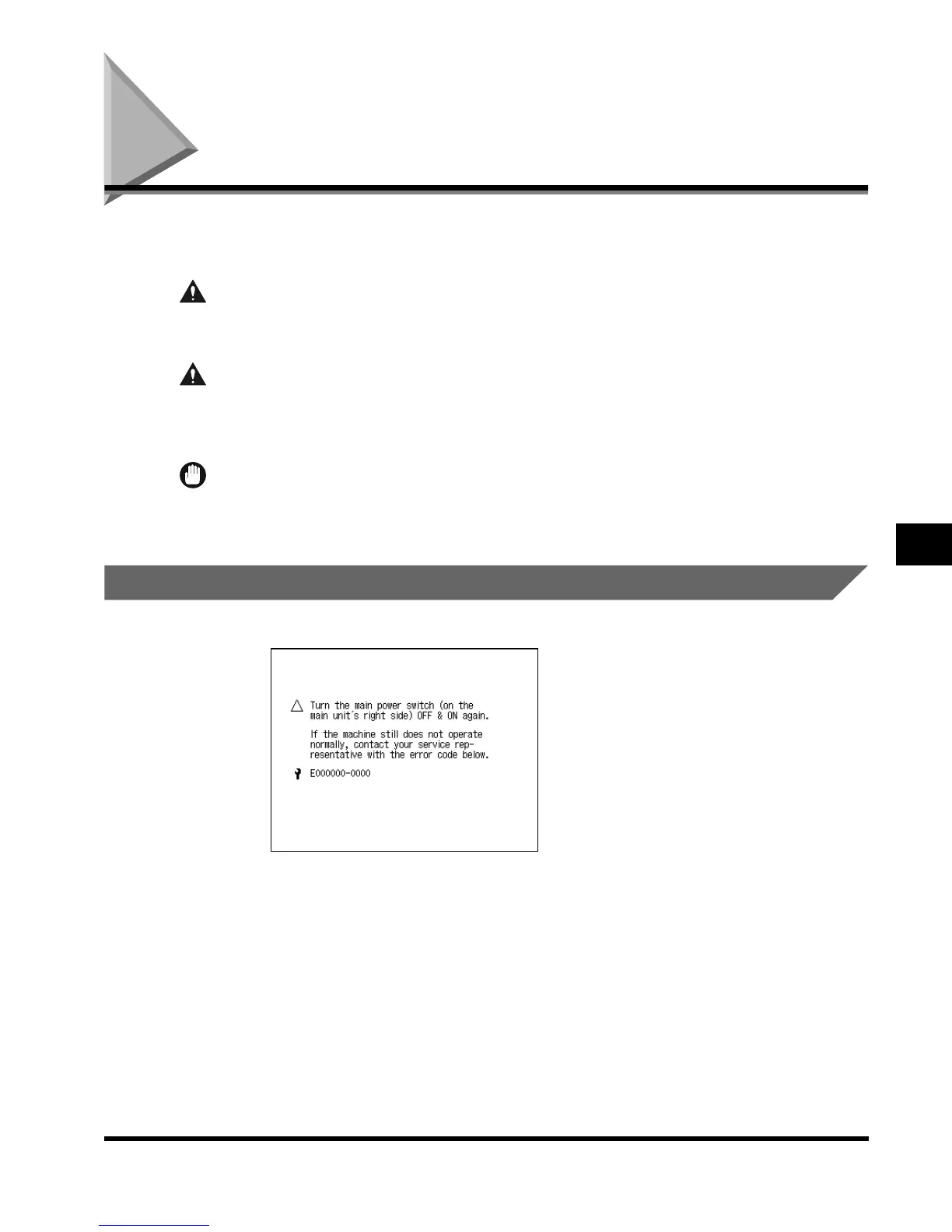
If a malfunction occurs and the machine cannot operate normally, the message below (the
service call message) appears on the touch panel display.
WARNING
• Do not insert or unplug the power plug with wet hands, as this may result in electrical
shock.
CAUTION
• Always grasp the plug portion when unplugging the power cord. Pulling on the power
cord may expose or snap the core wire, or otherwise damage the power cord. If the cord is
damaged, this could cause an electrical leak and result in a fire or electrical shock.
IMPORTANT
•
If you turn the main power switch OFF when there is a reserved print job, that job is erased.
To Contact Your Service Representative
If this message appears, follow the procedure described below.
E1L_US_U_.book-INDEX Page 31 Wednesday, May 23, 2001 11:40 PM












 To Next Page