3
Setting the Timer (Timer Settings)
3-33
Selecting and Storing Settings to Suit your Needs
3
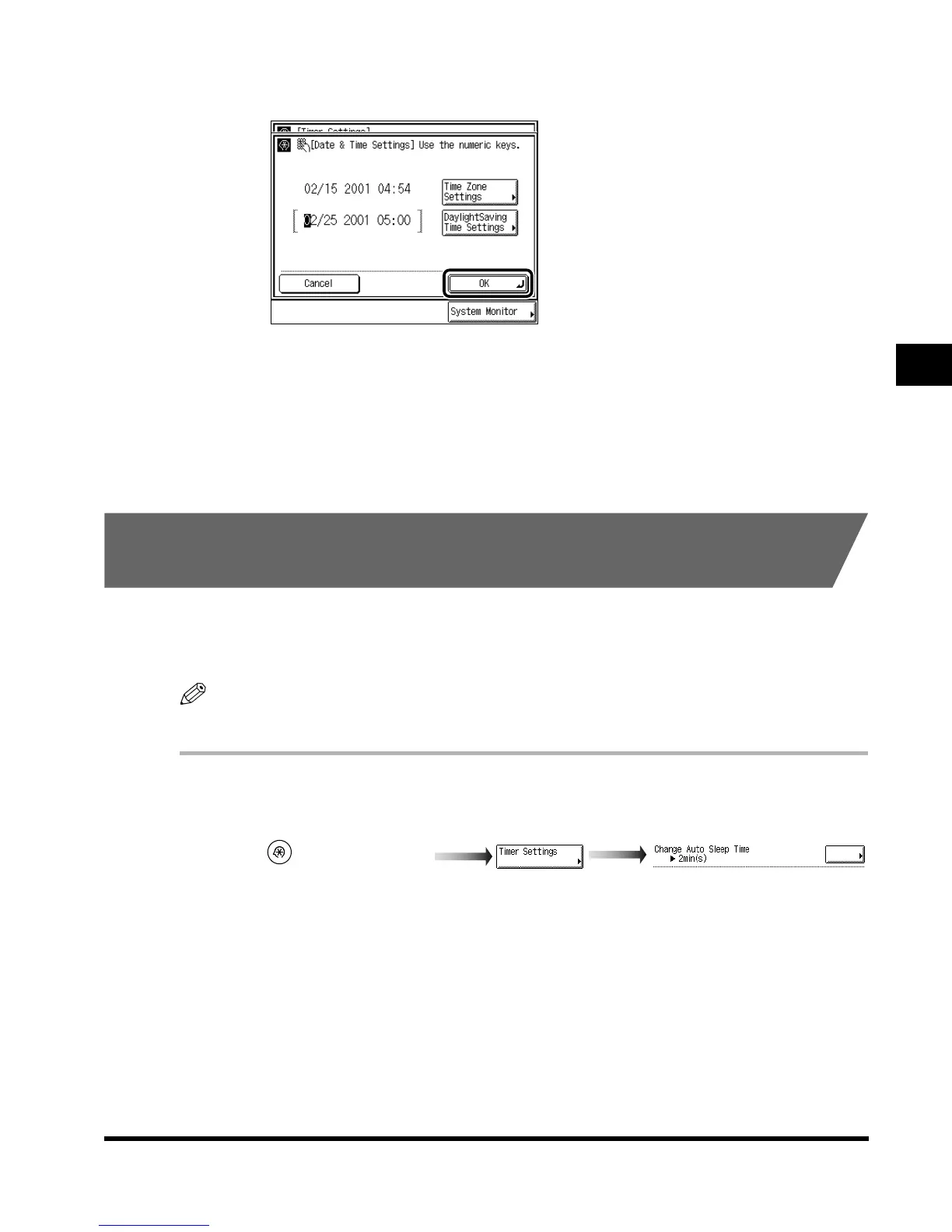
Press “OK.”
4
Press “Done.”
Repeat this procedure.
The specified mode is set and the display returns to the Basic Features screen.
Setting the Time Taken to Initiate Auto Sleep After
Finishing Operations
If the machine is not operated (no keys are pressed) for a certain period of time, the control
panel power switch automatically switches OFF to save power. The machine then enters the
Sleep mode.
NOTE
• The default setting is “2 minutes.”
1
Call up the desired screen as follows:
(Additional Functions)
Change Auto Sleep Time
E1L_US_U_.book-INDEX Page 33 Wednesday, May 23, 2001 11:40 PM












 To Next Page