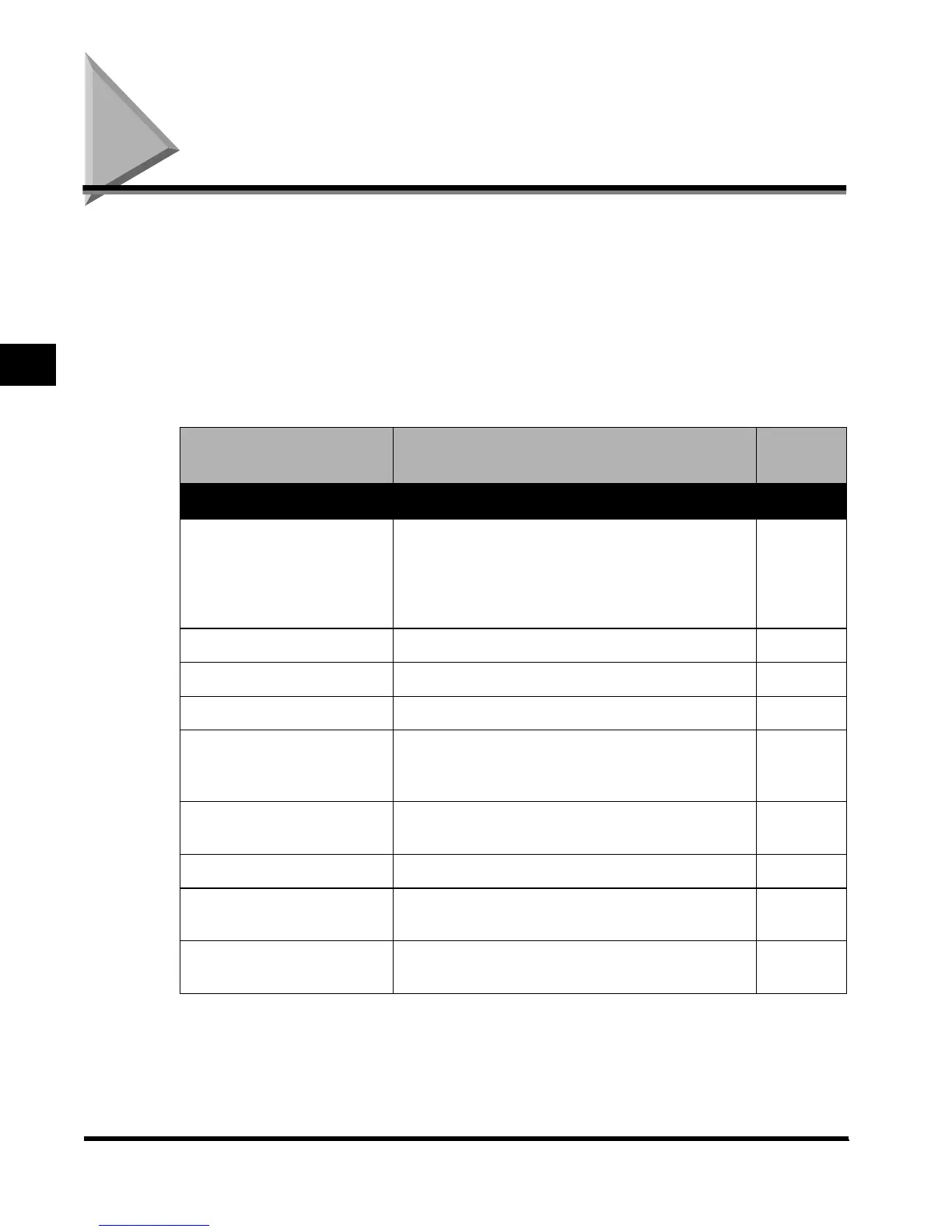
Additional Functions Settings Table
3-2
Selecting and Storing Settings to Suit your Needs
3
Additional Functions Settings Table
The following settings can be selected or stored from the Additional Functions screen.
(*Indicates the factory default setting.) For more information, consult the following guides:
Copy Settings ..........................................................The Copying Guide
Custom Fax Settings,
Communication Settings in System Settings...........The Facsimile Guide
Mail Box Settings.....................................................The Mail Box Function Guide
Printer Settings........................................................The PS/PCL Printer Guide
Network Settings in System Settings.......................The Network Guide
Remote UI On/Off in System Settings.....................The Remote UI Guide
Additional Function Available settings
Applicabl
e page
Common Settings
Initial Function
Copy*/Mail Box/Fax
Set “System Monitor Screen” as initial function:
On/Off*
Set “Device” as the default for “System Monitor”:
On*/Off
P.3-8
Auto Clear Setting Initial Function*/Selected Function P.3-10
Audible Tones Entry Tone/Error Tone/Job Done Tone (All On*/Off) P.3-11
Inch Entry On*/Off P.3-12
Drawer Eligibility For APS/
ADS
Copy/Printer/Mail Box/Other (Fax) (Stack bypass:
On/ Off*, Drawers: On*/Off)
Copy: Consider Paper Type: On/Off*
P.3-13
Store Paper Type
Plain*/Recycled/Color/Tracing Paper/Letterhead/
Bond/3-Hole Punch
P.3-15
Function Keys Wake Up On/Off* P.3-17
Energy Consumption in Sleep
Mode
Low*/High P.3-18
LTRR/STMT Original
Selection
Distinguish Manually/Use LTRR Format*/Use STMT
Format
P.3-19
E1L_US_U_.book-INDEX Page 2 Wednesday, May 23, 2001 11:40 PM












 To Next Page