3
Setting Specifications That Are Common to Each Function (Common Settings)
3-17
Selecting and Storing Settings to Suit your Needs
4
Press “Done.”
Repeat this procedure.
The specified mode is set and the display returns to the Basic Features screen.
NOTE
•
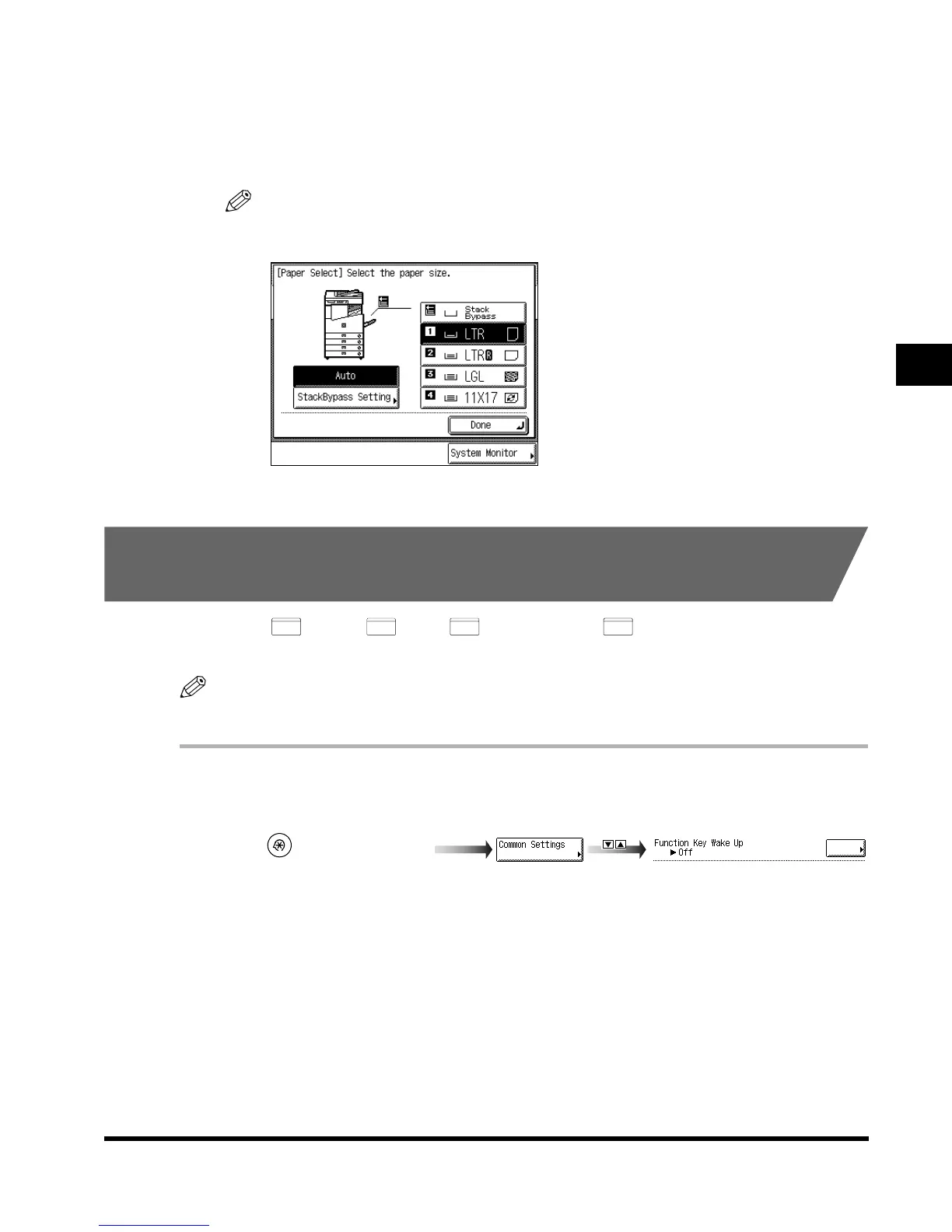
The paper types stored here are displayed when selecting paper in each mode, as shown
below.
Setting the Functions Keys as Keys to Reactivate the
Machine
You can set (Copy), (Fax), (Mail Box), and (Scan) as the keys to
reactivate the machine from the Sleep mode.
NOTE
• The default setting is “Off.”
1
Call up the desired screen as follows:
COPY
FAX
MAIL BOX
SCAN
(Additional Functions)
Function Key Wake Up
E1L_US_U_.book-INDEX Page 17 Wednesday, May 23, 2001 11:40 PM












 To Next Page