1
Placing Originals
1-41
Before You Start Using This Machine
Placing an Original on the Platen Glass
You should use the platen glass when scanning books and other bound originals, heavy or
lightweight paper originals, transparencies, etc., into memory.
NOTE
•
The machine automatically detects the size of following originals: 11" x 17", LGL, LTR, LTRR, and
STMTR.
1
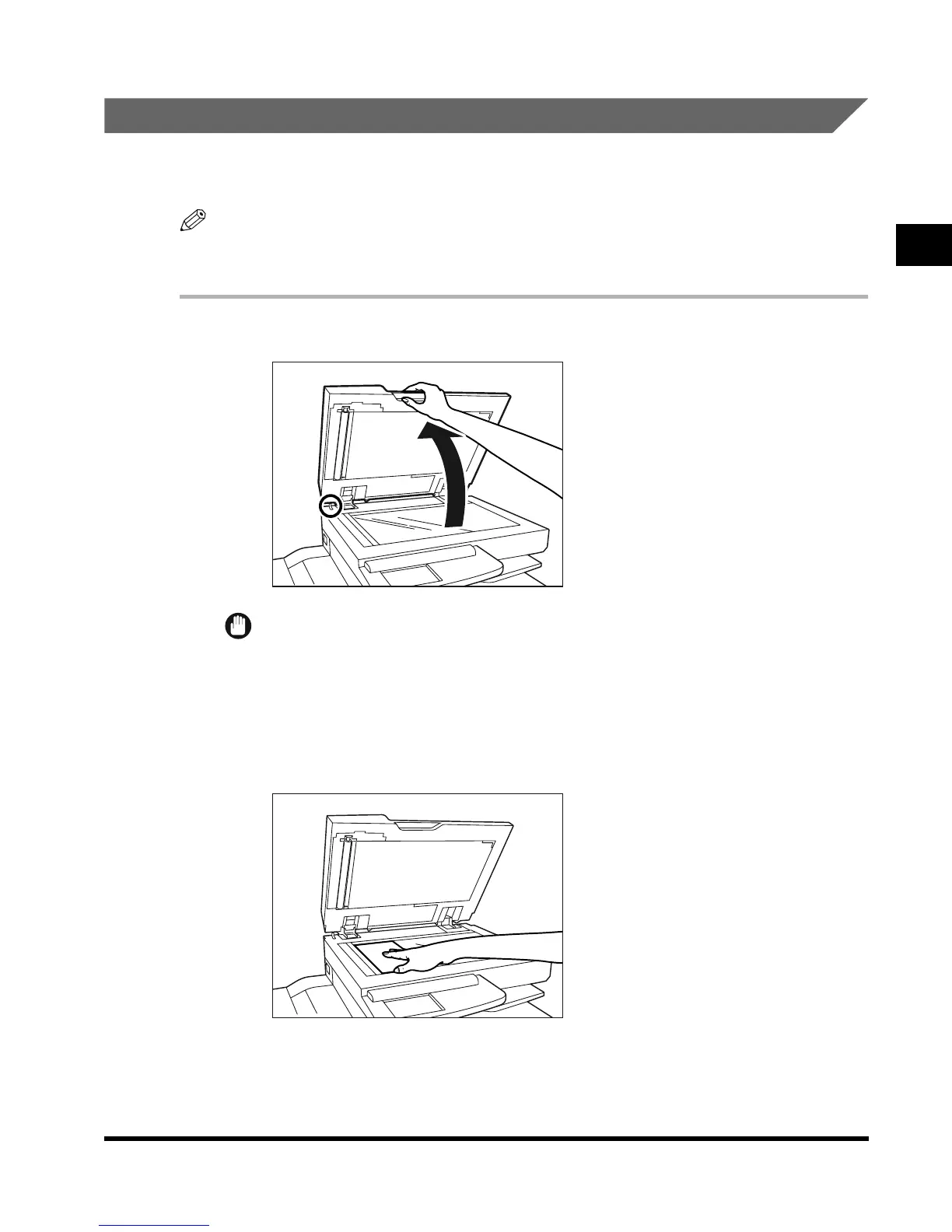
Lift up the feeder/platen glass cover.
IMPORTANT
• This machine is equipped with an open/close sensor of the feeder/platen glass cover.
When placing originals on the platen glass, lift the feeder/platen glass cover about 11-7/8"
(30cm). If the sensor does not detach from the feeder, the size of originals may not be
detected correctly.
2
Place your original.
E1L_US_U_.book-INDEX Page 41 Wednesday, May 23, 2001 11:40 PM












 To Next Page