7
Finisher-J1
7-43
Handling Options
7
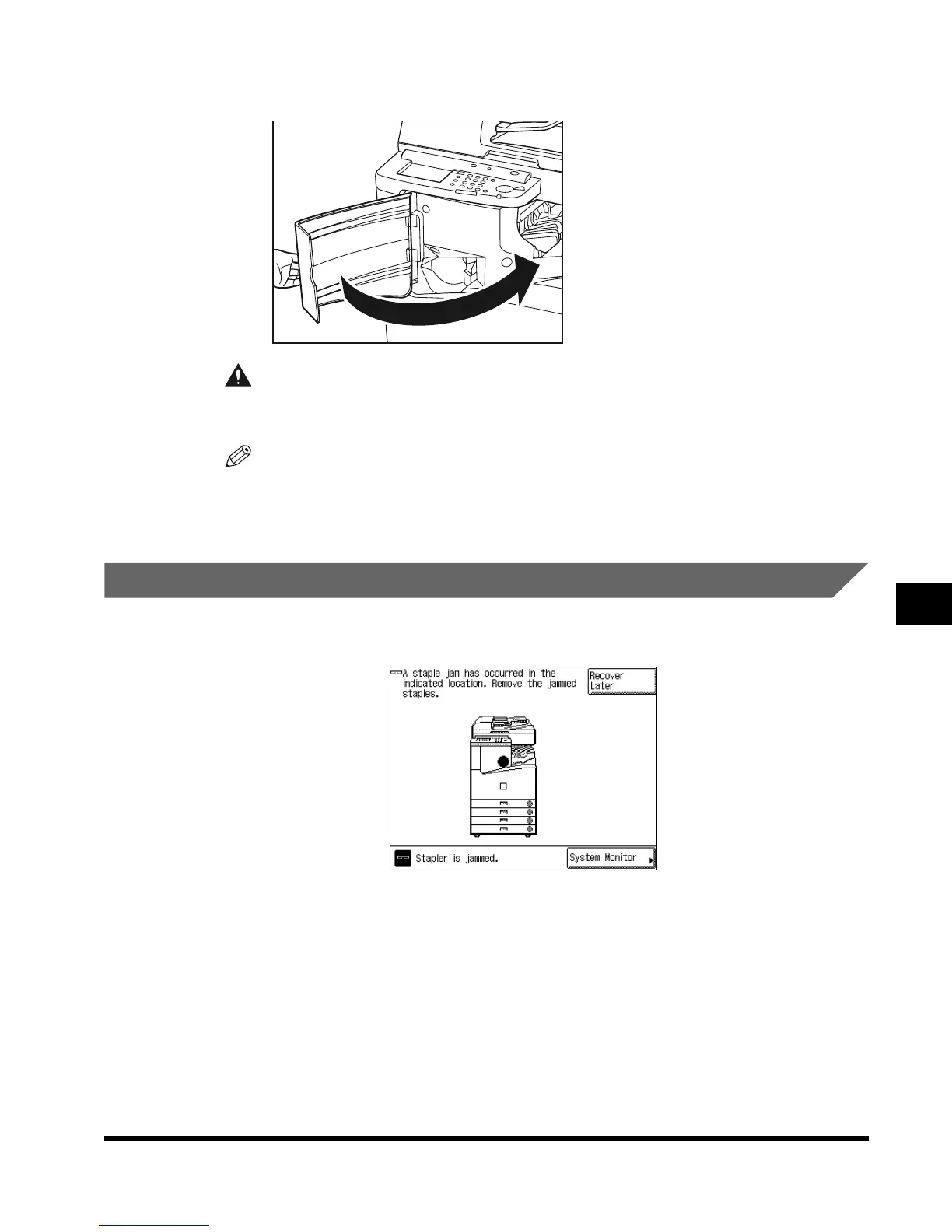
Close the front cover of the finisher.
CAUTION
• When closing the cover, be careful not to get your fingers caught, as this may result
in personal injury.
NOTE
•
When you close the cover, the stapler unit automatically performs a “dry” stapling operation
several times to reposition the staples.
Removing Jammed Staples from the Stapler Unit
If a staple jam occurs, a screen similar to the one shown below appears on the touch panel
display. Follow the procedure described below to remove any jammed staples.
E1L_US_U_.book-INDEX Page 43 Wednesday, May 23, 2001 11:40 PM












 To Next Page