7
Finisher-J1
7-42
Handling Options
4
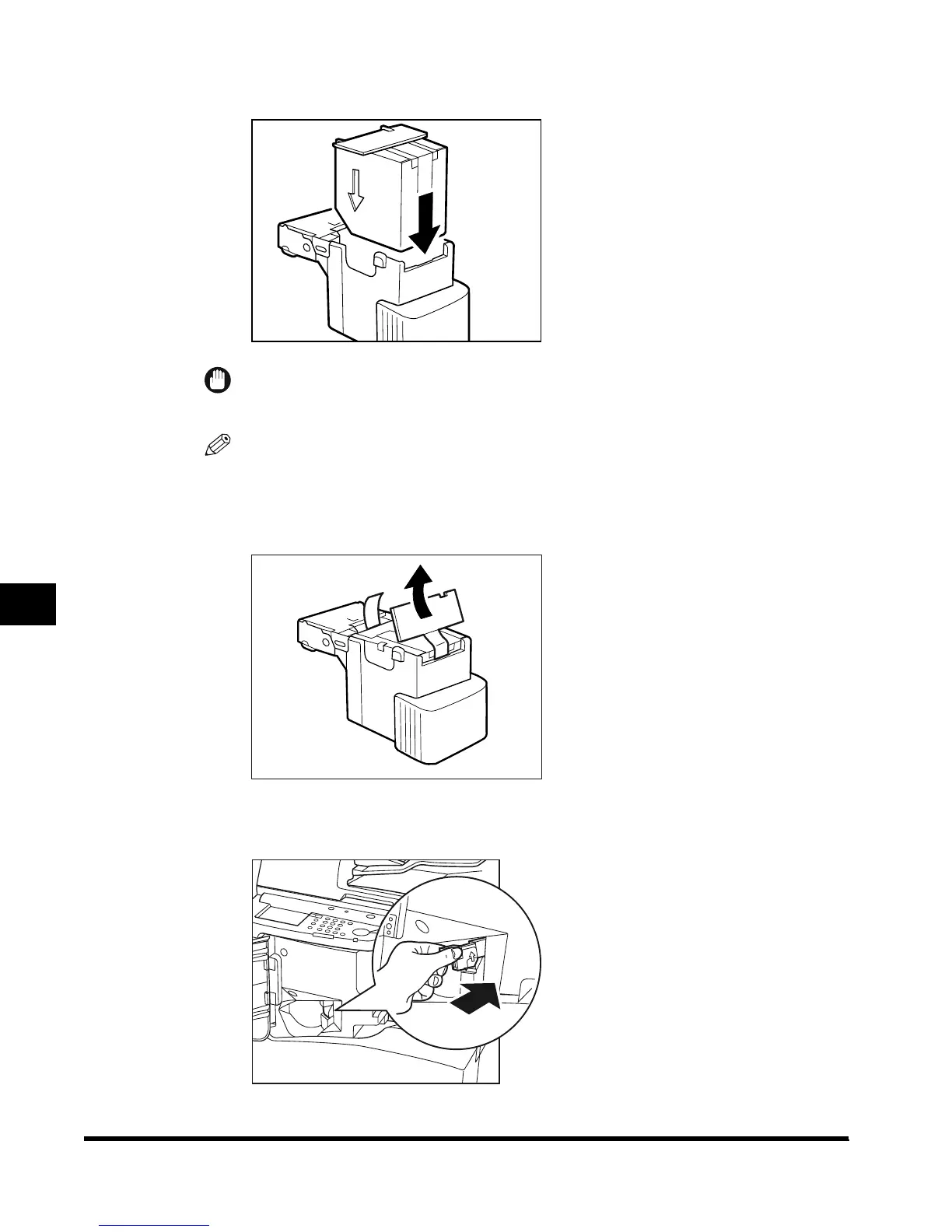
Insert the new staple case.
IMPORTANT
•
Use only the special staple case intended for use with this machine.
NOTE
•
Only one staple case can be inserted at a time.
5
Remove the seal fixing the staples by pulling it straight out.
6
Gently push the staple cartridge back into the finisher.
E1L_US_U_.book-INDEX Page 42 Wednesday, May 23, 2001 11:40 PM












 To Next Page