7
Finisher-J1
7-41
Handling Options
2
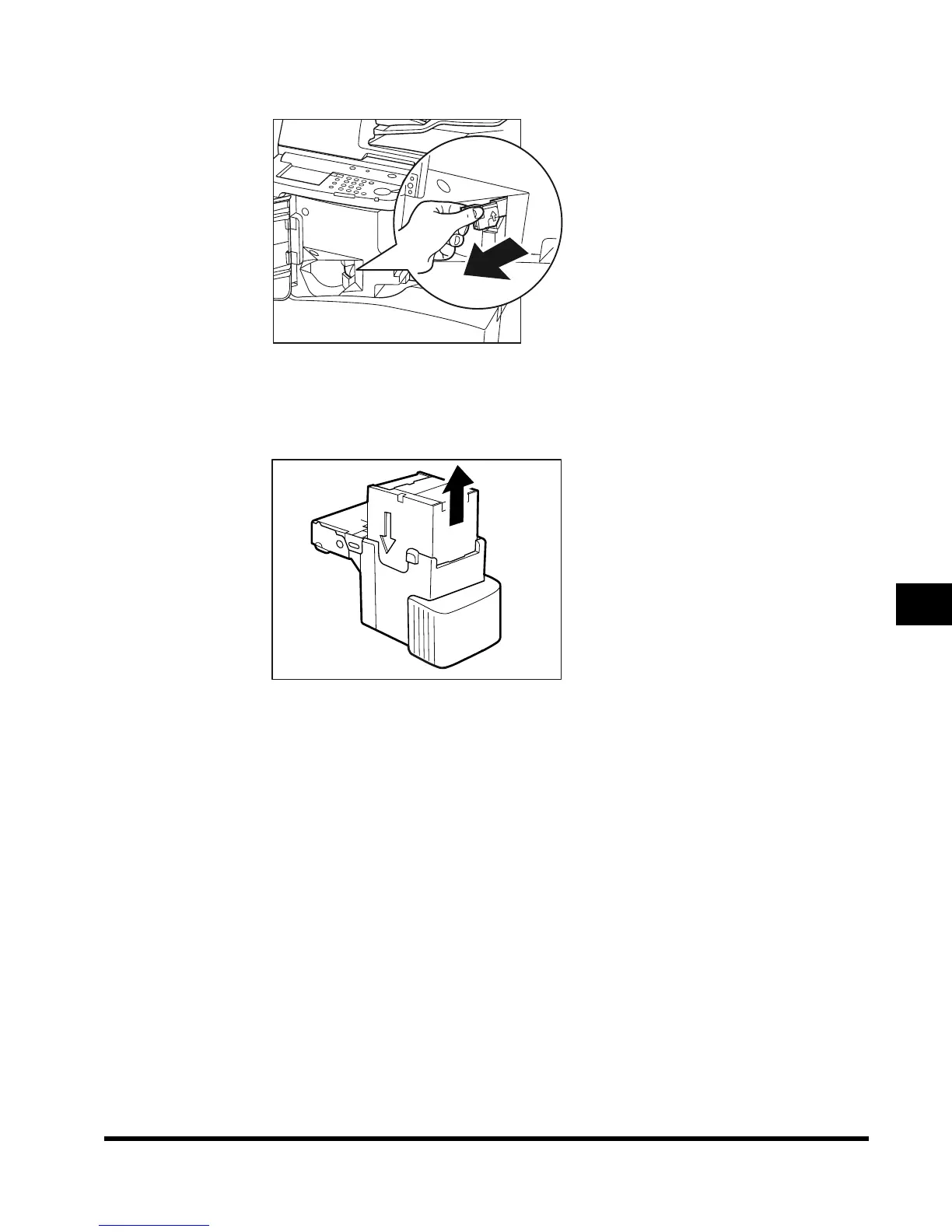
Pull out the staple cartridge, holding it by its left and right sides.
3
Pull out the empty staple case, holding it by its left and right sides.
Place the staple cartridge, as shown below, and pull out the staple case.
E1L_US_U_.book-INDEX Page 41 Wednesday, May 23, 2001 11:40 PM












 To Next Page