7
Finisher-J1
7-40
Handling Options
8
Follow the instructions in the touch panel display.
NOTE
•
For details of the screen indicating how to remove the paper jam, see ‘Screen Shown When
There Is a Paper Jam,’ on p. 6-2.
Replacing the Staple Case in the Stapler Unit
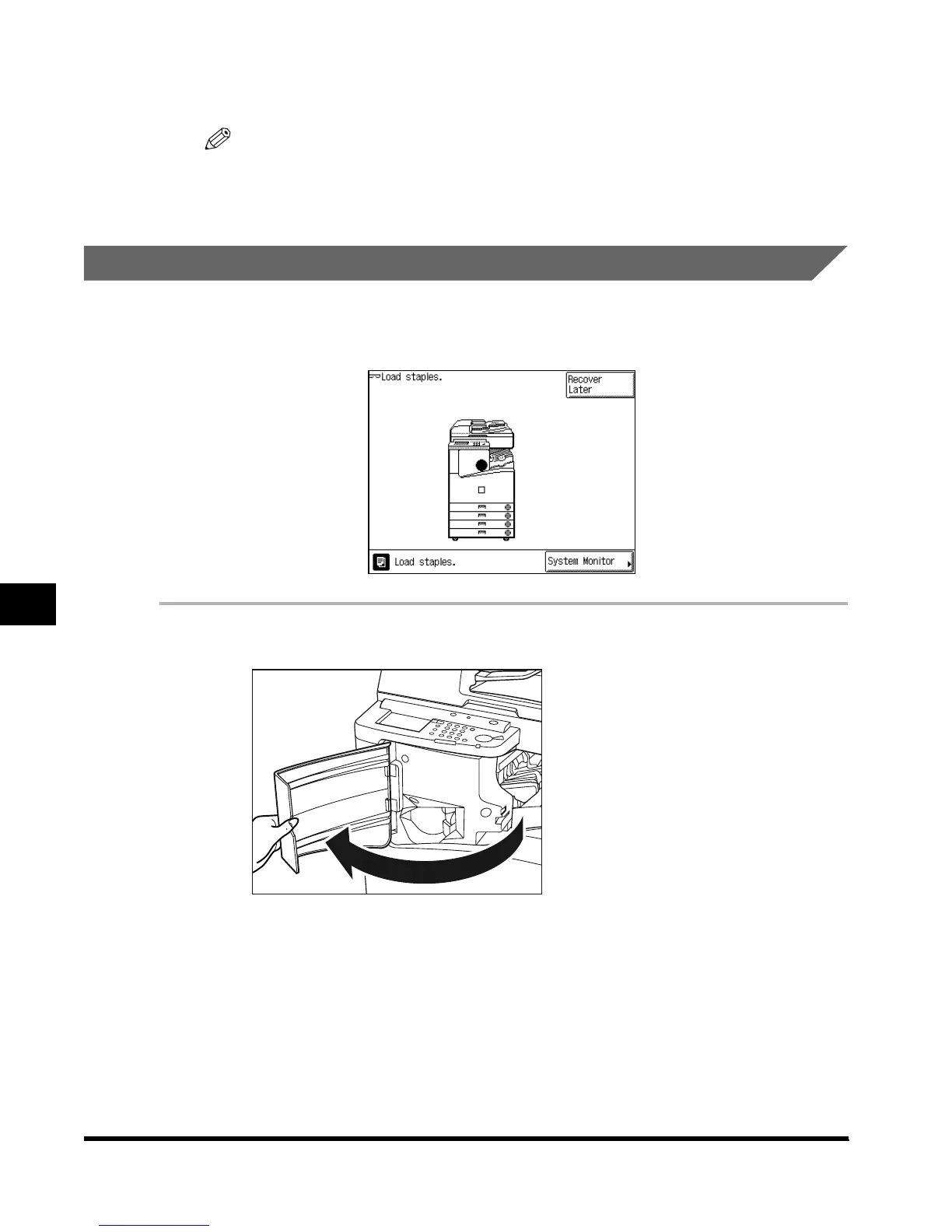
When the finisher is almost out of staples and the staple case must be replaced, a display
similar to the one shown below appears on the touch panel display. Follow the procedure
described below to replace the staple case.
1
Open the front cover of the finisher.
E1L_US_U_.book-INDEX Page 40 Wednesday, May 23, 2001 11:40 PM












 To Next Page