Frequently Occurring Paper Jams
6-23
Troubleshooting
6
Frequently Occurring Paper Jams
If paper jams occur frequently, even though the machine seems to be in proper working
order, follow the procedure below to clean the static charge eliminator.
NOTE
•
If paper jams occur frequently, make sure that the size set on the paper size dial of the drawers
matches the size of the paper loaded in the drawer.
1
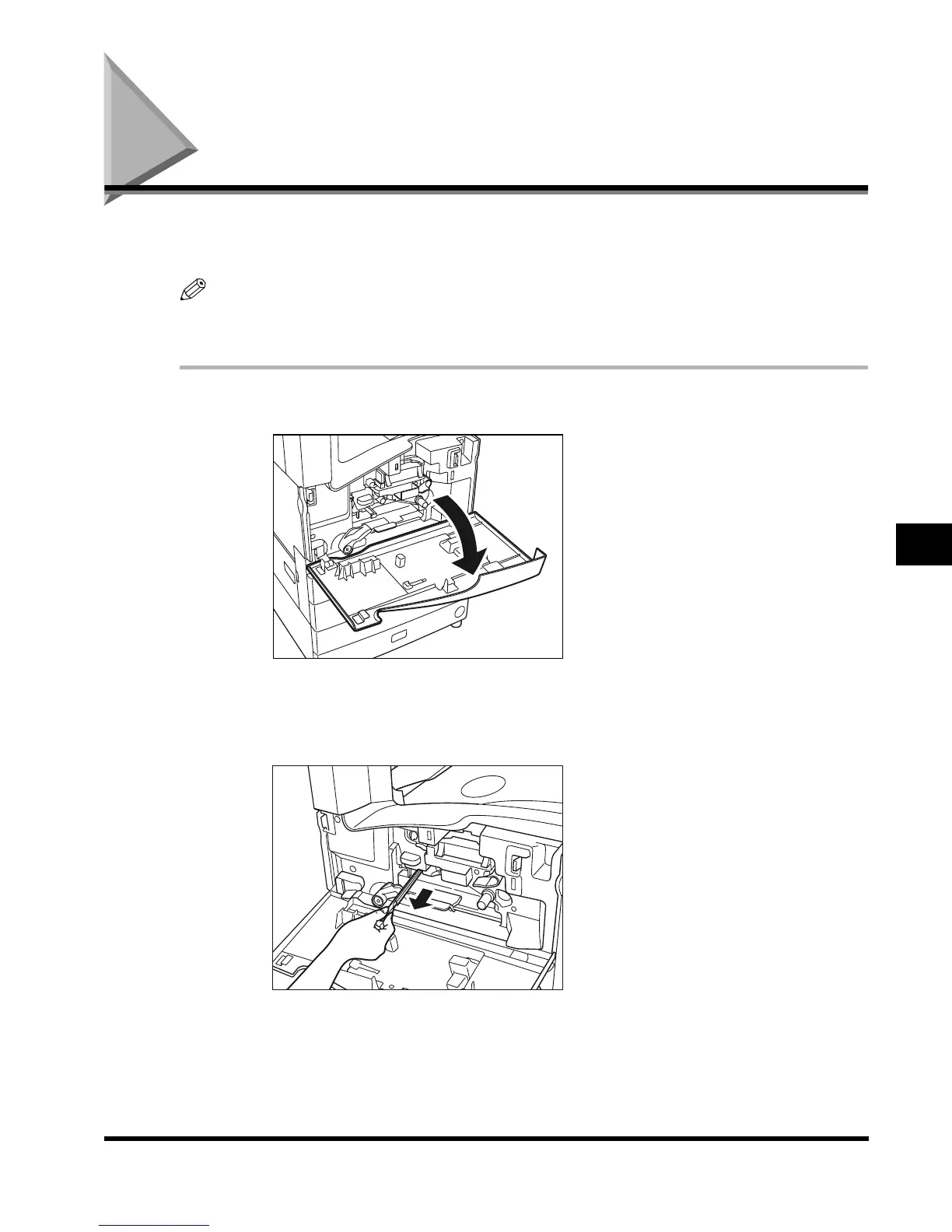
Open the front cover of the main unit.
2
Grasp the static charge eliminator by its knob, pulling it slowly
towards you.
E1L_US_U_.book-INDEX Page 23 Wednesday, May 23, 2001 11:40 PM












 To Next Page