6
Clearing Paper Jams
6-16
Troubleshooting
Clearing Paper Jams in the Stack Bypass
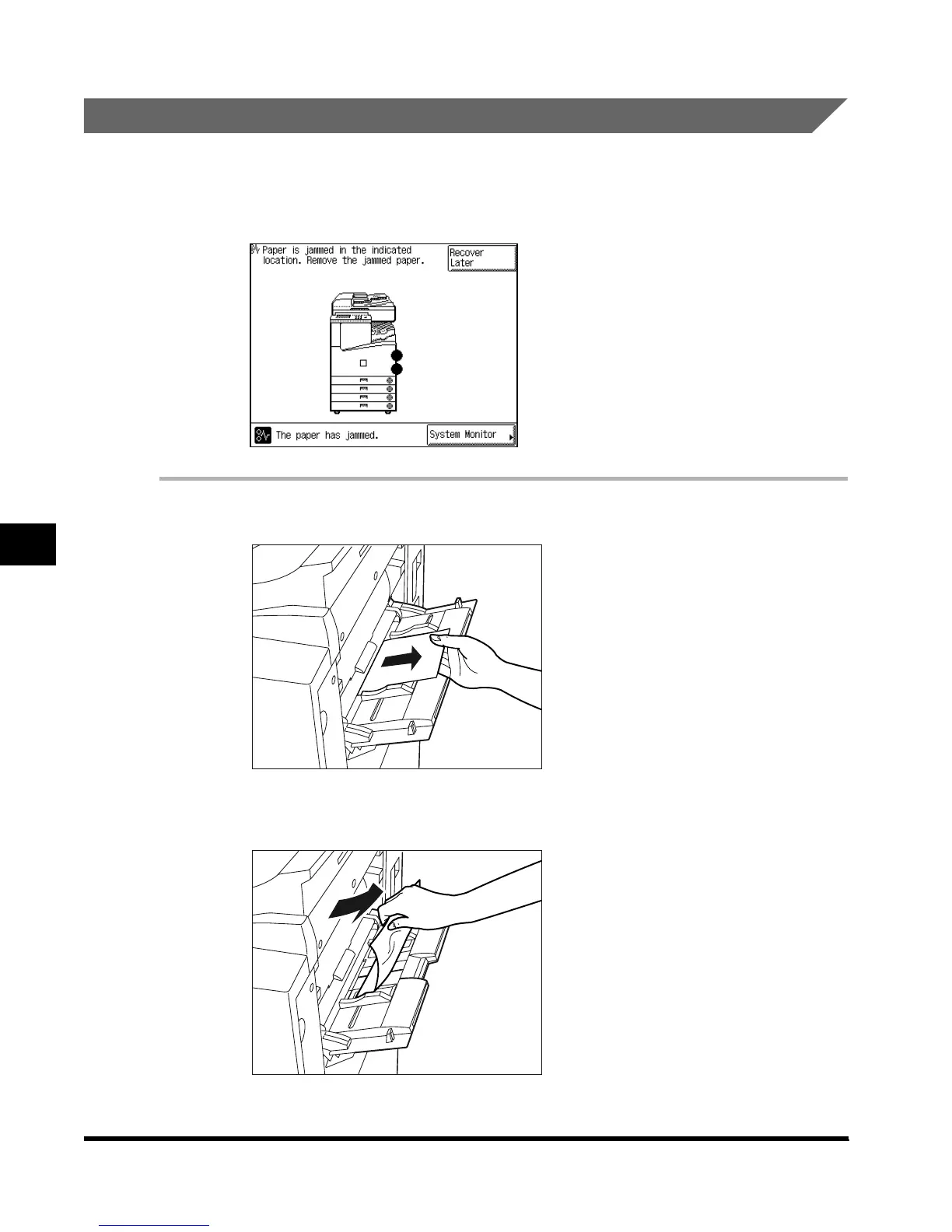
If a paper jam occurs in the stack bypass, a screen similar to the one shown below appears
on the touch panel display. Check where the jam occurred, and follow the procedure
described below and the procedure that appears on the touch panel display, to remove the
jammed paper.
1
Remove all paper from the stack bypass.
2
Remove any jammed paper.
E1L_US_U_.book-INDEX Page 16 Wednesday, May 23, 2001 11:40 PM












 To Next Page