7
Saddle Finisher-G1/Puncher Unit-K1
7-63
Handling Options
NOTE
•
When you close the cover, the stapler unit automatically performs a “dry” stapling operation
several times to reposition the staples.
Replacing the Staple Case in the Stapler Unit
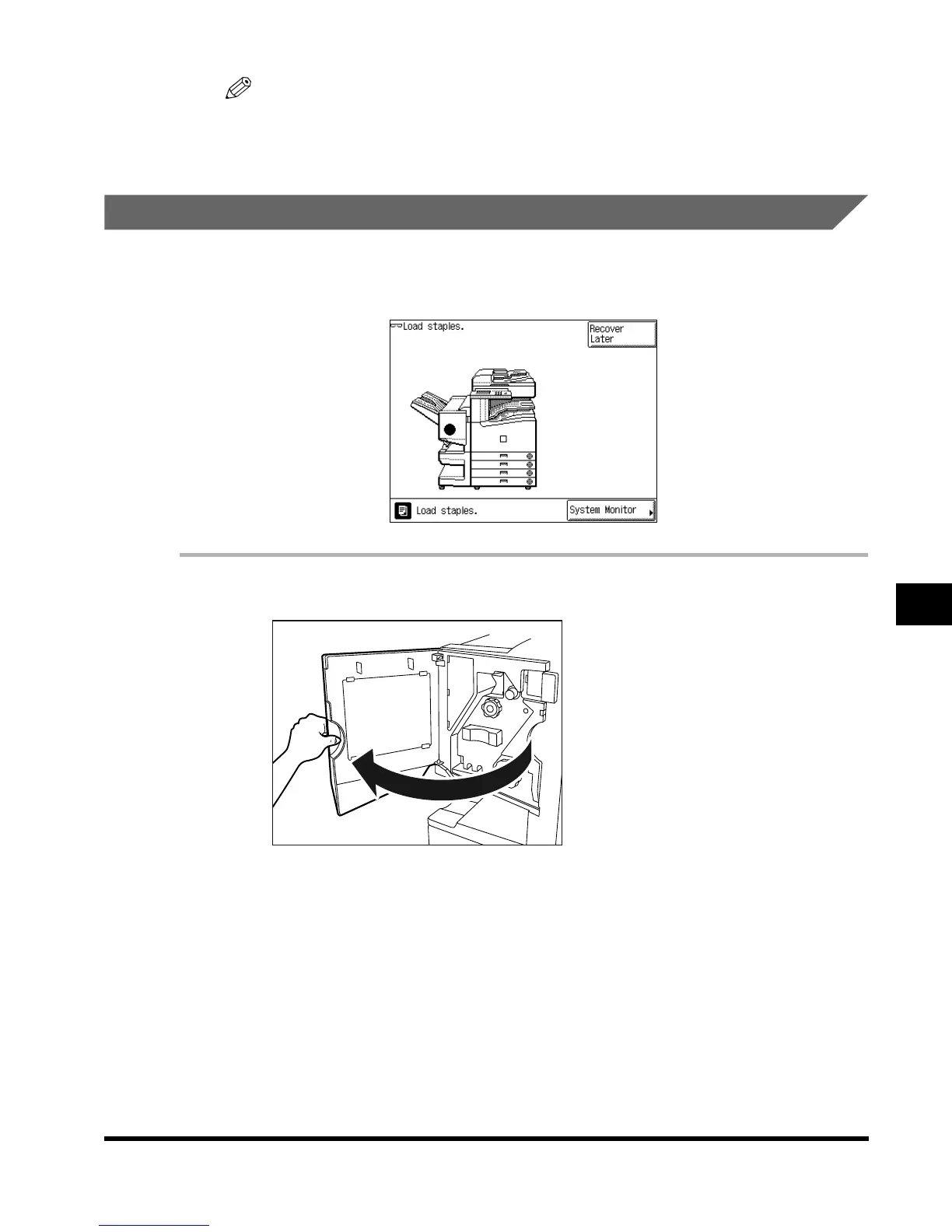
When the finisher is almost out of staples and the staple case must be replaced, a display
similar to the one shown below appears on the touch panel display. Follow the procedure
described below to replace the staple case.
1
Open the front cover of the finisher.
E1L_US_U_.book-INDEX Page 63 Wednesday, May 23, 2001 11:40 PM












 To Next Page