7
Saddle Finisher-G1/Puncher Unit-K1
7-62
Handling Options
10
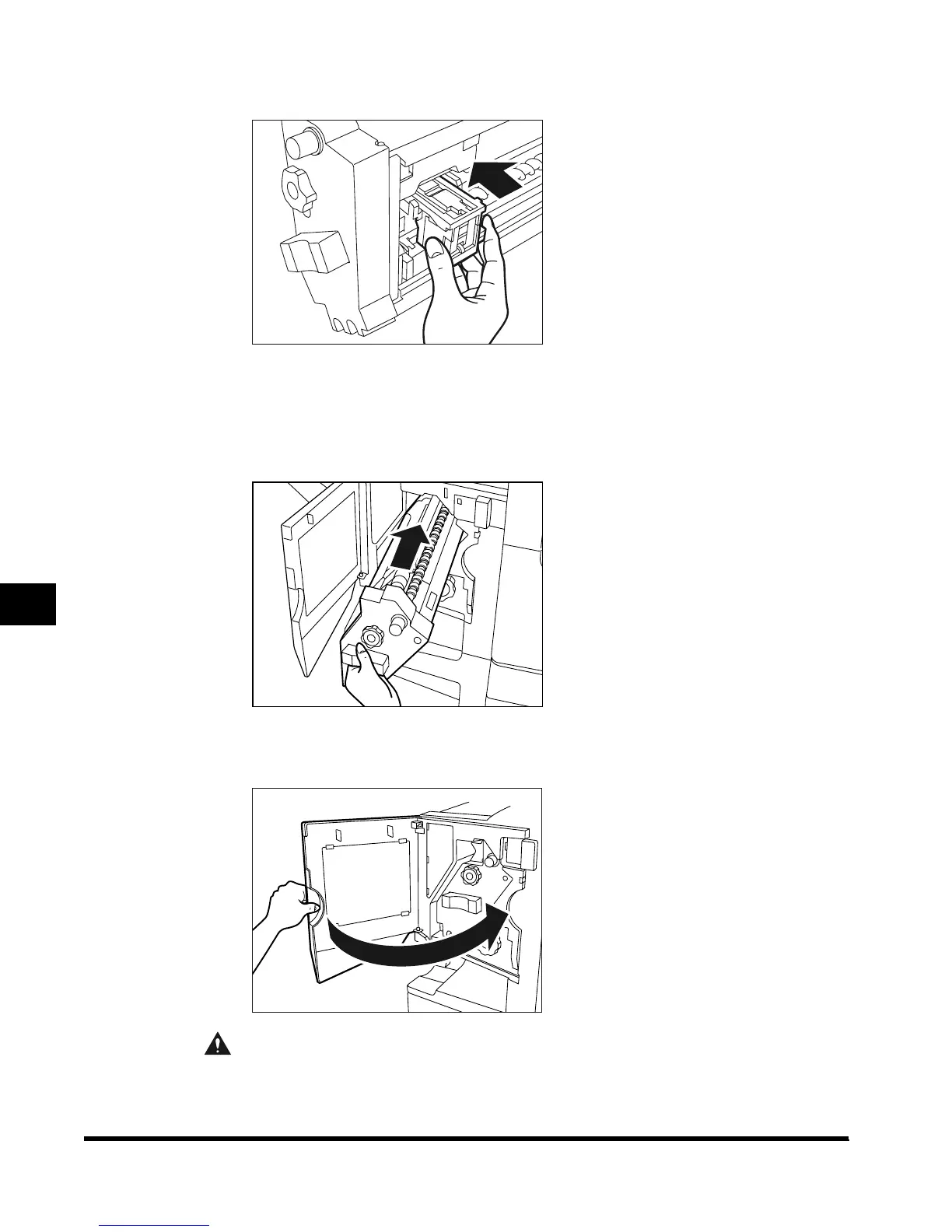
Push the staple cartridge back into the finisher.
11
Make sure that the staple cartridge is firmly secured, and return the
stapler unit to its original position.
Push the staple unit back until it is firmly secured.
12
Close the front cover of the finisher.
CAUTION
• When closing the cover, be careful not to get your fingers caught, as this may result
in personal injury.
E1L_US_U_.book-INDEX Page 62 Wednesday, May 23, 2001 11:40 PM












 To Next Page