7
Saddle Finisher-G1/Puncher Unit-K1
7-61
Handling Options
7
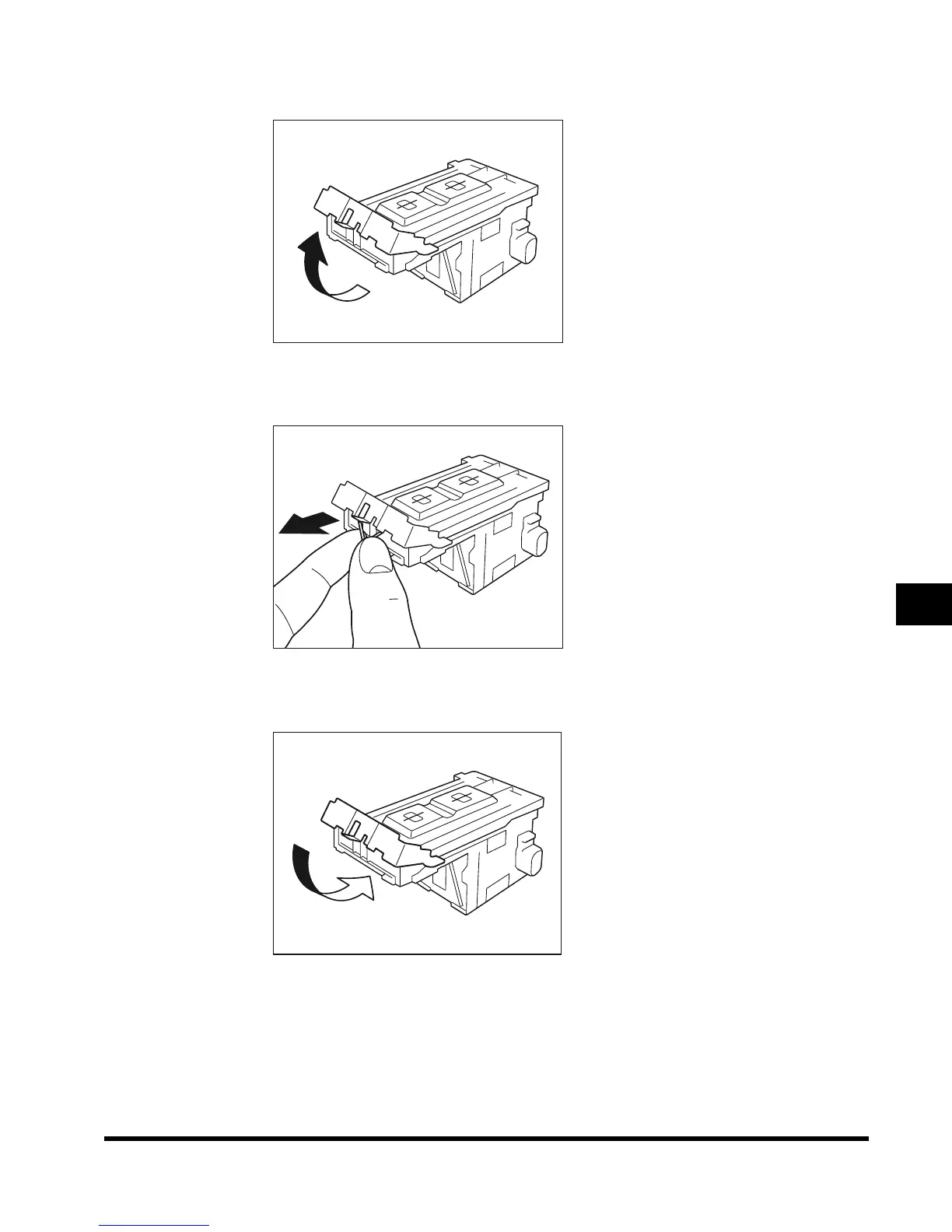
Pull up the knob of the staple cartridge.
8
Remove all of the staples that slide from the staple case.
9
Return the knob of the staple cartridge to its original position.
E1L_US_U_.book-INDEX Page 61 Wednesday, May 23, 2001 11:40 PM












 To Next Page