4
Setting the Department ID Management
4-15
System Manager Settings
7
Press “Done.”
Repeat this procedure.
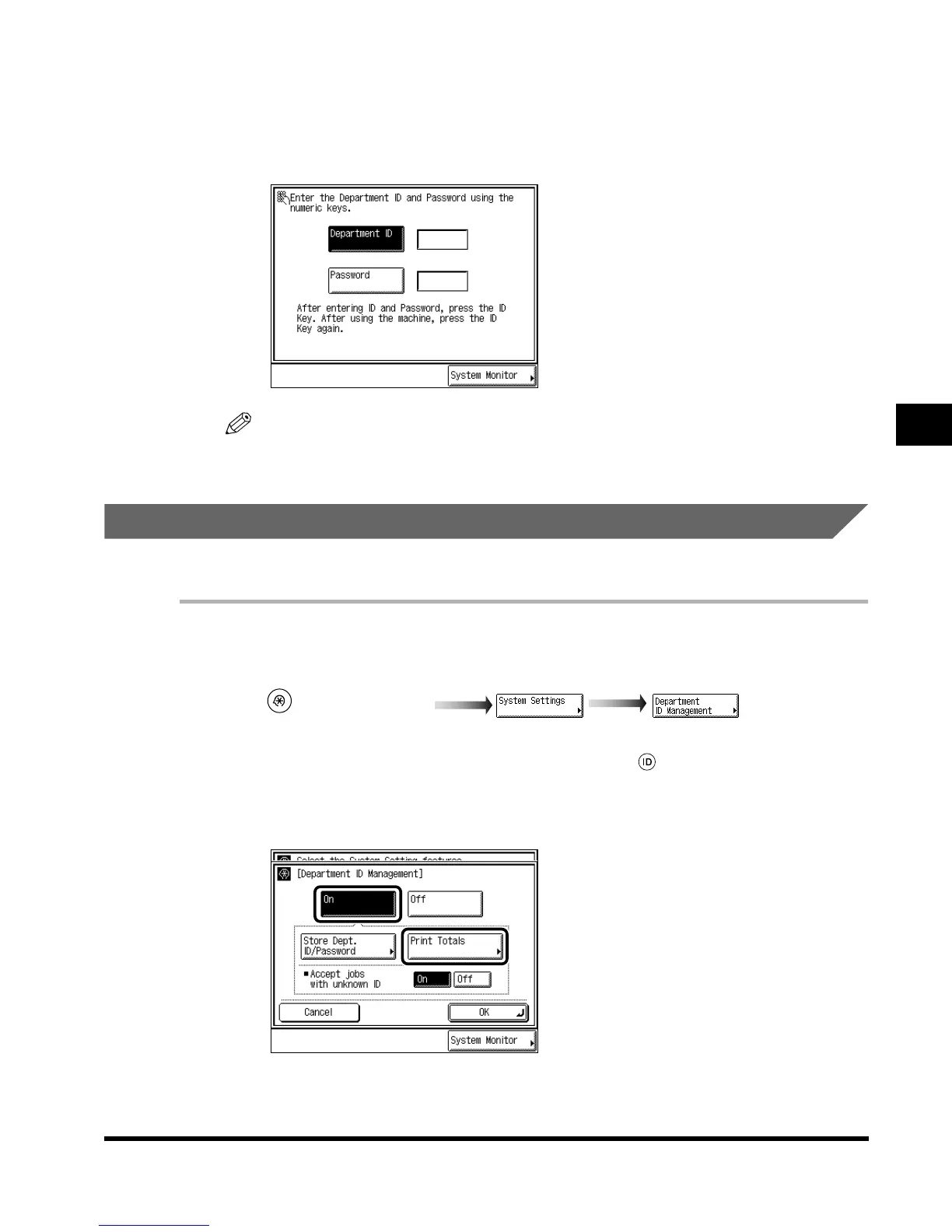
When the screen below appears, enter the Department ID and Password.
NOTE
•
For details of how to enter the Department ID and Password, see ‘Entering the Department ID
and Password,’ on p. 1-36.
Checking and Printing Counter Information
You can display and print a list of the paper count for each department.
1
Call up the desired screen as follows:
When the System Manager ID/Password is set, enter the System Manager ID and System
Password after pressing “System Settings.” Then, press (ID).
2
Select “On,” and press “Print Totals.”
(Additional Functions)
E1L_US_U_.book-INDEX Page 15 Wednesday, May 23, 2001 11:40 PM












 To Next Page