Priority Printing
2-12
Checking Job and Device Status
2
Priority Printing
When you set priority printing for a job, the machine starts printing the job once the currently
printing document is completed.
1
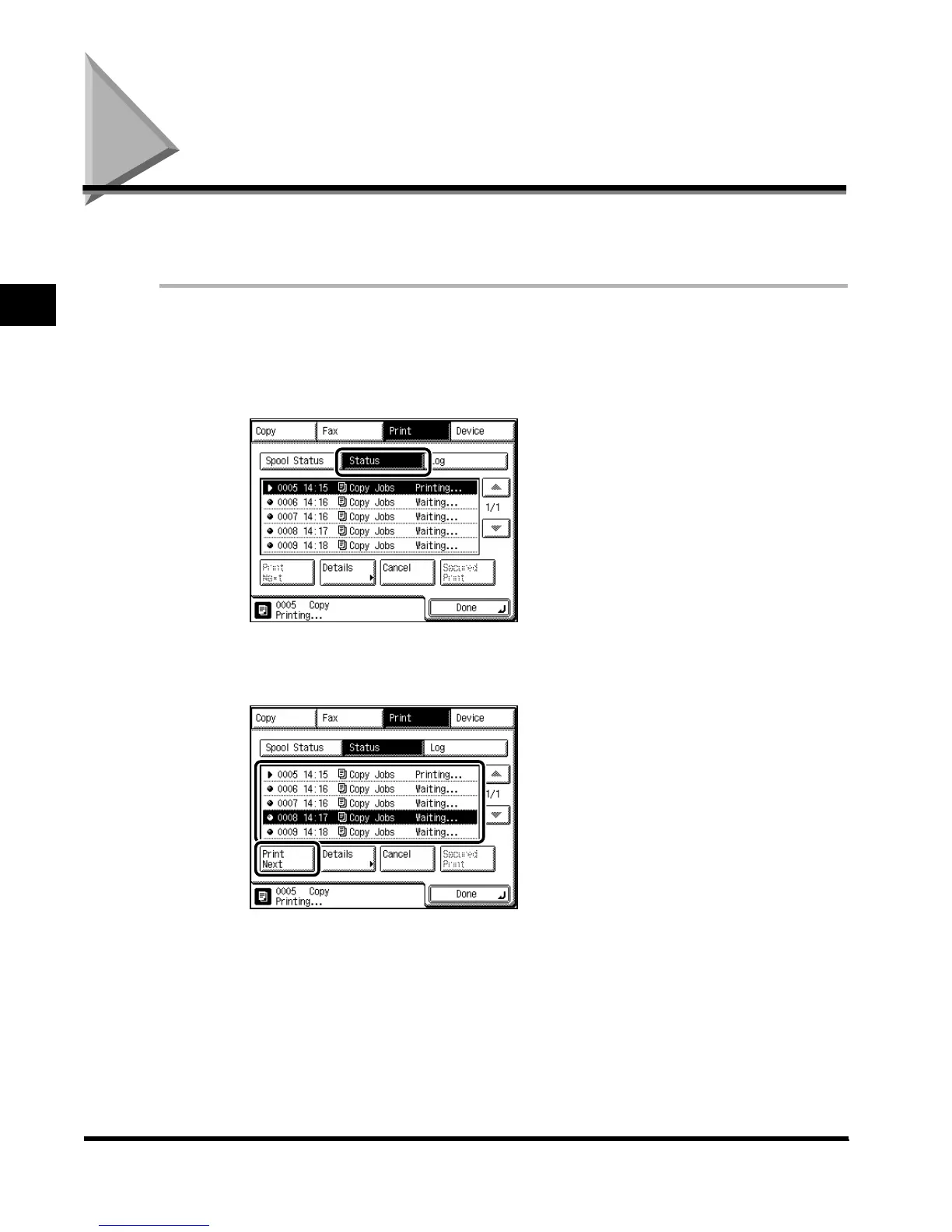
Press “System Monitor,” and press “Print.”
2
Press “Status.”
3
Select the document for priority printing, and press “Print Next.”
4
Press “Done.”
The display returns to the Basic Features screen.
E1L_US_U_.book-INDEX Page 12 Wednesday, May 23, 2001 11:40 PM












 To Next Page