Checking the Counter
1-22
Before You Start Using This Machine
1
Checking the Counter
You can check counter totals of copy, and print jobs.
1
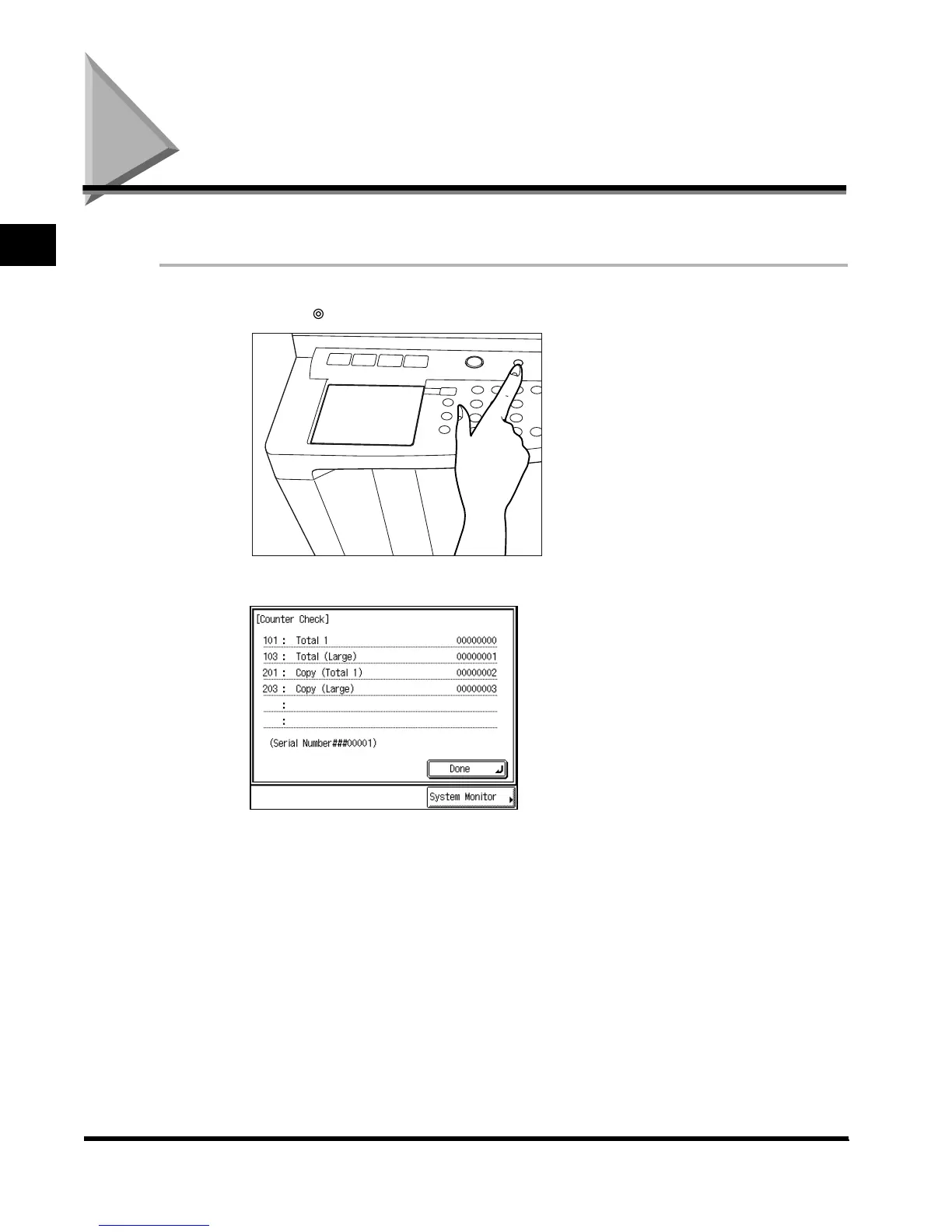
Press (Counter Check) on the control panel.
The counter totals are shown in the touch panel display.
Counter Check
E1L_US_U_.book-INDEX Page 22 Wednesday, May 23, 2001 11:40 PM












 To Next Page