5
Routine Cleaning
5-20
Routine Maintenance
9
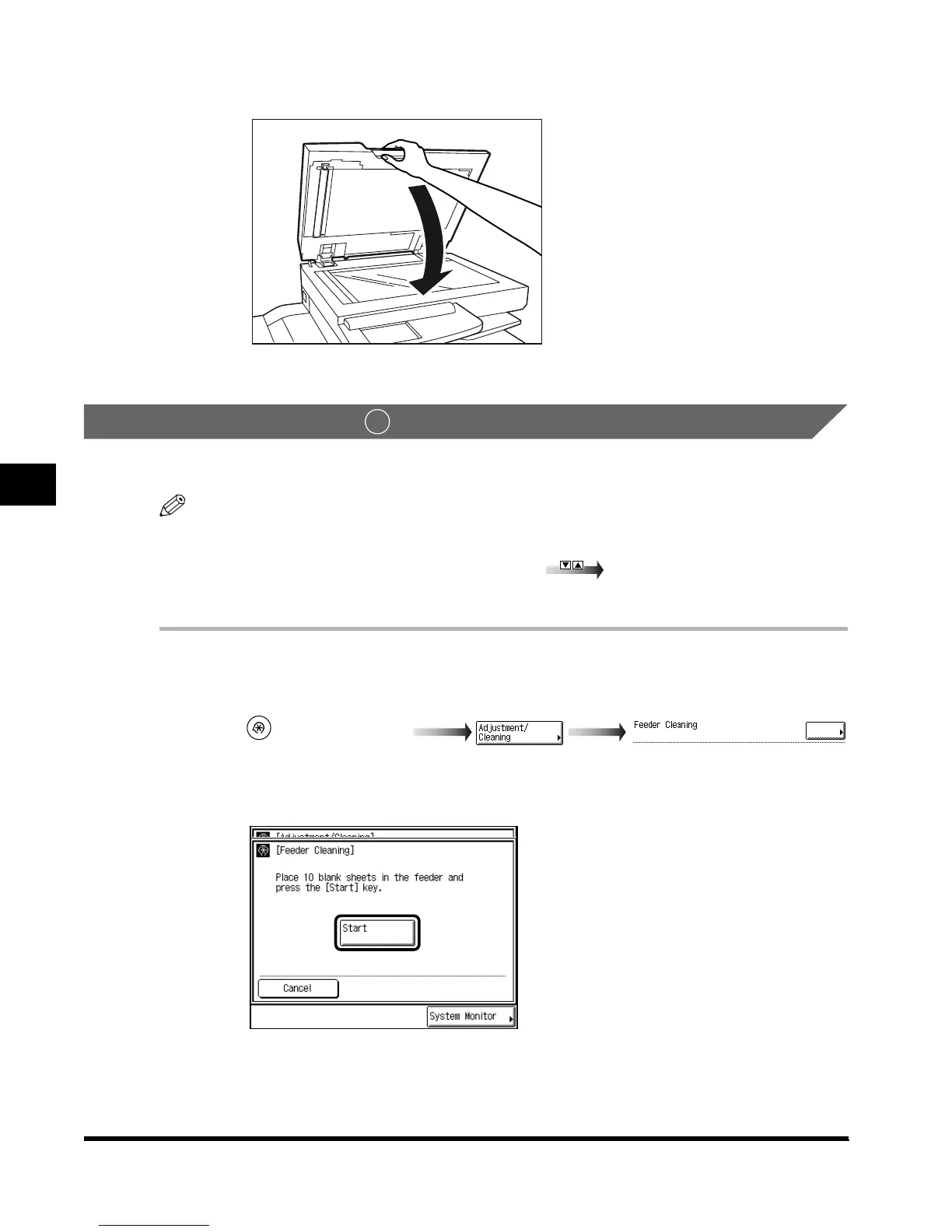
Close the feeder.
Cleaning the Feeder
You can also clean the roller by repeatedly feeding blank paper sheets through the feeder.
NOTE
•
“Adjustment/Cleaning” is made up of several screens. Select the desired item by pressing “
▼
” or
“
▲
.”
•
When “
▼
” or “
▲
” shoud be pressed, the indications is displayed in this manual.
• It takes about 20 seconds to clean the feeder.
1
Call up the desired screen as follows:
2
Place 10 blank paper sheets in the feeder, and press “Start.”
To cancel the feeder cleaning, press “Cancel.”
2
(Additional Functions)
E1L_US_U_.book-INDEX Page 20 Wednesday, May 23, 2001 11:40 PM












 To Next Page