6
Service Call Message
6-32
Troubleshooting
1
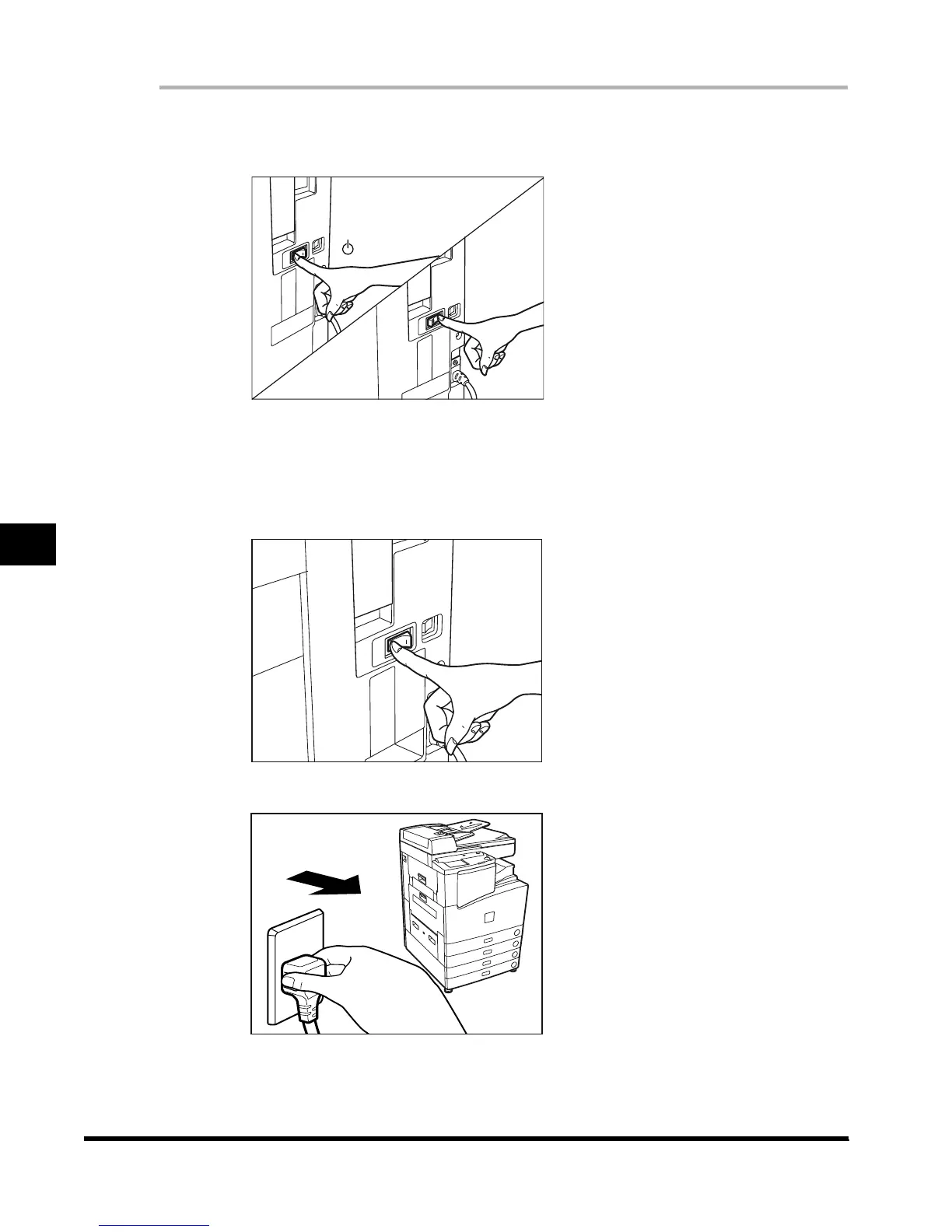
Turn the main power switch off. Allow at least three seconds before
turning the main power switch back on.
2
If the machine still does not operate normally, follow the procedure
below, and contact your service representative.
Turn off the main power.
Disconnect the power plug.
OFF
( side)
ON
(
I
side)
E1L_US_U_.book-INDEX Page 32 Wednesday, May 23, 2001 11:40 PM












 To Next Page