3
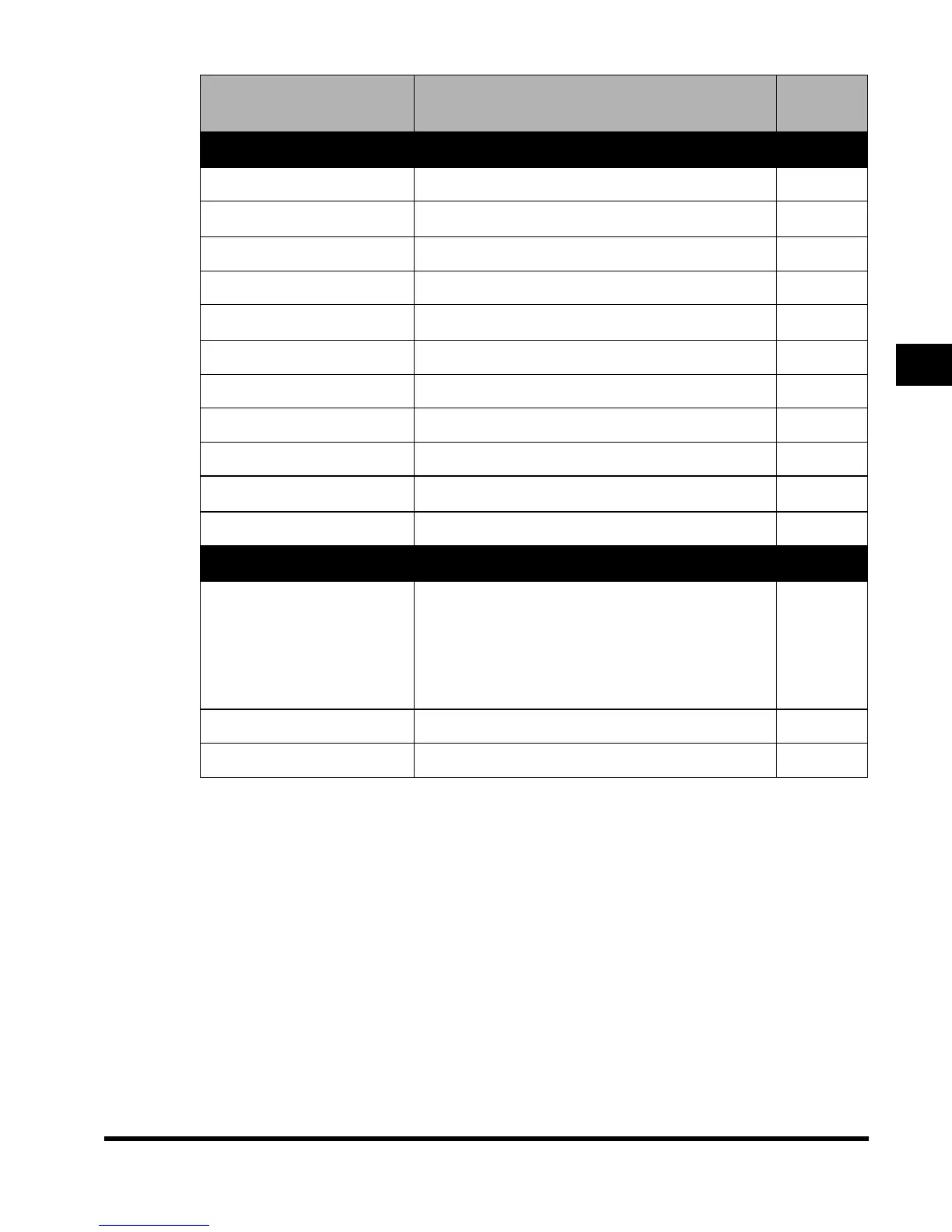
Additional Functions Settings Table
3-7
Selecting and Storing Settings to Suit your Needs
Additional Function Available settings
Applicabl
e
page
Custom Fax Settings
Stamp Document Direct & Memory TX*, Direct TX –
RX Settings
–
ECM RX On*/Off –
Received Page Footer On/Off* –
Printer Settings
–
Select Cassette Switch A-D Each On*, Off –
Receive Reduction On*/Off –
Two-sided Print On/Off* –
2 On 1 Log On/Off* –
File Settings
–
Memory Box Store/Set Confidential, Relay, Batch Sending –
Mail Box Settings
Box Set/Store
Number: 0 to 99
Password: 7 digit number max.
Store Name: 24 characters max.
Doc. Auto Erase: 1, 2, 3, 6, 12 hours, 1, 2, 3*, 7, 30
days, 0 (no limit)
Initialize
–
Photo Mode On/Off* –
Standard Scan Settings Store, Initialize –
E1L_US_U_.book-INDEX Page 7 Wednesday, May 23, 2001 11:40 PM












 To Next Page