3
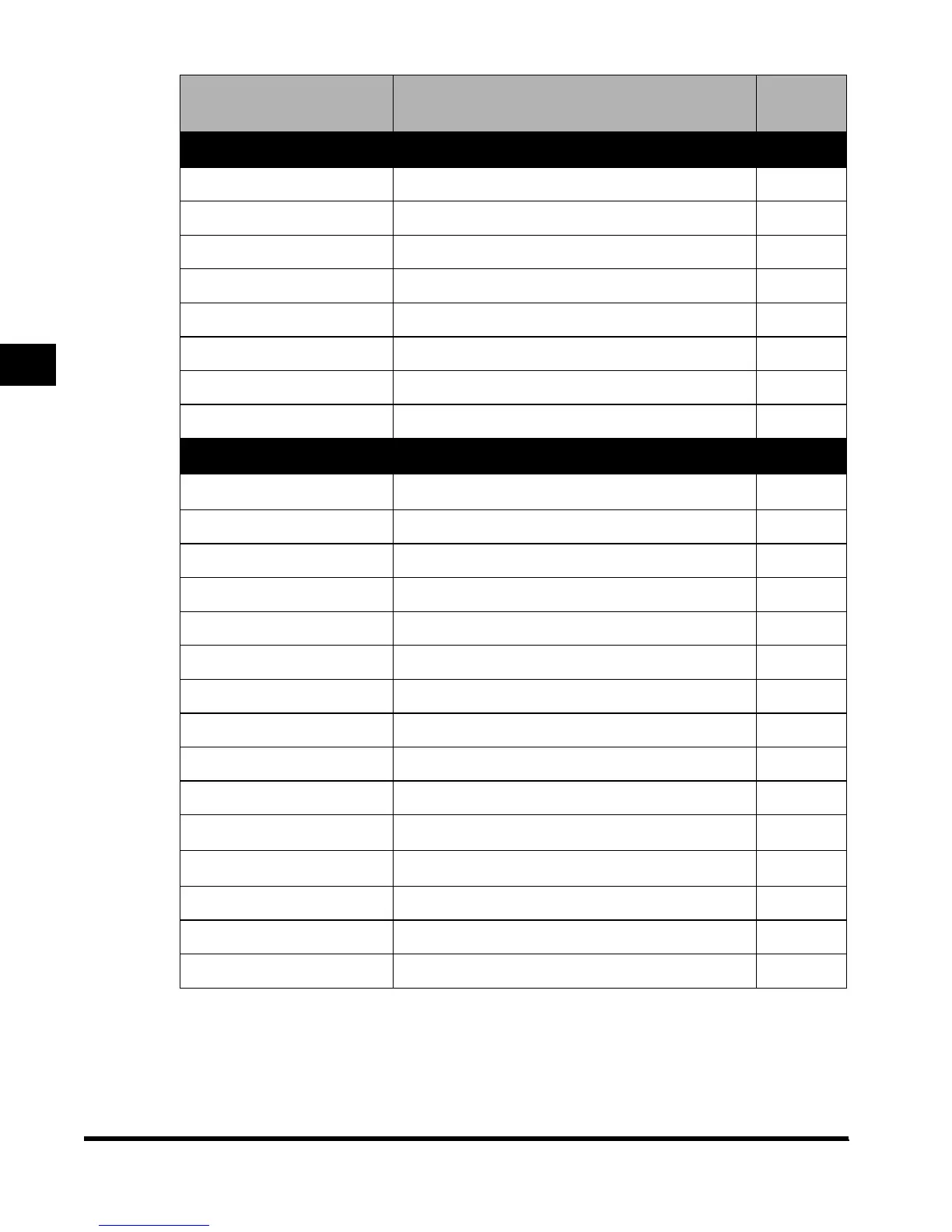
Additional Functions Settings Table
3-6
Selecting and Storing Settings to Suit your Needs
Additional Function Available settings
Applicabl
e
page
Copy Settings
Standard Key 1, 2 Settings All modes (No setting*) –
Auto Collate On*/Off –
Image Orientation Priority On/Off* –
Job Duration Display On/Off* –
Auto Orientation On*/Off –
Photo Mode On/Off* –
Standard Settings Store, Initialize –
Initialize Copy Settings Initialize –
Custom Fax Settings
User Settings
–
Standard Key Settings All Modes (No settings*) –
Unit telephone # Numerals –
Unit Name Alphanumerics, Symbols –
Sender's Names (TTI) Alphanumerics, Symbols –
TX Terminal ID On*/Off –
Density Control 1 to 9, 5* –
Tel Line Type Pulse, Tone* –
Volume Control 0 to 8, 4* –
Standard Settings Store, Initialize –
Store Destinations
Store –
TX Settings
–
ECM TX On*/Off –
Pause Time 1 to 15 seconds (2 seconds*) –
Auto Redial On*/Off –
E1L_US_U_.book-INDEX Page 6 Wednesday, May 23, 2001 11:40 PM












 To Next Page