2
Handling Print Jobs Sent from a Computer
2-14
Checking Job and Device Status
4
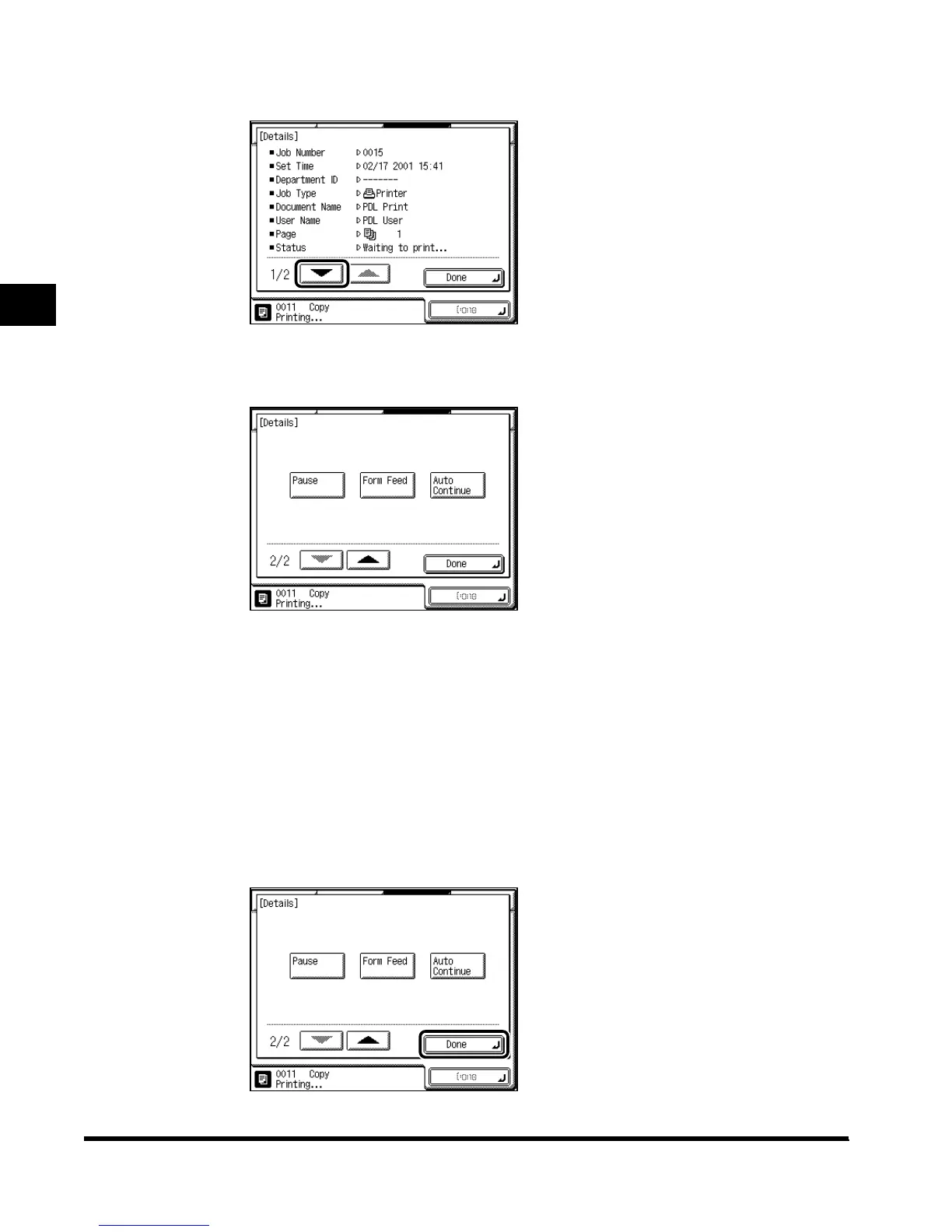
Press “▼.”
5
Perform handling of the print job.
When you press “Pause,” printing stops temporarily, and the key changes to “Resume.”
When you press “Resume,” printing restarts, and the key changes to “Pause.”
You can continue the print job even when a print error has occurred, by pressing “Auto
Continue,” depending on the type of print error. However, the print output may not be the
same as expected.
When printing is canceled from the computer or when the data is less than the volume of
one page, the print job may not be performed correctly. When you press “Form Feed,” you
can force the print data remaining in memory to be output.
6
When you finish handling the print job, press “Done.”
E1L_US_U_.book-INDEX Page 14 Wednesday, May 23, 2001 11:40 PM












 To Next Page