2
Printing Secured Documents
2-17
Checking Job and Device Status
4
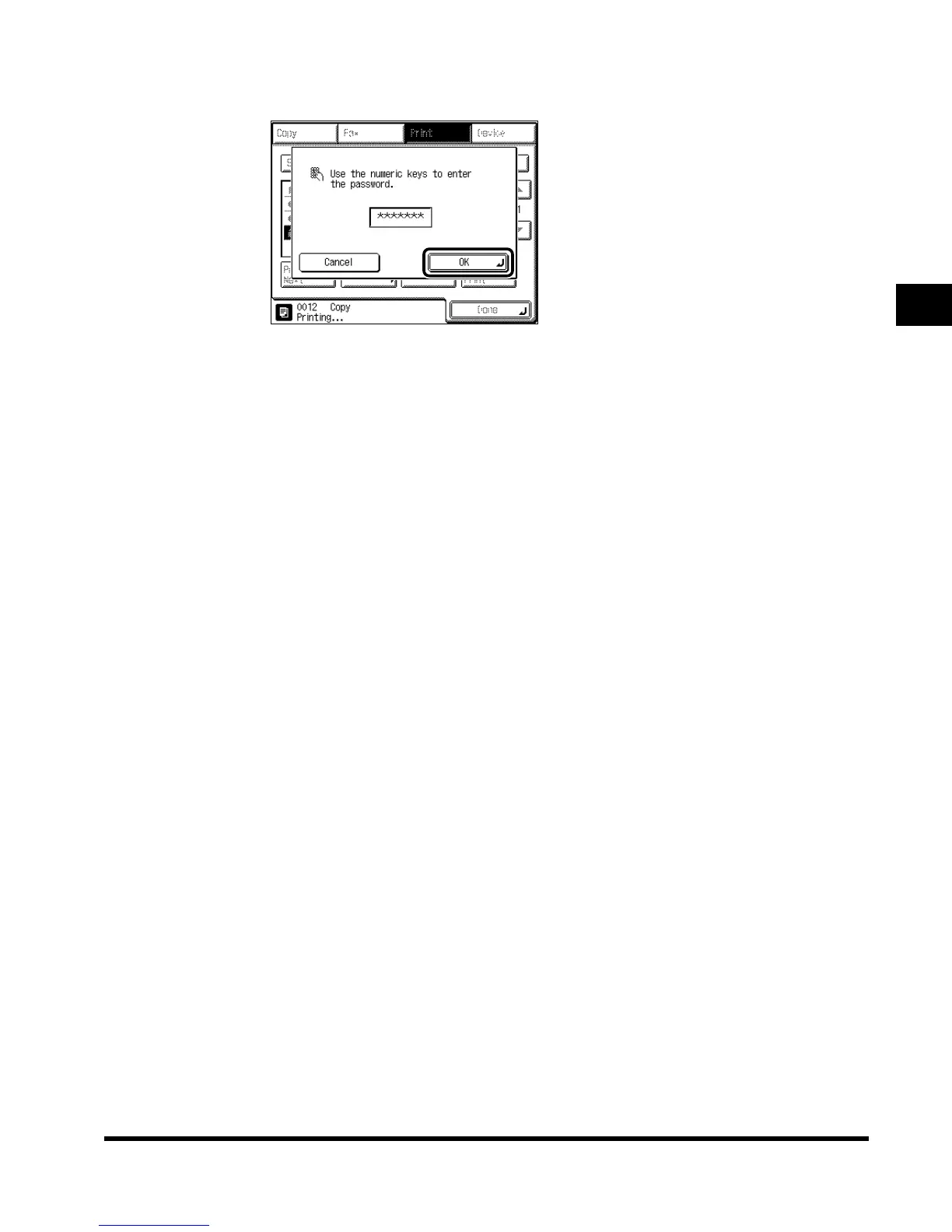
Enter the correct password, and press “OK.”
Enter the same password originally assigned from the computer. The machine becomes
ready to print the document.
To cancel printing, press “Cancel.”
The machine starts printing.
If there is a current or reserved job, the machine starts printing after that job is completed.
E1L_US_U_.book-INDEX Page 17 Wednesday, May 23, 2001 11:40 PM












 To Next Page