3
Setting Specifications That Are Common to Each Function (Common Settings)
3-27
Selecting and Storing Settings to Suit your Needs
1
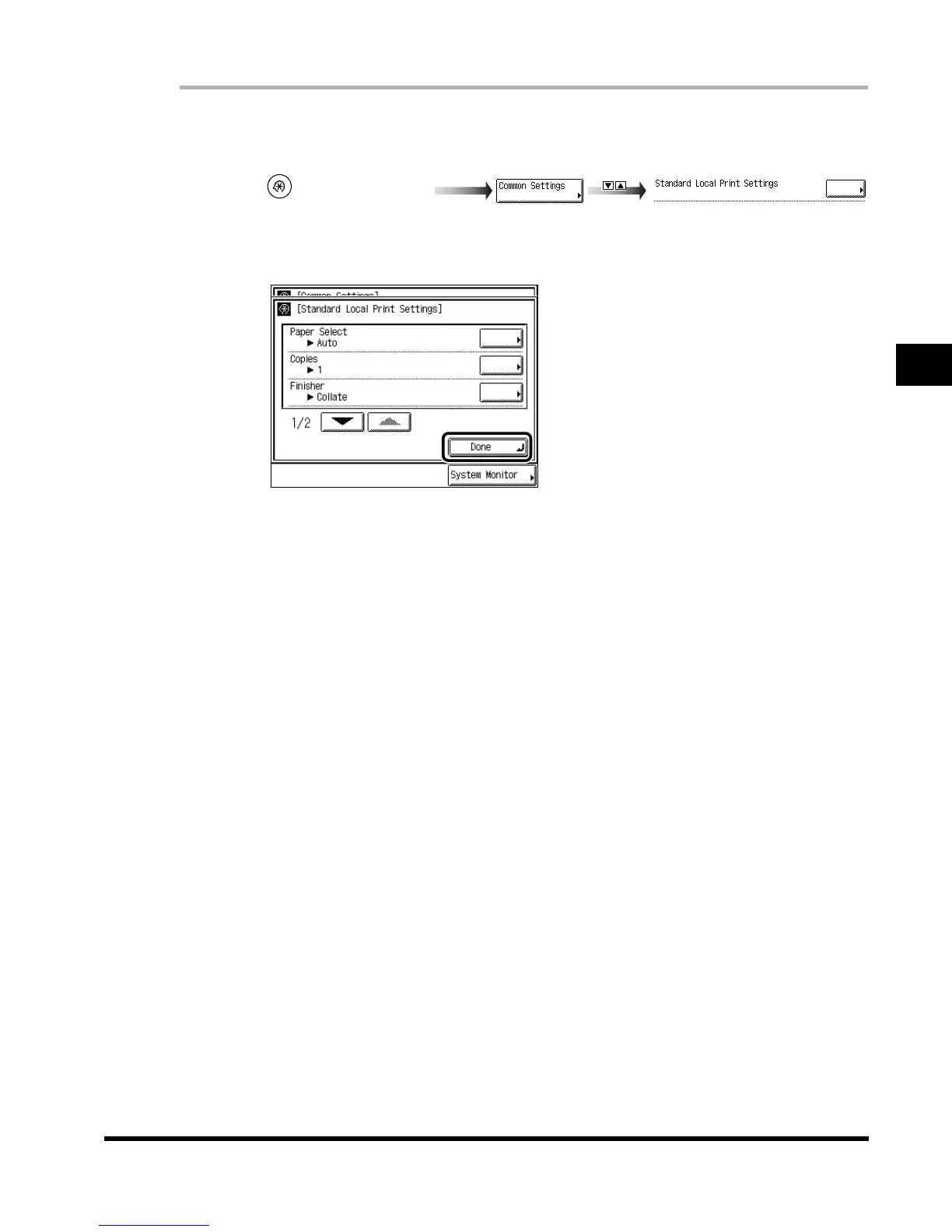
Call up the desired screen as follows:
2
Set each mode, and press “Done.”
Paper Select: Select the paper source.
Copies: Set the number of copies from 1 set to 2,000 sets.
Finisher: Set the type of collating.
Two-sided Print: Set whether or not to perform two-sided printing.
Erase Document After Printing: Set whether or not to erase a document after printing.
Merge Documents: Set whether or not to merge documents when you select multiple
documents.
3
Press “Done.”
Repeat this procedure.
The specified mode is set and the display returns to the Basic Features screen.
(Additional Functions)
Standard Local Print Settings
E1L_US_U_.book-INDEX Page 27 Wednesday, May 23, 2001 11:40 PM












 To Next Page